Flux de travail
Économisez des heures grâce à des flux de travail que vous pouvez intégrer en minutes
Automatisez l’intégration, la démontation, et tout ce qui se trouve entre les deux. Pas de limites de workflow. Pas de codage. Il suffit de construire, de diriger, et tout le monde dans votre équipe mondiale aura la même excellente expérience. C’est aussi simple que ça.
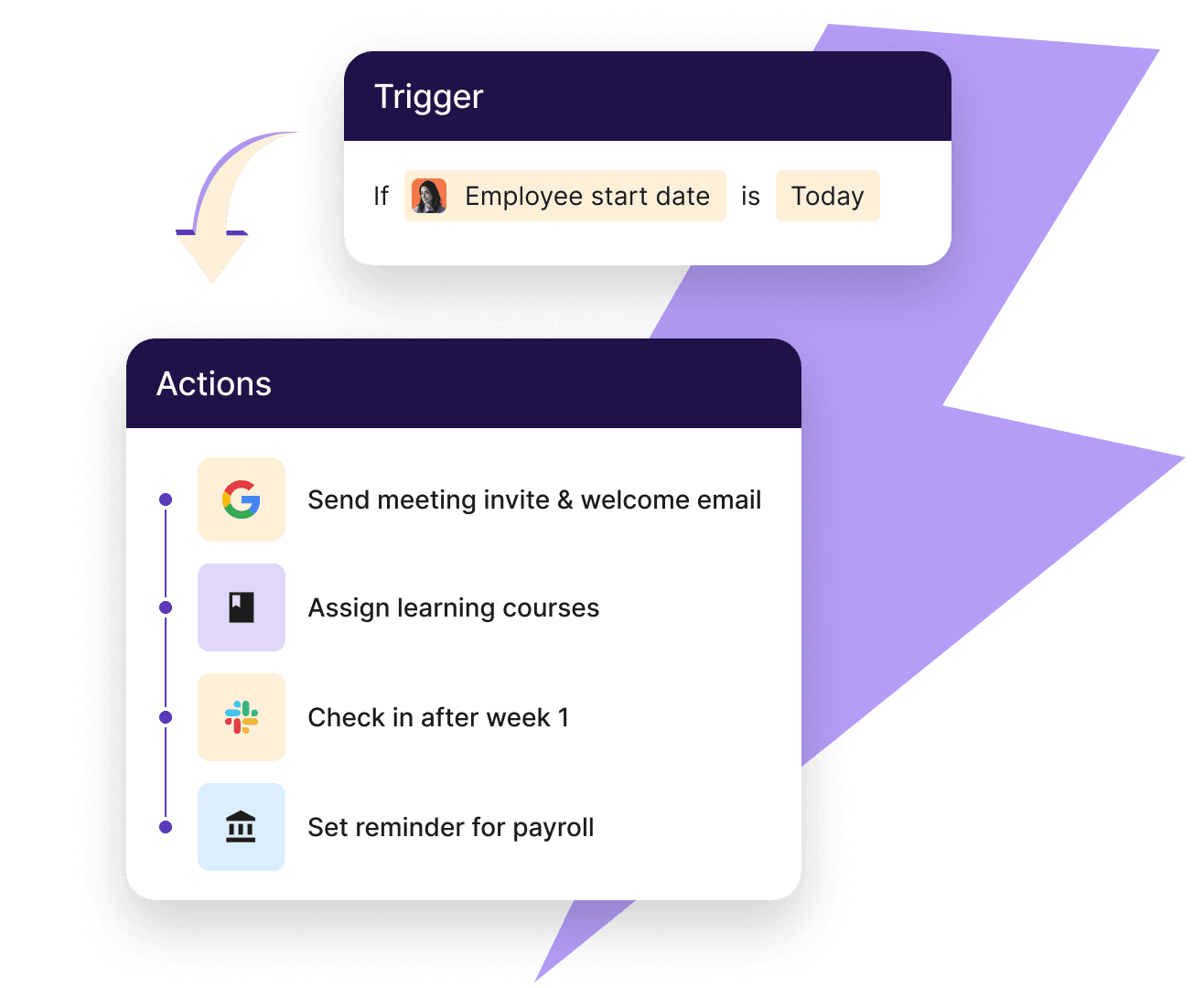
Personnalisation puissante
Conçu pour des flux complexes. Conçu pour un usage simple.
Du linéaire à plusieurs branches multiples, nous vous avons facilité la tâche pour que chaque processus et chaque équipe, fonctionne exactement comme vous en avez besoin.
Créer des automatisations personnalisées
Passez rapidement de l’idée à l’automatisation grâce à notre bibliothèque ou créez la vôtre. Automatisez en fonction de la localisation, du titre de poste, et plus encore. Tu as toujours le contrôle total.
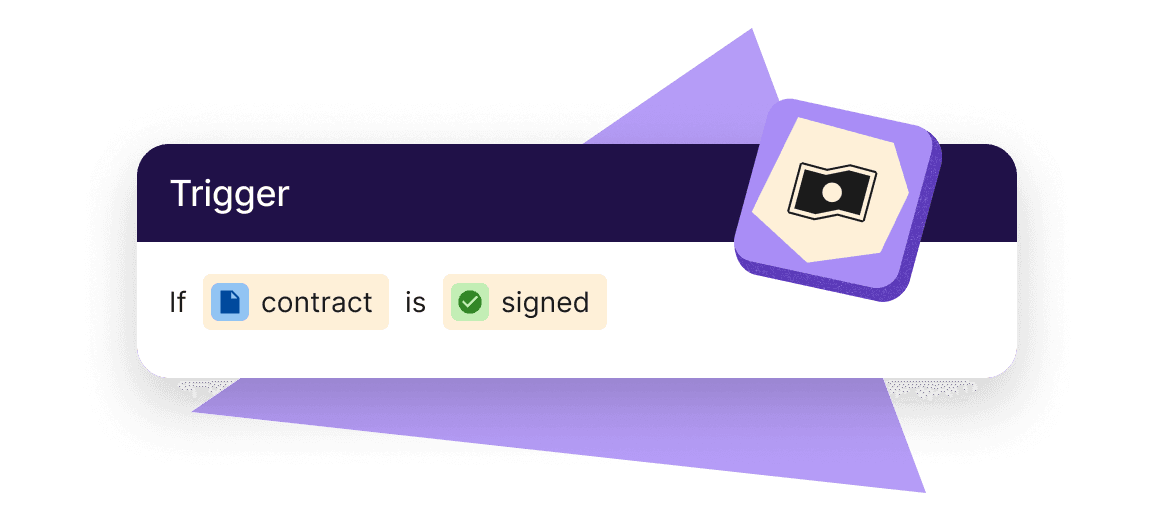
Gardez les tâches importantes sur la bonne voie
Envoyer et suivre des éléments de checklist pour chaque travailleur comme la formation obligatoire prend du temps. Les flux de travail automatisés rendent tout cela rapide et simple.
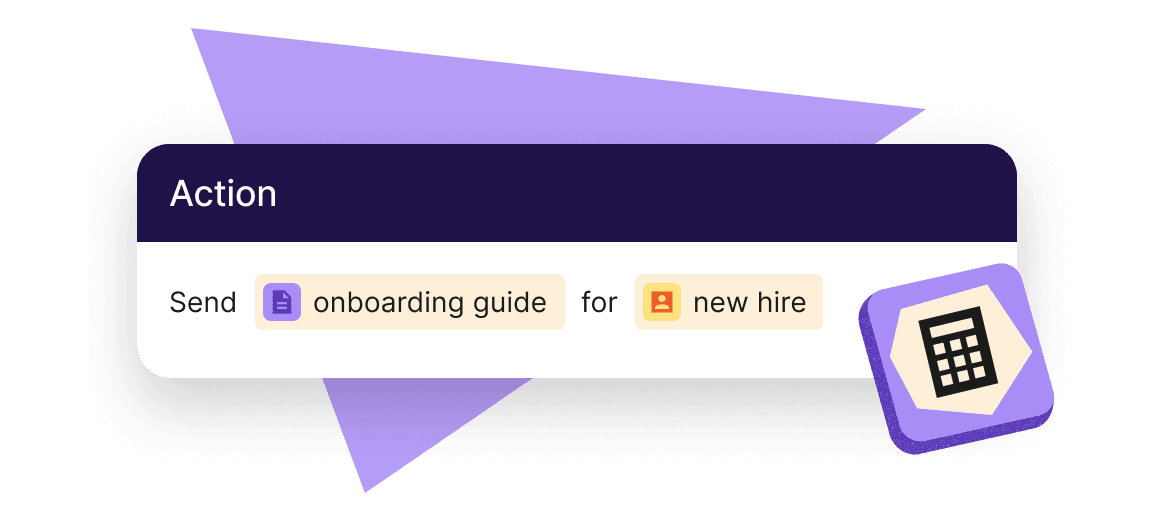
Intégration et démontage
Supprimer l’administration pour Teams et préparer les nouvelles recrues dès le premier jour
L’intégration est parfaite pour l’automatisation, et pour de bonnes raisons. Cela arrive souvent, suit des étapes répétables et implique beaucoup de données personnelles. Il en va de même pour le démontage car cela garantit l’absence de détails en suspens et réduit les risques de sécurité.
- Envoyez des emails de bienvenue, des rappels, des contrats et des documents de résiliation
- Ping des notifications Slack personnalisées concernant les nouveaux rejoints
- Accélérez les approbations pour les congés, augmentations et paiements de congés non utilisés
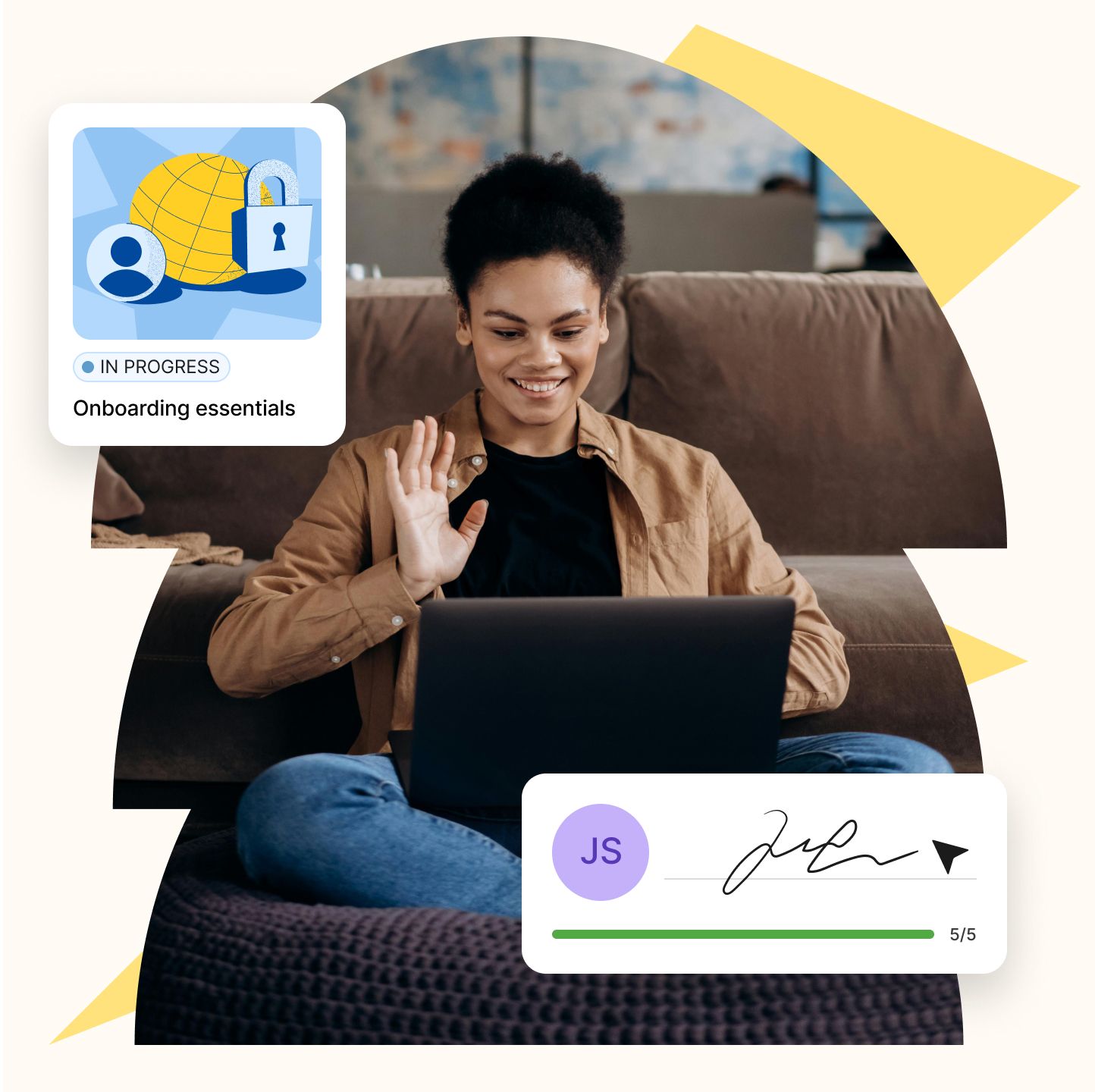
Surveillance de la conformité
Supportez chaque étape avec un moteur évolutif
Les flux de travail peuvent vous aider au-delà de l’intégration des nouvelles recrues. En automatisant les déclencheurs pour la paie, la performance et les RH quotidiens, vous arrêtez de chercher manuellement les informations de chaque employé et offrez à toute votre équipe une expérience meilleure et plus fluide.
- Envoyez des instructions pour mettre à jour les informations bancaires et télécharger les formulaires fiscaux
- Assigner des formations obligatoires et des formations de conformité avec des suivis
- Rappels de ping pour compléter les papiers mis à jour
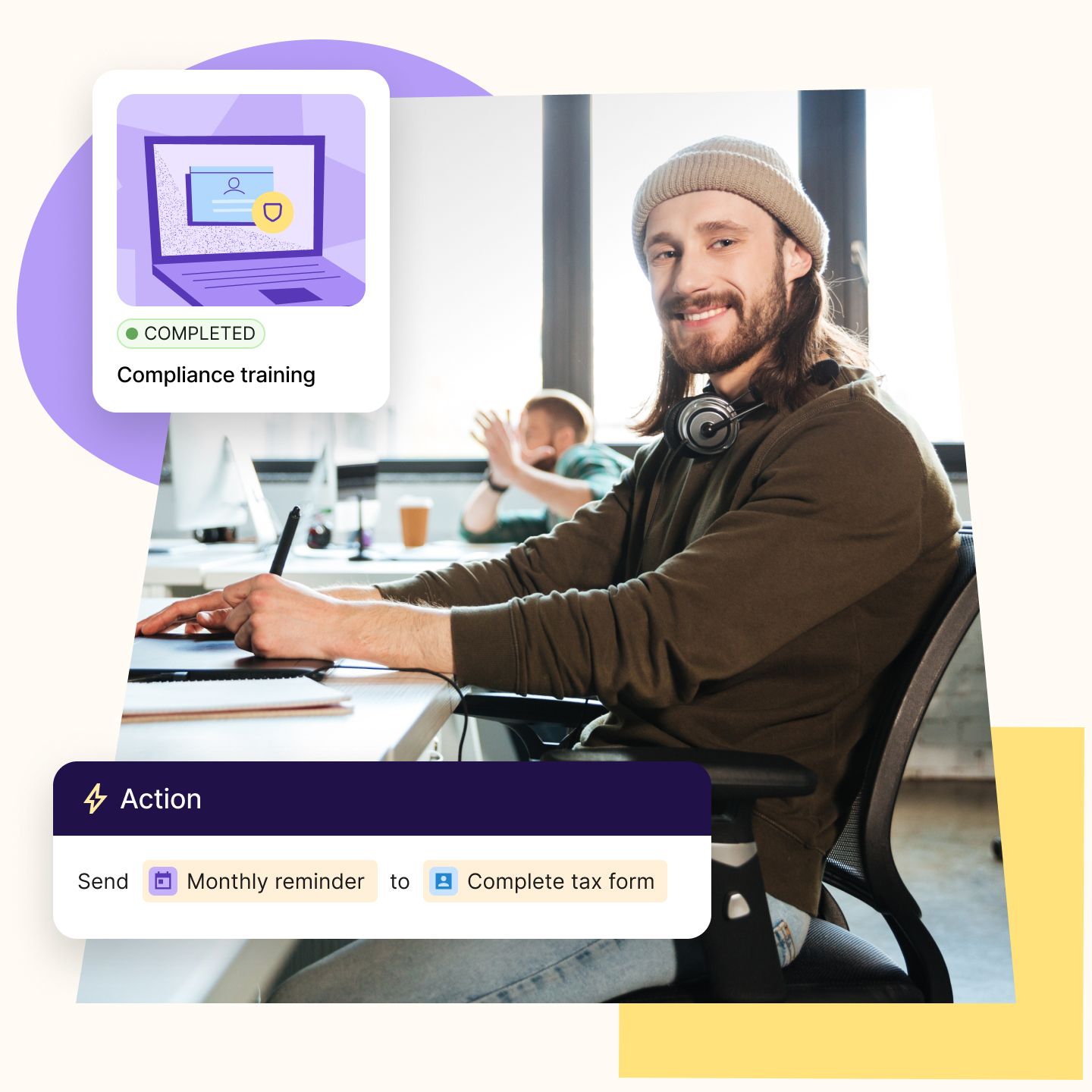
Flux de travail basés sur les rôles
Donnez aux décideurs la vitesse nécessaire pour diriger
Ils doivent rationaliser et standardiser des tâches comme l’intégration et la déconnexion entre équipes, rôles et régions. Les flux de travail automatisent les étapes répétitives au sein d’un cadre global, afin que leur équipe puisse évoluer sans ajouter de personnel ni sacrifier la qualité.
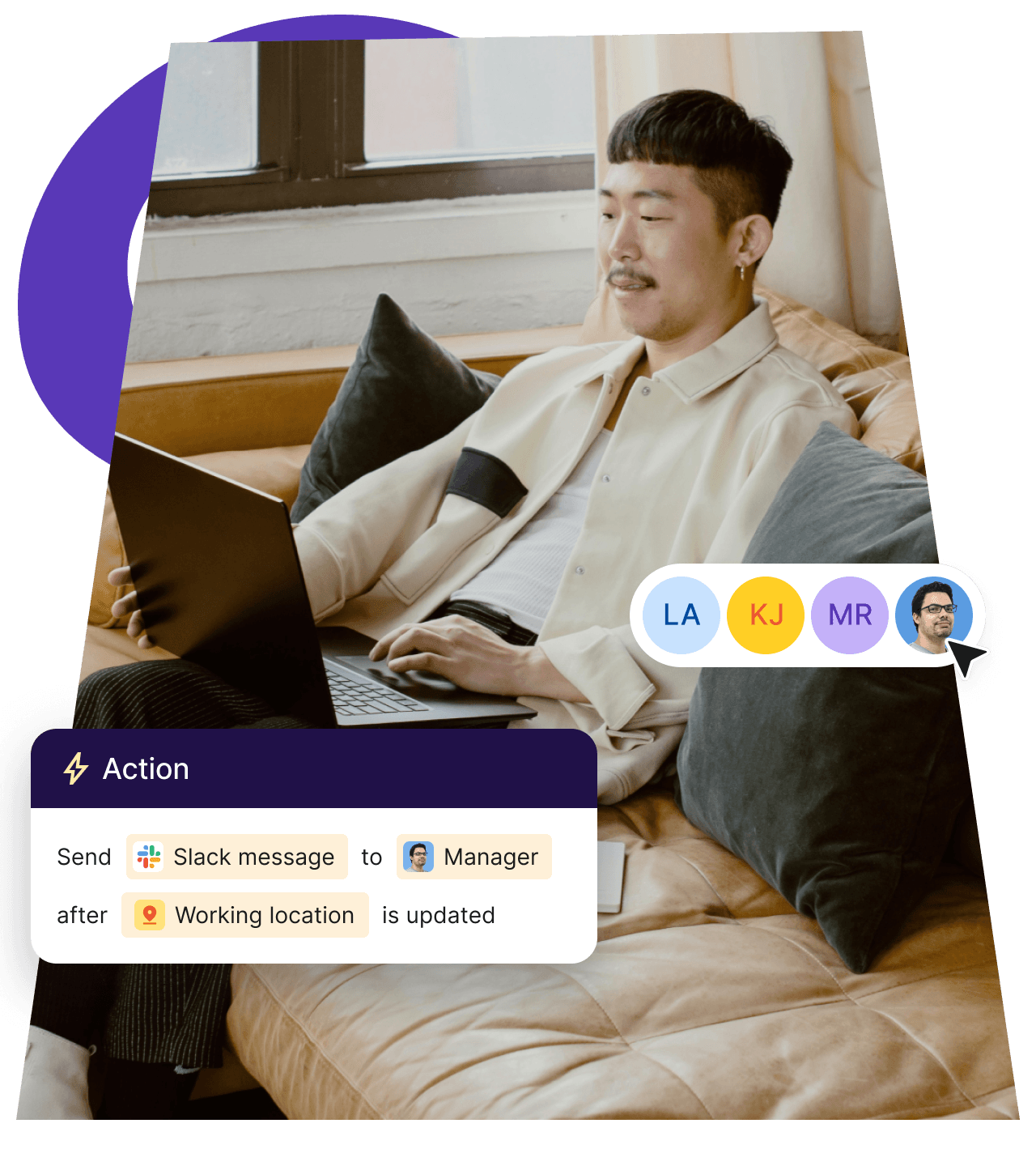
Responsables de la conformité et juridiques
Ils ont besoin de systèmes fiables pour suivre et faire respecter les normes réglementaires. Les flux de travail automatisent des choses comme la collecte des contrats, la conservation des documents et les accusés de réception des politiques afin de réduire les risques d’erreurs humaines et de délais, afin qu’ils soient toujours prêts pour l’audit.
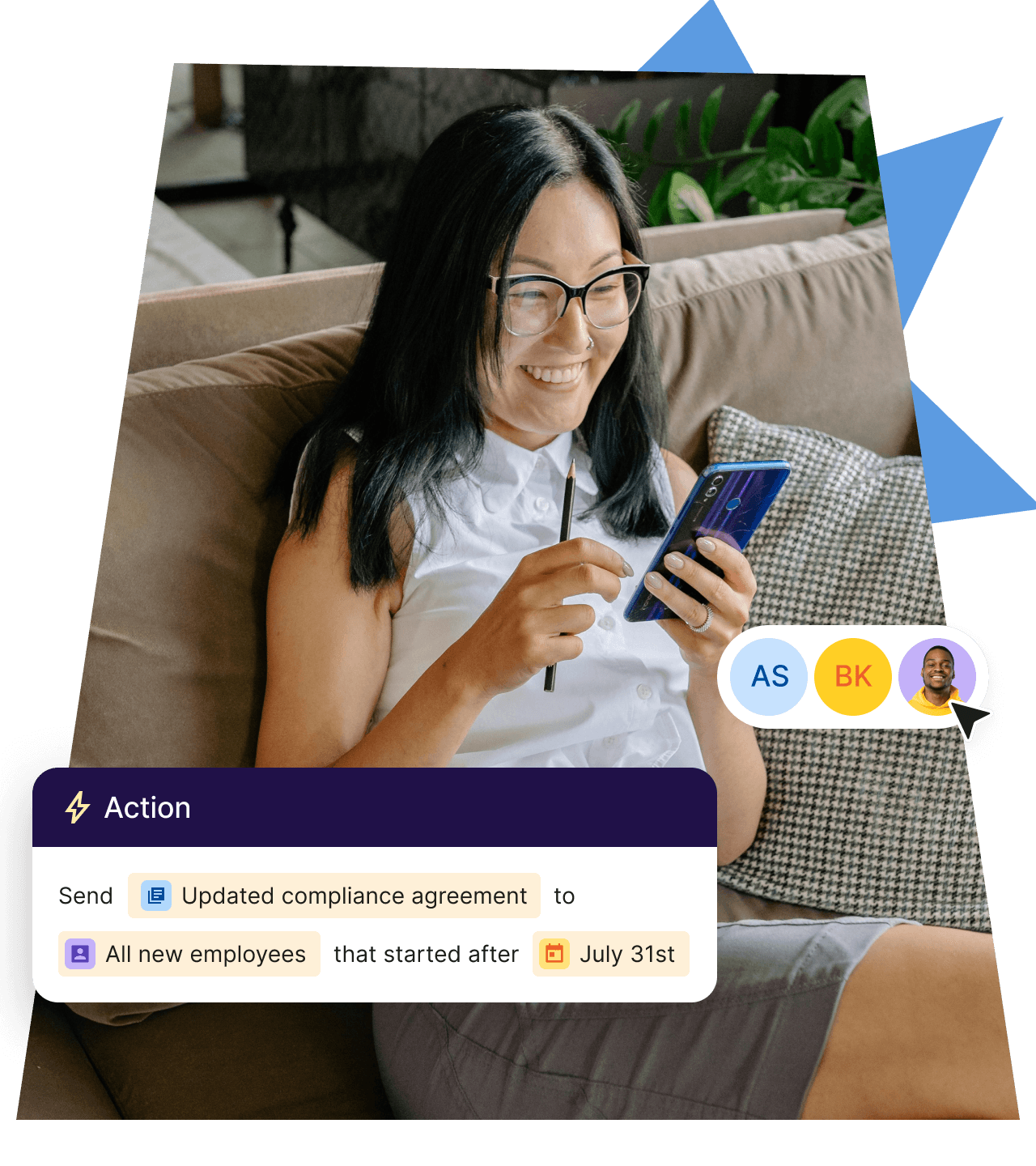
Responsables de la paie et des finances
Ils ont besoin d’informations précises et rapides pour gérer des cycles fluides et gérer la rémunération. Les flux de travail relient les événements RH comme les promotions, les congés ou les changements de lieu aux déclencheurs de paie. Cela réduit les retards et les suivis manuels, tout en améliorant la précision des données dans les systèmes.
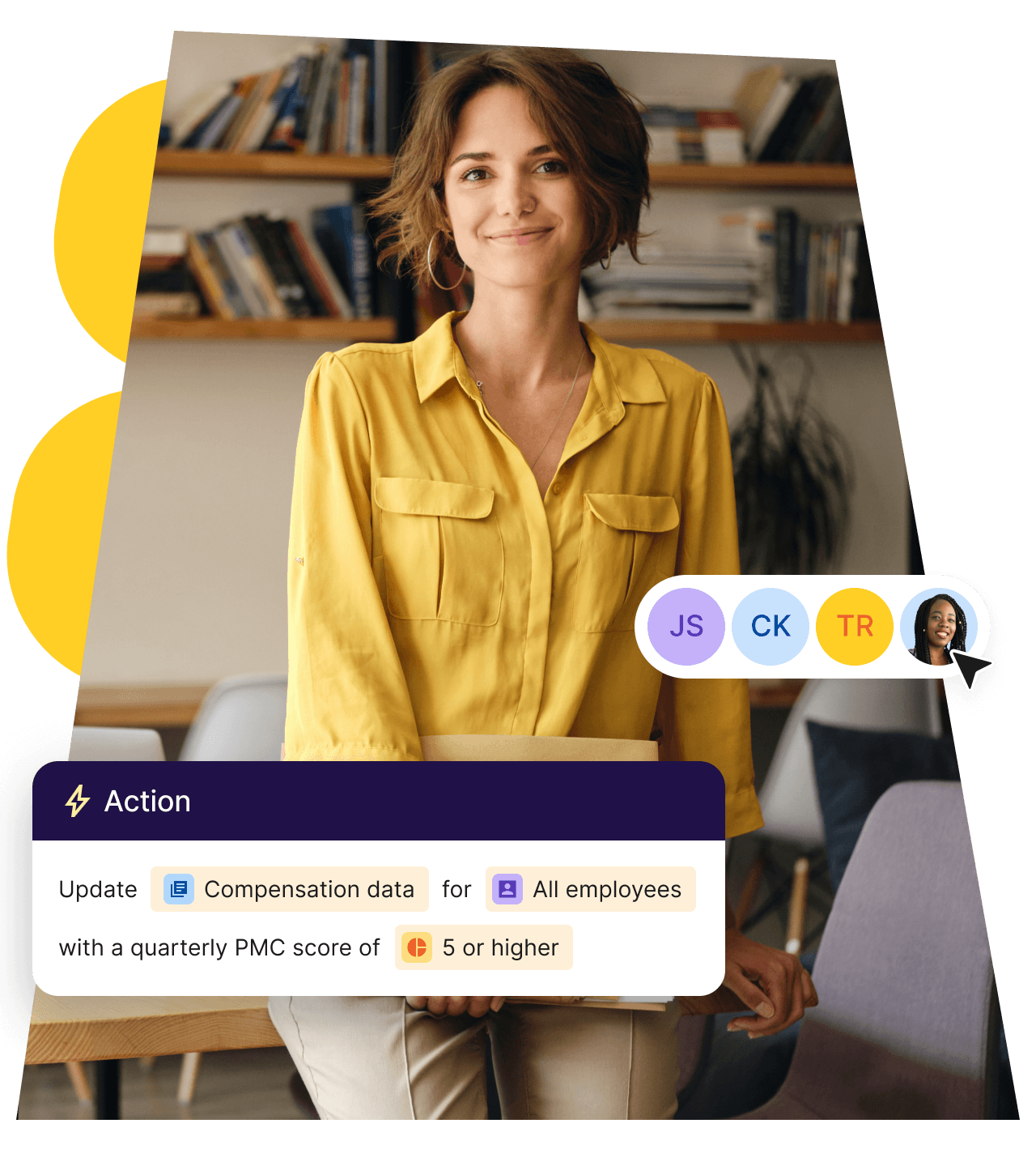
Tirez plus rapidement profit de l’automatisation de vos flux de travail

Onboarding
Envoyez des emails de bienvenue personnalisés, attribuez des tâches aux managers directs et créez des tickets Jira.

Offboarding
Envoyez des enquêtes de sortie, transférez les responsabilités et simplifiez la récupération des appareils.

Notification spécifique à chaque pays
Notifier les travailleurs de la conformité locale et des changements de politique.
Formation du nouveau manager
Fournir les outils de formation au leadership nécessaires tels que des cours, des lectures et des manuels.
Vérification de conformité
Recevez des rappels pour consulter les réglementations de conformité lorsque des personnes déménagent.
Entretien de fin de période d’essai
Alertez les parties prenantes lorsqu’un nouvel employé est sur le point de terminer sa période d’essai.
Célébrations
Célébrez les événements marquants comme les anniversaires et les dates importantes au travail.
Modification des dates de début
Tenez les managers et les équipes informés lorsque la date de début d’un nouvel employé change.
Connectez vos outils RH et finance préférés
Intégrez vos systèmes existants tels que SAP et Workday pour réduire les tâches manuelles, garantir la cohérence des données et optimiser les workflows au sein de votre organisation.







Questions fréquentes
Qu’est-ce que les flux de travail ?
Les workflows sont des automatisations de processus RH reproductibles, comme l’intégration, l’approbation des congés ou la définition de tâches. Chaque flux de travail commence par un événement déclencheur, puis cartographie les tâches et actions. Vous pouvez filtrer qui est assigné à quoi, ajouter des délais entre les étapes, ou retirer des personnes du flux de travail en fonction des conditions que vous définissez. Les flux de travail vous font gagner du temps en automatisant les actions sur Deel.
Est-ce que la création de workflows exige que j’apprenne à programmer ?
Non. Le générateur de workflow de Deel est conçu pour être sans code et offre une interface visuelle où vous pouvez sélectionner des options comme déclencheurs, actions, filtres et règles. Certaines connexions à d’autres applications (via Webhooks) nécessitent une installation par un développeur, mais une fois terminées, elles peuvent être utilisées par n’importe qui.
Puis-je tester mes flux de travail avant de les lancer ?
Oui. Le générateur de workflow inclut un outil de simulation qui permet de tester le workflow.
Comment fonctionnent les conditions if/then basées sur la logique, les règles de branchement, les filtres et les étapes de délai temporel dans un flux de travail ?
Chaque flux de travail commence par un déclencheur, comme « nouvelle recrue ajoutée ». Vous pouvez alors ajouter des règles supplémentaires.
- Règles de branchement : créez des chemins parallèles pour différents utilisateurs. (par exemple, les employés et les sous-traitants suivent des actions différentes au sein du même flux de travail.)
- Filtres : ajouter des critères supplémentaires à remplir avant qu’une action ne soit exécutée. Ces éléments sont utiles pour sauter des étapes lorsque quelqu’un est en congé ou qu’une demande est déjà couverte par un congé local.
- Time-delay steps: pause the workflow for a set period or until a date condition is met, then continue automatically (e.g., send a 30-day check-in survey).
Deel facilite la croissance des équipes à distance et internationales
+150
pays
40,000+
clientèle
$20B+
De salaires traités à l’international en toute conformité
90+
NPS pour les clients professionnels