Arbeitsabläufe
Sparen Sie Stunden mit Workflows, die Sie in wenigen Minuten bauen können
Automatisierung von Onboarding, Offboarding und allem dazwischen. Keine Workflow-Begrenzungen. Kein Coden. Baue einfach, führe durch, und jeder in deinem globalen Team bekommt dieselbe großartige Erfahrung. So einfach ist das.
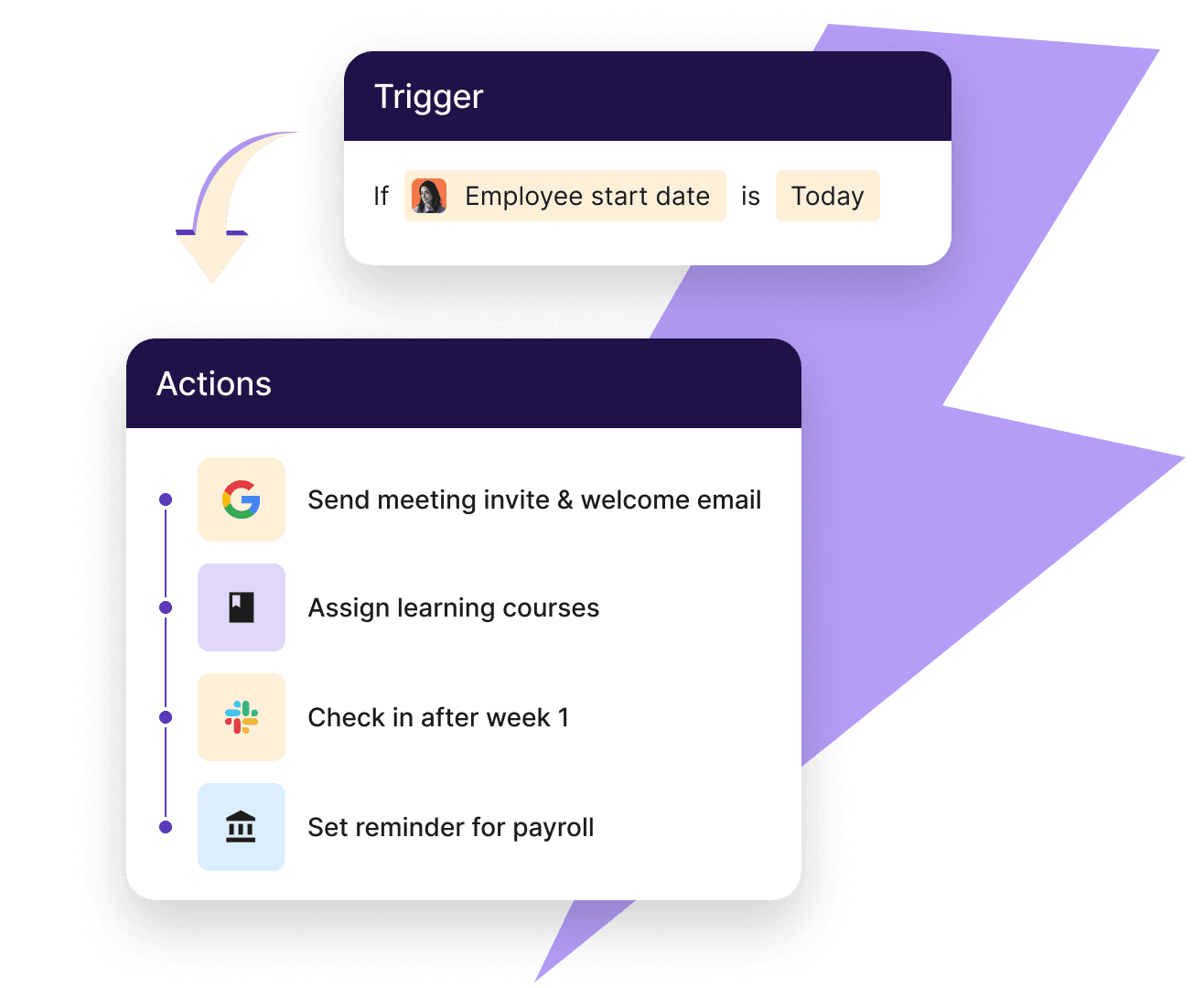
Mächtige Individualisierung
Für komplexe Strömungen gebaut. Für den einfachen Gebrauch konzipiert.
Von linearen bis zu mehreren verzweigten Pfaden haben wir es Ihnen leicht gemacht, sicherzustellen, dass jeder Prozess, für jedes Team, genau so läuft, wie Sie ihn benötigen.
Baue benutzerdefinierte Automatisierungen
Gehen Sie schnell von der Idee zur Automatisierung mit unserer Bibliothek oder erstellen Sie Ihre eigene. Automatisierung basierend auf Standort, Jobtitel und mehr. Du hast immer die volle Kontrolle.
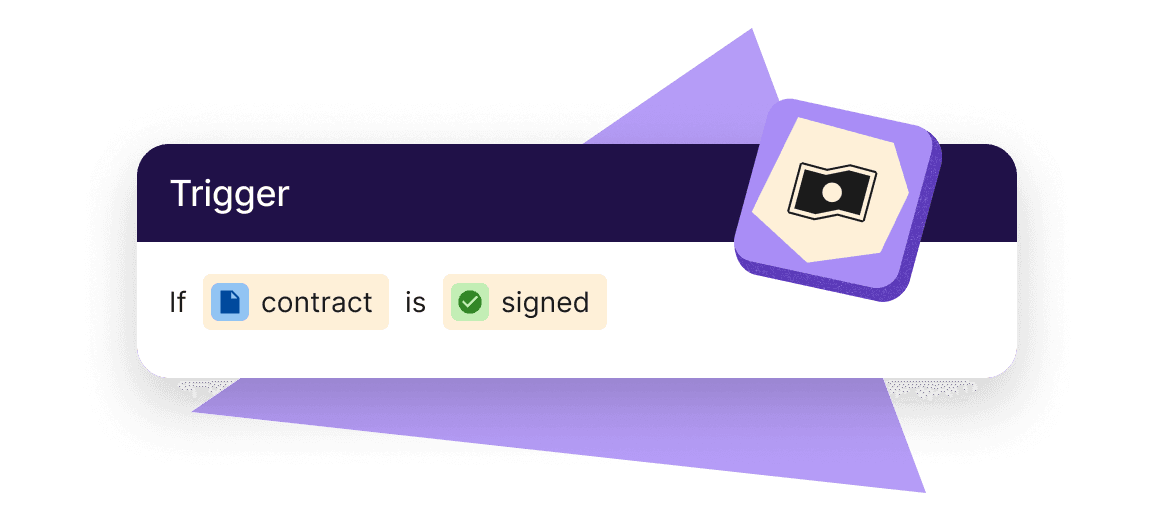
Halte wichtige Aufgaben auf Kurs
Das Versenden und Nachverfolgen von Checklistenpunkten für jeden Mitarbeiter wie eine verpflichtende Schulung ist zeitaufwendig. Automatisierte Arbeitsabläufe machen es schnell und einfach.
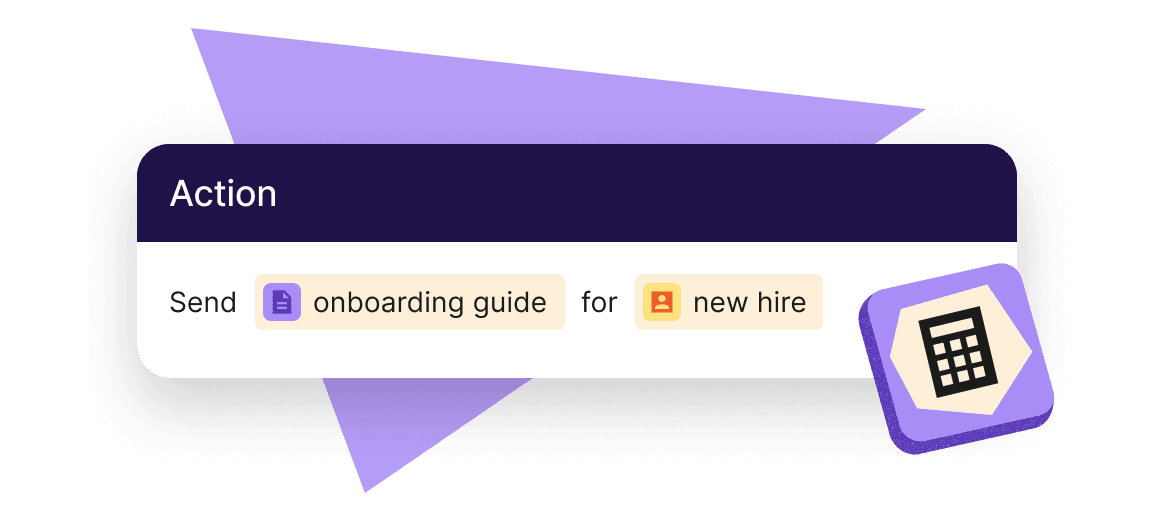
Onboarding und Offboarding
Die Verwaltung für Teams streichen und neue Mitarbeiter am ersten Tag vorbereiten
Onboarding ist perfekt für Automatisierung – und das aus gutem Grund. Es passiert oft, folgt wiederholbaren Schritten und beinhaltet viele persönliche Daten. Dasselbe gilt für Offboarding, da es keine losen Enden garantiert und die Sicherheitsrisiken senkt.
- Senden Sie Begrüßungsmails, Erinnerungen, Verträge und Kündigungsdokumente
- Ping personalisierte Slack-Benachrichtigungen über neue Mitglieder
- Beschleunigung von Genehmigungen für Freizeit, Gehaltserhöhungen und ungenutzte PTO-Auszahlungen
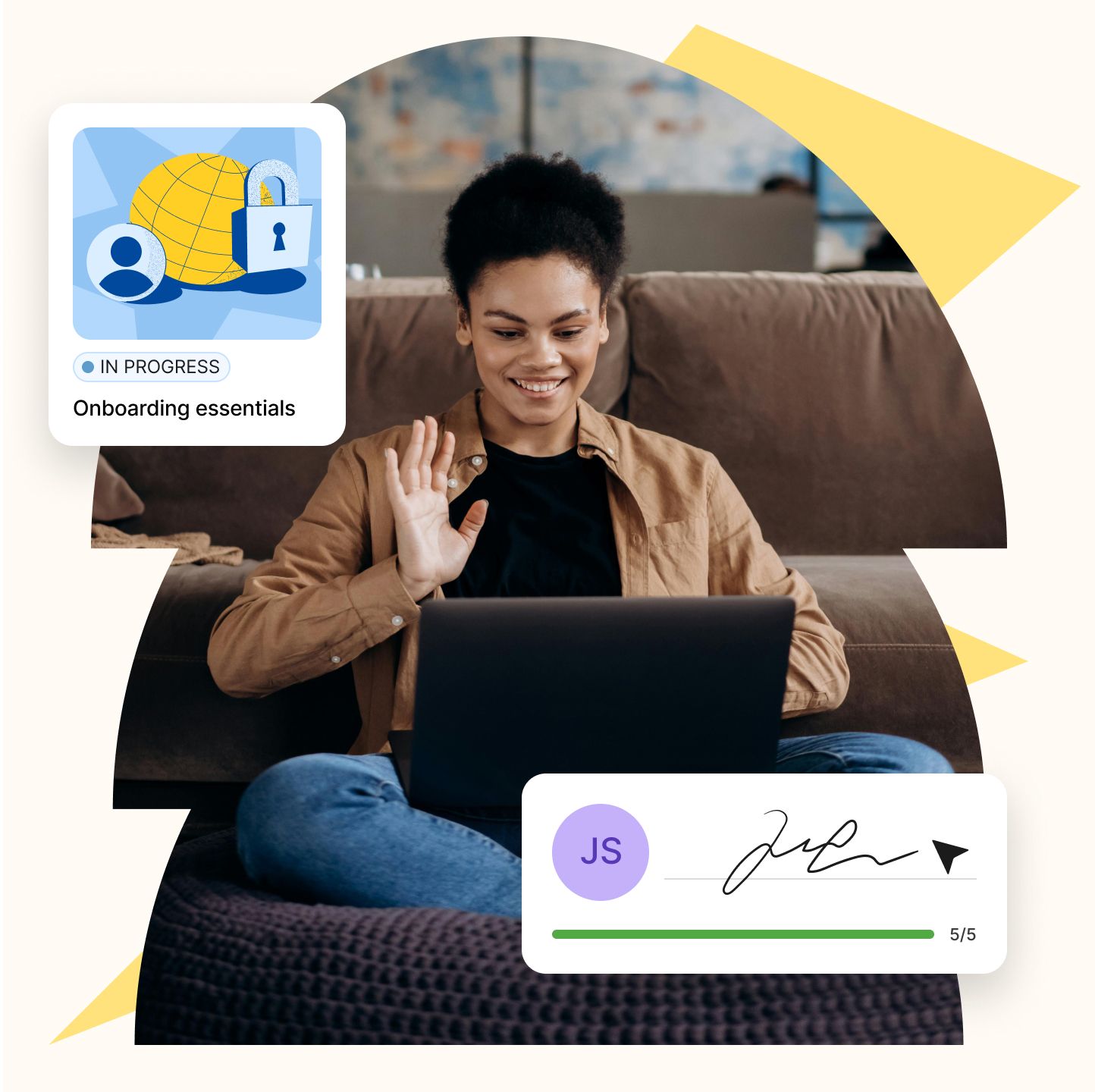
Compliance-Überwachung
Unterstützen Sie jeden Schritt mit einer skalierbaren Engine
Arbeitsabläufe können Ihnen über das Onboarding von Neueinsteigern hinaus helfen. Indem Sie Auslöser für Lohnabrechnung, Leistung und tägliche Personalabteilung automatisieren, hören Sie auf, für jeden Mitarbeiter manuell Informationen zu sammeln, und bieten Ihrer gesamten Belegschaft ein besseres, reibungsloseres Erlebnis.
- Senden Sie Anweisungen, um Bankinformationen zu aktualisieren und Steuerformulare herunterzuladen
- Verpflichtende Schulungs- und Compliance-Kurse mit Nachverfolgung zuweisen
- Ping-Erinnerungen zum Ausfüllen der aktualisierten Unterlagen
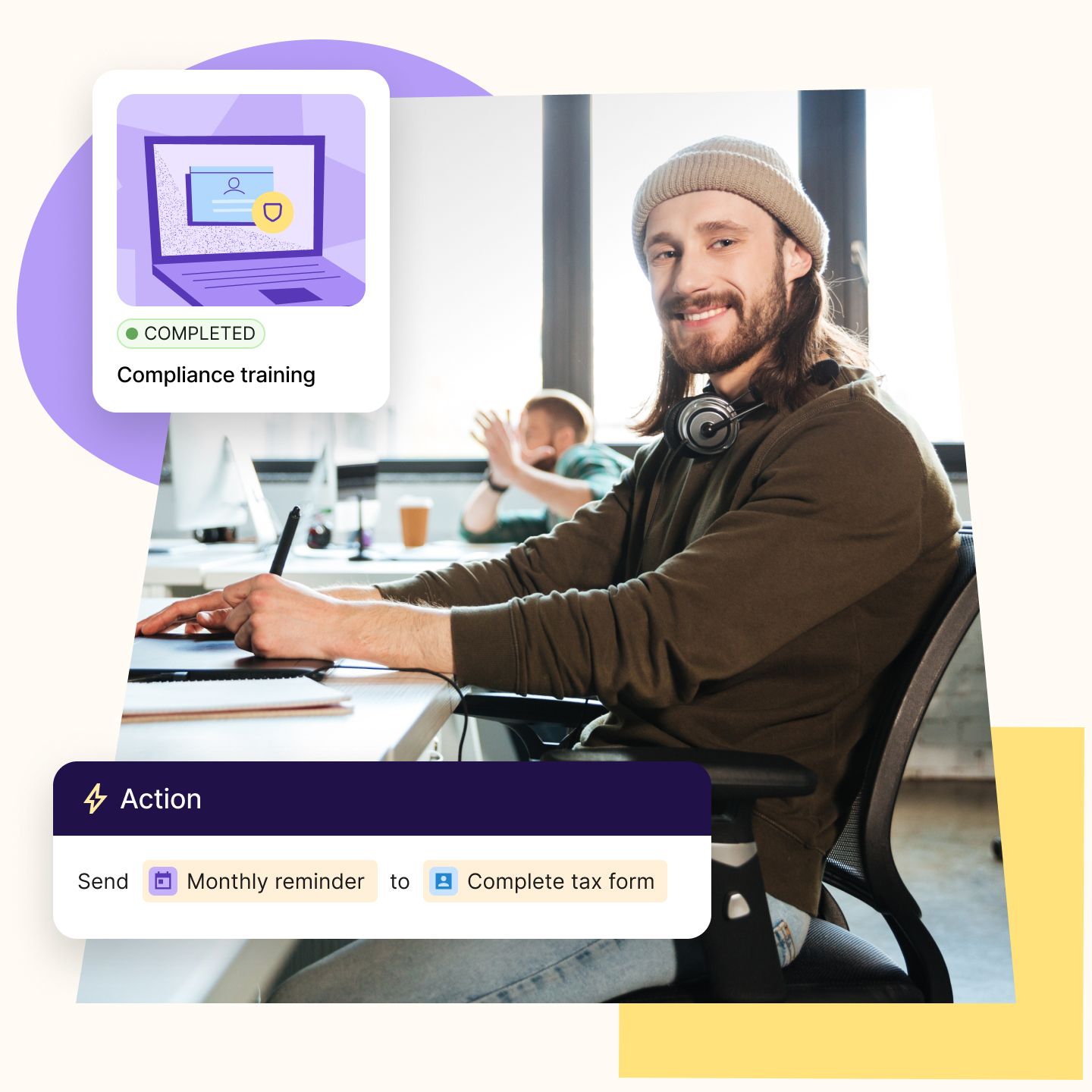
Rollenbasierte Arbeitsabläufe
Geben Sie den Entscheidungsträgern die Geschwindigkeit, die sie brauchen, um zu führen
Sie müssen Aufgaben wie Onboarding und Offboarding über Teams, Rollen und Regionen hinweg straffen und standardisieren. Workflows automatisieren sich wiederholende Schritte innerhalb eines globalen Rahmens, sodass ihr Team ohne zusätzliche Personalstärke oder Qualitätsverluste skalieren kann.
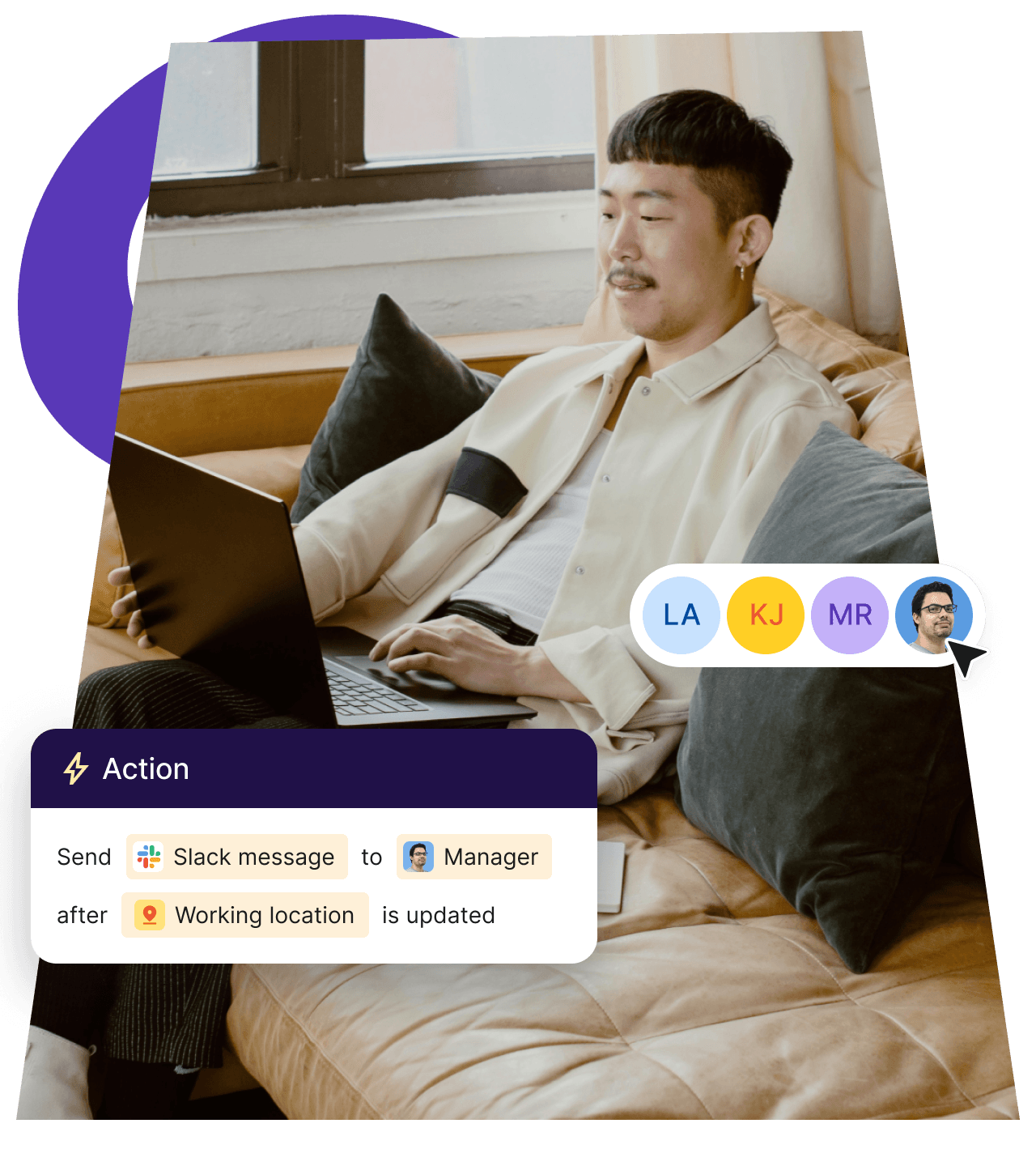
Compliance- und Rechtsmanager
Sie brauchen zuverlässige Systeme, um Regulierungsstandards zu verfolgen und durchzusetzen. Arbeitsabläufe automatisieren Dinge wie Vertragssammlung, Dokumentenaufbewahrung und Richtlinienbestätigungen, um das Risiko menschlicher Fehler und verpasster Fristen zu senken, sodass sie immer auditreif sind.
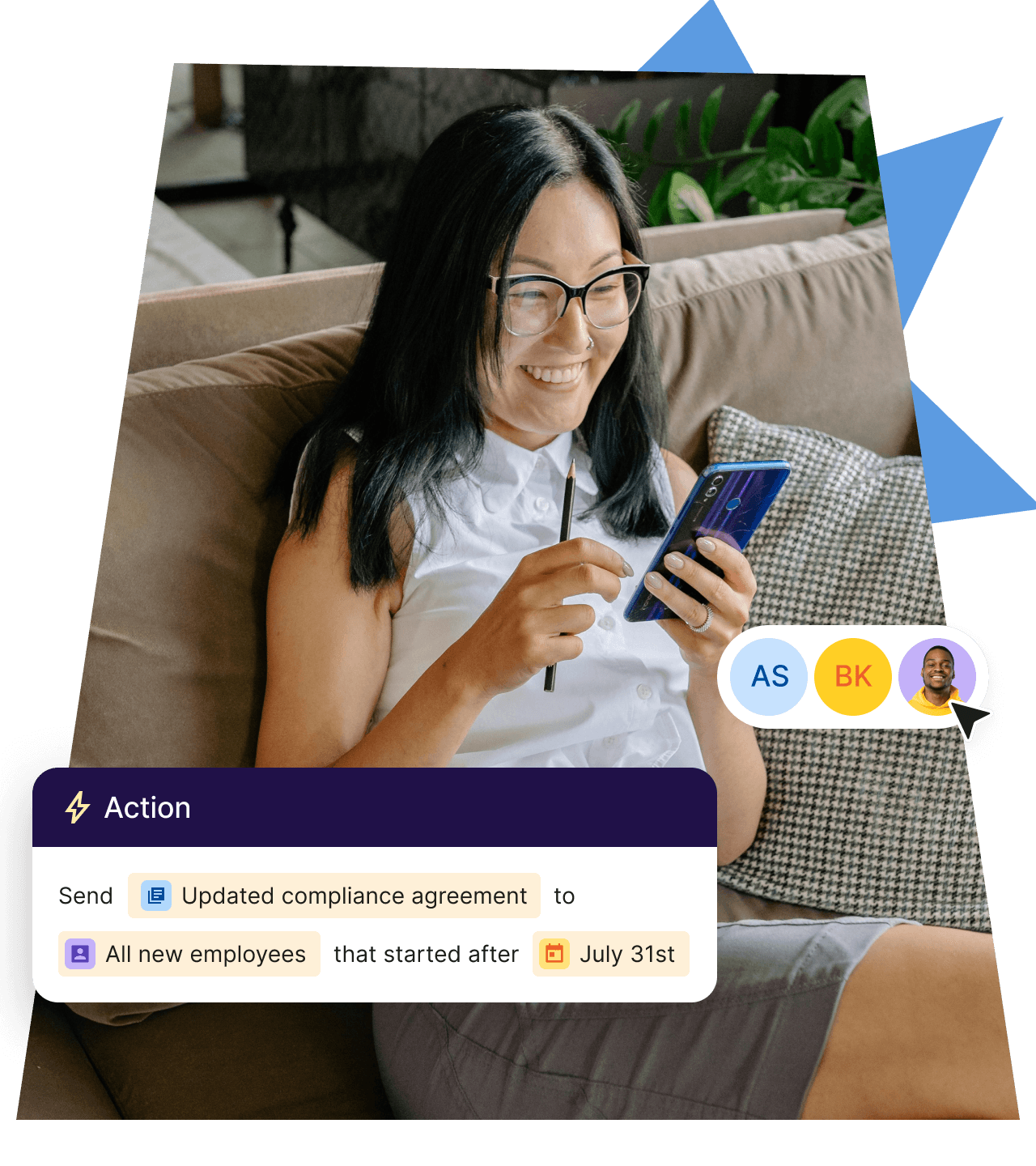
Lohn- und Finanzmanager
Sie benötigen genaue, zeitnahe Informationen, um reibungslose Zyklen zu führen und die Vergütung zu verwalten. Arbeitsabläufe verknüpfen HR-Ereignisse wie Beförderungen, Urlaub oder Ortsänderungen mit Gehaltsabrechnungsauslösern. Dies reduziert Verzögerungen und manuelle Nachverfolgungen und verbessert die Datengenauigkeit in den Systemen.
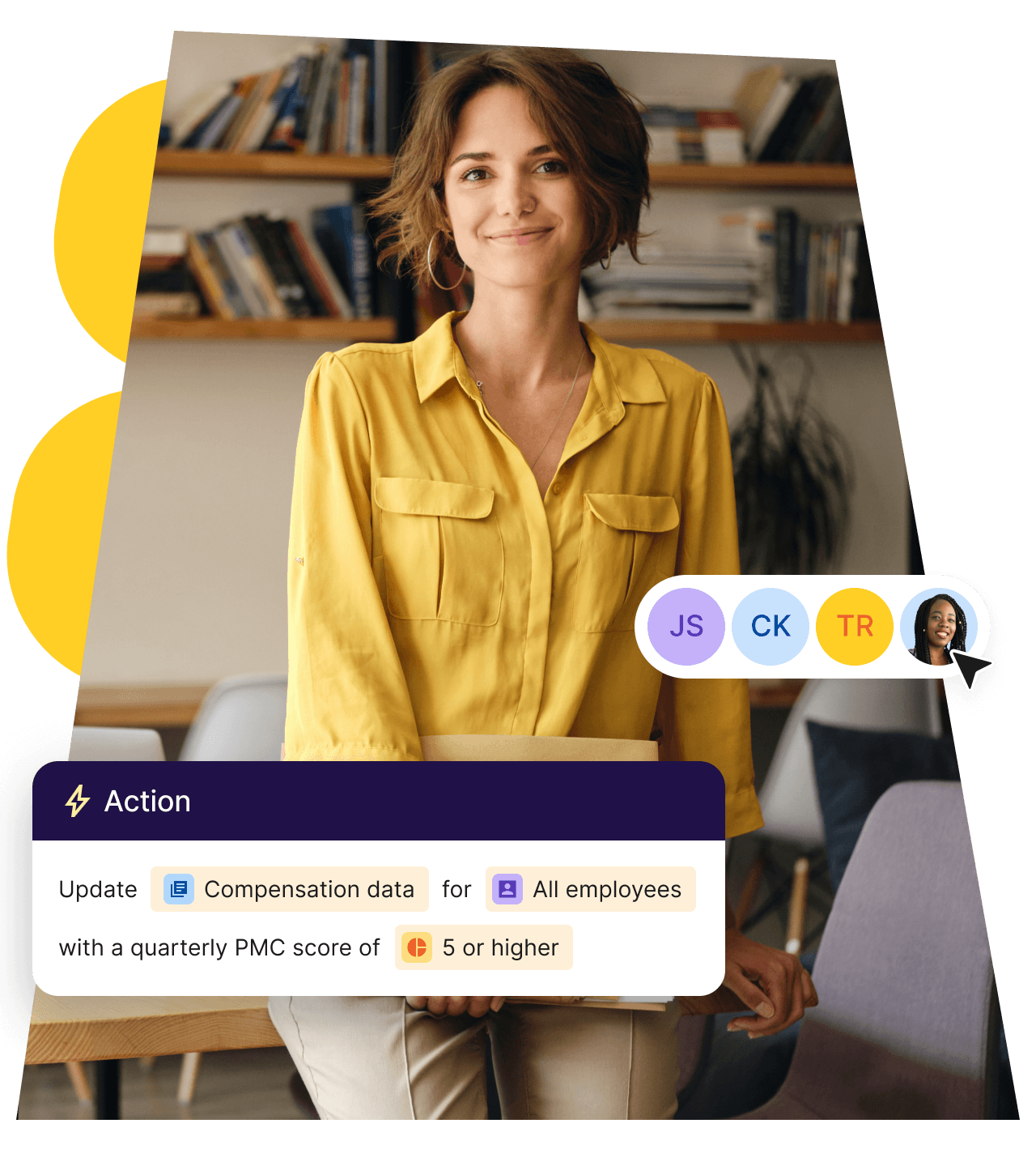
Holen Sie schneller mehr aus Ihrer Workflow-Automatisierung heraus

Onboarding
Senden Sie personalisierte Begrüßungs-E-Mails, weisen Sie Aufgaben an direkte Vorgesetzte zu und erstellen Sie Jira-Tickets.

Offboarding
Senden Sie Austrittsbefragungen, übertragen Sie Aufgaben und optimieren Sie die Gerätesuche.

Länderspezifische Bekanntmachung
Informieren Sie die Mitarbeiter über lokale Compliance- und Richtlinienänderungen.
Neue Manager-Ausbildung
Stellen Sie notwendige Führungstrainingswerkzeuge wie Kurse, Lesematerialien und Handbücher bereit.
Compliance-Überprüfung
Erhalte Erinnerungen, um die Einhaltung der Vorschriften zu überprüfen, wenn Personen umziehen.
Check-in am Ende der Probezeit
Informiere die Beteiligten, wenn die Probezeit eines neuen Mitarbeiters bald endet.
Feierlichkeiten
Feiere Meilensteine wie Geburtstage und Arbeitsjubiläen.
Änderung von Startdaten
Halte Manager und Teams auf dem Laufenden, wenn sich das Startdatum eines neuen Mitarbeiters ändert.
Verbinden Sie Ihre bevorzugten HR- und Finanztools
Integriere die Funktionen in deine bestehenden Systeme wie SAP und Workday, um den manuellen Aufwand zu reduzieren, die Dateneinheitlichkeit zu gewährleisten und die Arbeitsabläufe in deinem gesamten Unternehmen zu optimieren.







Häufig gestellte Fragen
Was sind Arbeitsabläufe?
Workflows sind Automatisierungen wiederholbarer HR-Prozesse, wie Onboarding, Urlaubsgenehmigung oder das Festlegen von Aufgaben. Jeder Workflow beginnt mit einem Trigger-Event und kartiert dann die Aufgaben und Aktionen. Du kannst filtern, wer was zugewiesen bekommt, Verzögerungen zwischen den Schritten hinzufügen oder Personen basierend auf definierten Bedingungen aus dem Workflow entfernen. Workflows sparen Zeit, indem sie Aktionen auf Deel automatisieren.
Erfordert das Erstellen von Workflows, dass ich programmieren lerne?
Nein. Deels Workflow-Builder ist ohne Code konzipiert und bietet eine visuelle Benutzeroberfläche, mit der du Optionen wie Trigger, Aktionen, Filter und Regeln auswählen kannst. Bestimmte Verbindungen zu anderen Anwendungen (über Webhooks) erfordern die Einrichtung eines Entwicklers, können aber nach Abschluss von jedem genutzt werden.
Kann ich meine Arbeitsabläufe testen, bevor ich sie ausführe?
Ja. Der Workflow-Builder beinhaltet ein Simulationstool, mit dem Sie den Workflow testen können.
Wie funktionieren logikbasierte If/Then-Bedingungen, Verzweigungsregeln, Filter und Zeitverzögerungsschritte innerhalb eines Workflows?
Jeder Workflow beginnt mit einem Auslöser, wie zum Beispiel "neuer Mitarbeiter hinzugefügt". Du kannst dann zusätzliche Regeln hinzufügen.
- Verzweigungsregeln: Erstelle parallele Wege für verschiedene Nutzer. (z. B. befolgen Mitarbeiter und Auftragnehmer innerhalb desselben Workflows unterschiedliche Maßnahmen.)
- Filter: Zusätzliche Kriterien hinzufügen, die erfüllt werden müssen, bevor eine Aktion ausgeführt wird. Diese sind nützlich, um Schritte zu überspringen, wenn jemand beurlaubt ist oder ein Antrag bereits durch einen lokalen Feiertag abgedeckt ist.
- Time-delay steps: pause the workflow for a set period or until a date condition is met, then continue automatically (e.g., send a 30-day check-in survey).
Mit Deel wird das Vergrößern internationaler und Remote-Teams zum Kinderspiel
150+
Länder
40,000+
Kund:innen
$20B+
gesetzeskonform verarbeitete Global Payroll
90+
NPS für Unternehmenskunden