workflows

Save hours with workflows you can build in minutes

Automate onboarding, offboarding, and everything in between. No workflow limits. No coding. Just build, run, and everyone in your global team gets the same great experience. It’s that easy.

Image

powerful customization

Built for complex flows. Designed for simple use.

From linear to multiple branching paths, we’ve made it easy for you to ensure every process, for every team, runs exactly how you need it.

Build custom automations

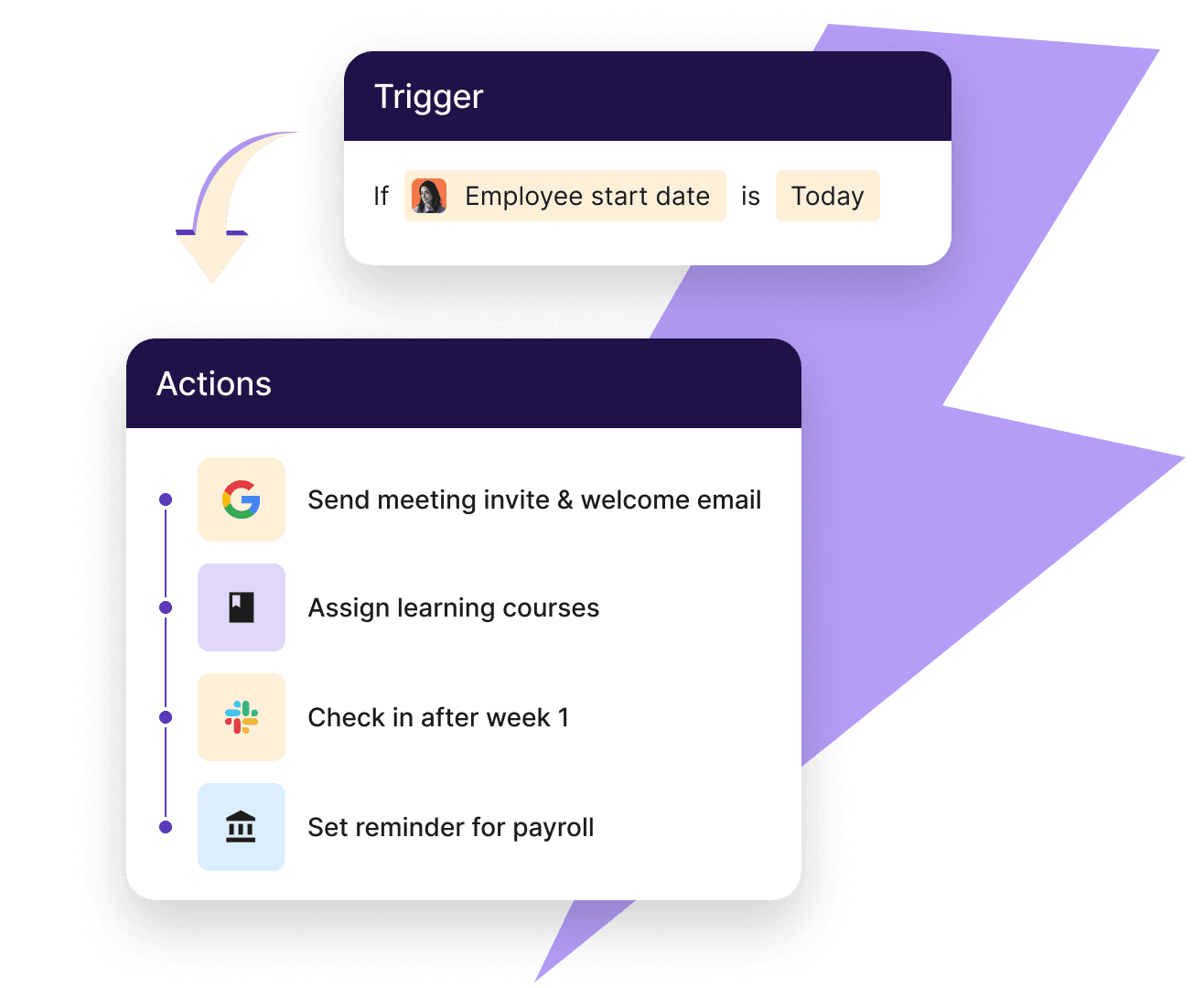
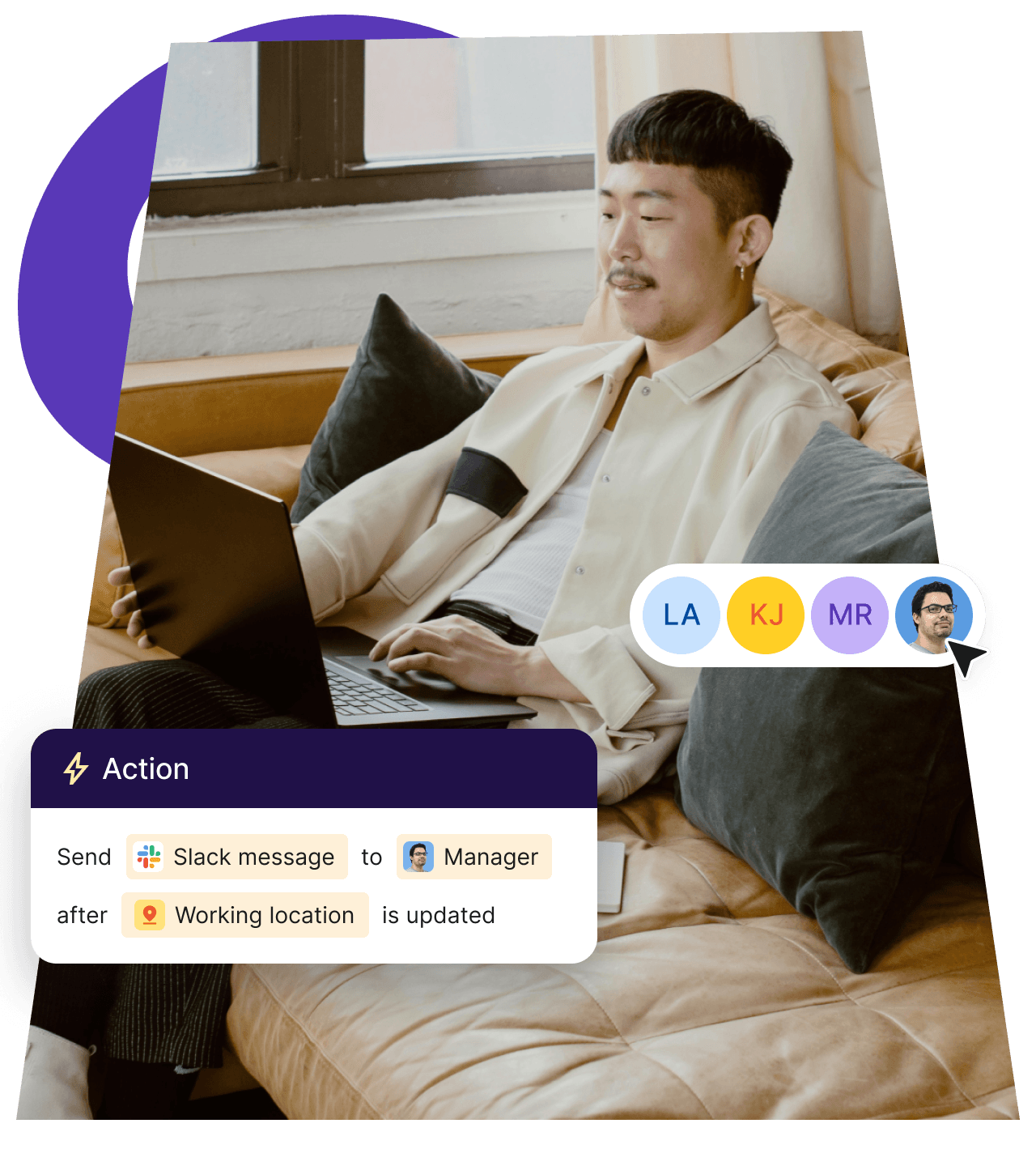
Go from idea to automation fast using our library or create your own. Automate based on location, job title, and more. You’re always in full control.

Image
Keep important tasks on track

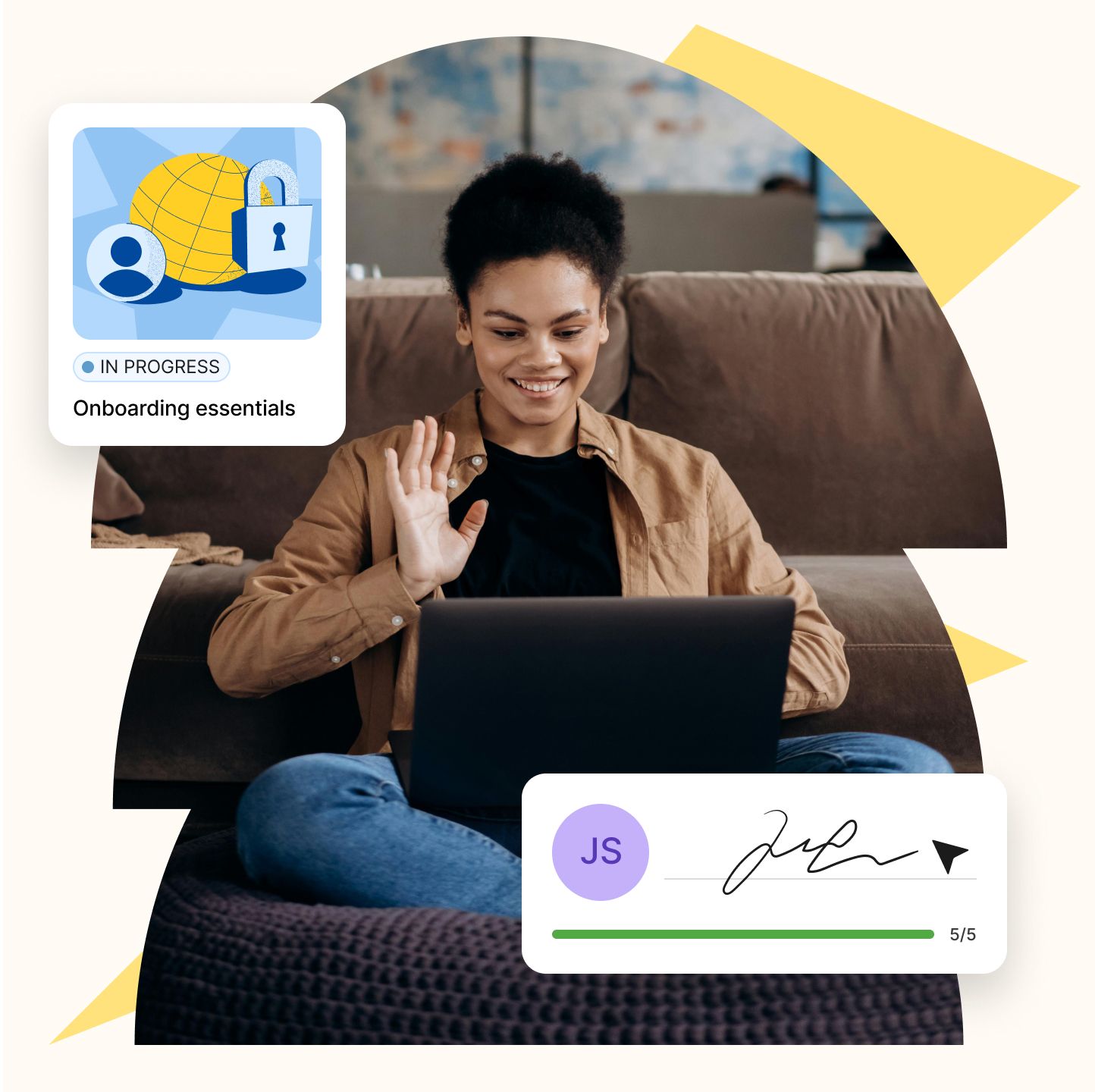
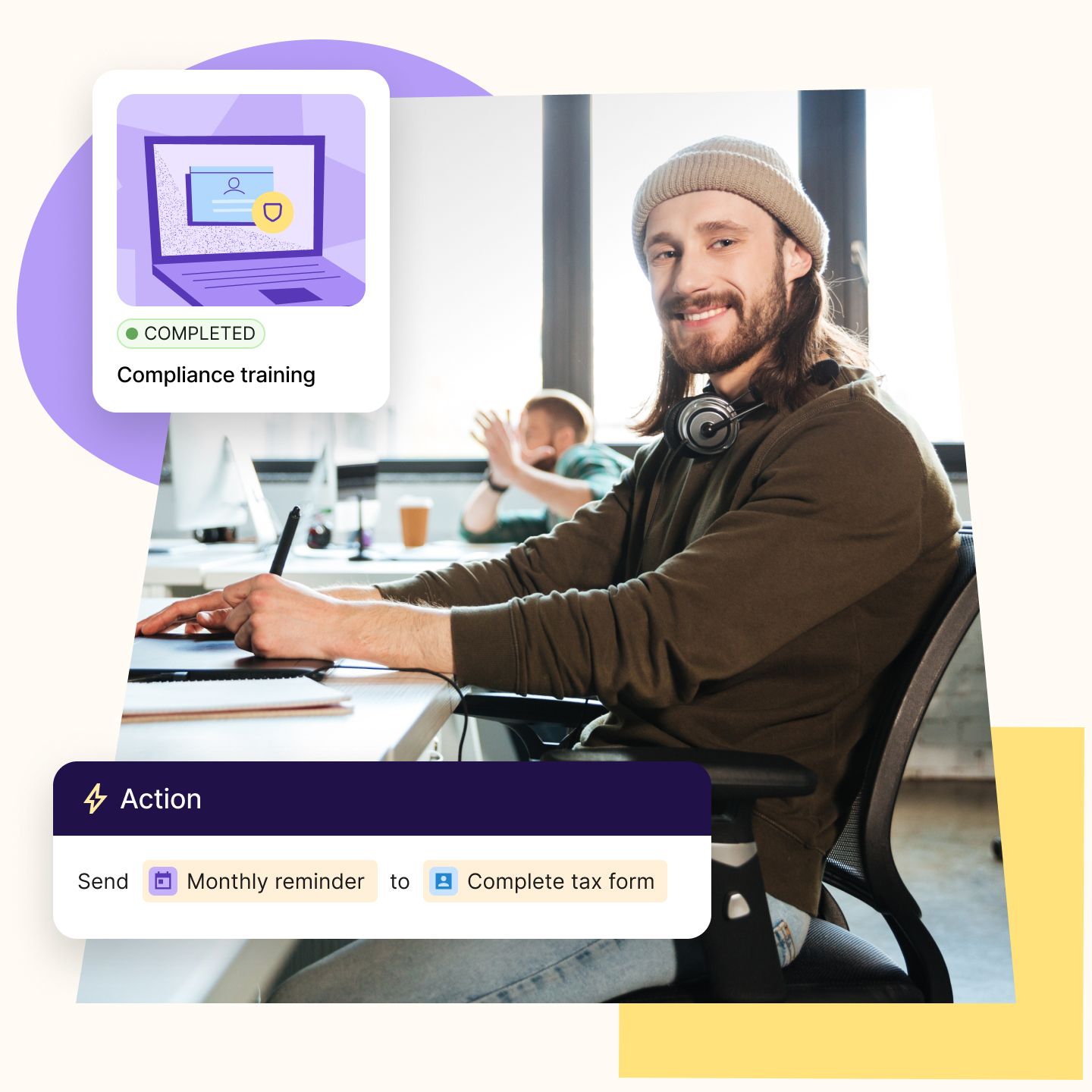
Sending and tracking checklist items for every worker like mandatory training is time-consuming. Automated workflows makes it fast and simple.

Image

onboarding and Offboarding

Cut admin for teams and get new hires ready day one

Onboarding is perfect for automation and for good reason. It happens often, follows repeatable steps, and involves lots of personal data. The same can be said for offboarding as it guarantees no loose ends and lowers security risks.

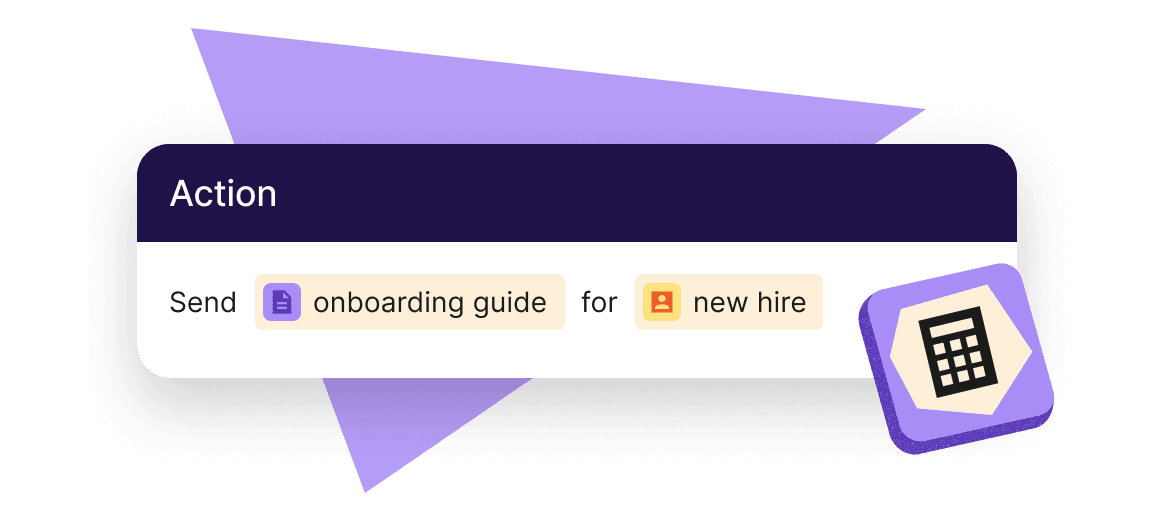
  • Send welcome emails, reminders, contracts, and termination docs
  • Ping personalized Slack notifications about new joiners
  • Speed up approvals for time off, raises, and unused PTO payouts
Image

Compliance monitoring

Support every step with 
one scalable engine

Workflows can help you out beyond new hire onboarding. By automating triggers for payroll, performance, and daily HR, you stop manually chasing down info for every worker and give your entire workforce a better, smoother experience.

  • Send instructions to update banking info and download tax forms
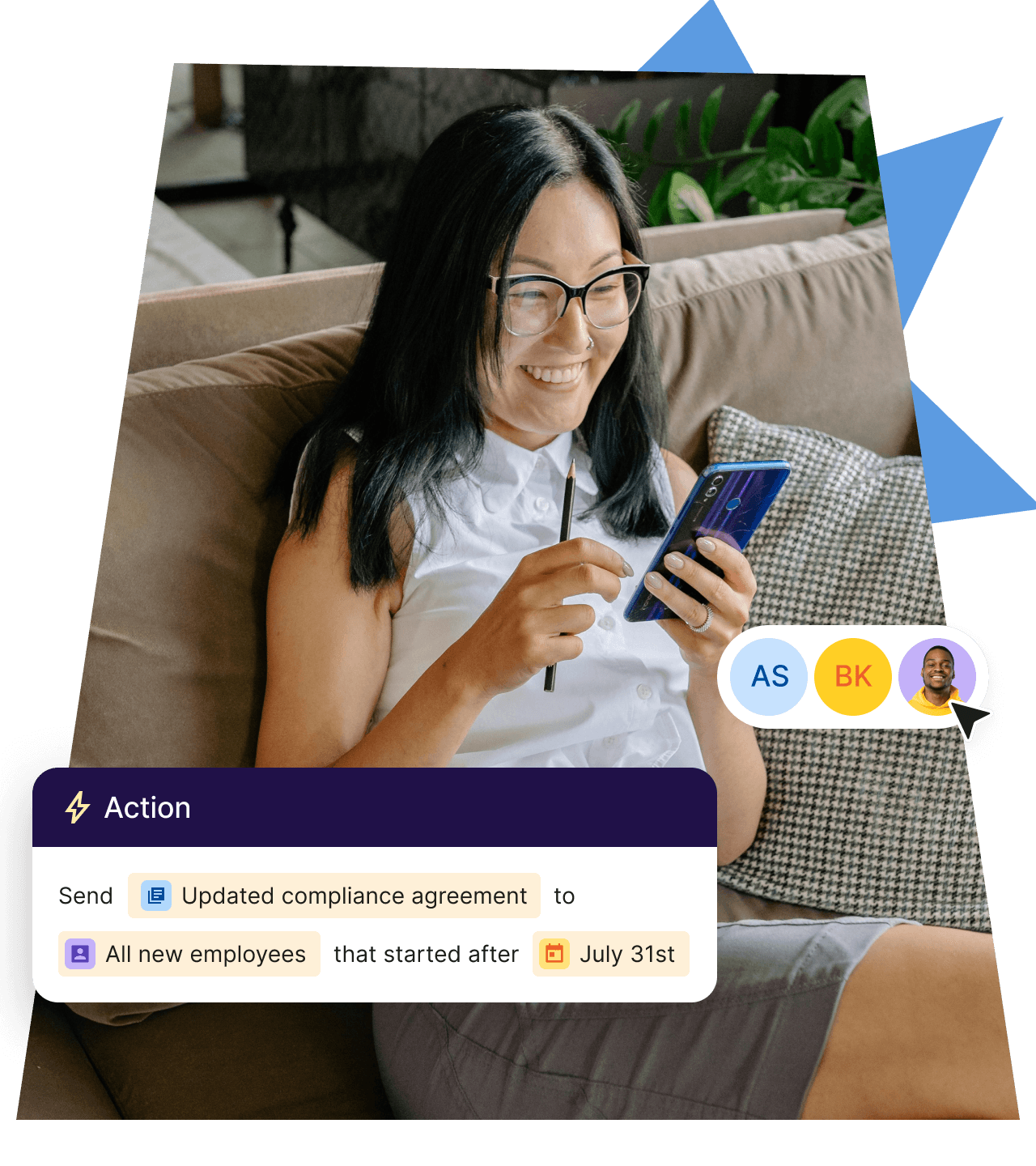
  • Assign mandatory training & compliance courses with follow-ups
  • Ping reminders to complete updated paperwork
Image

role-based workflows

Give decision-makers the speed they need to lead
HR and Global People Ops Lead
They need to streamline and standardize tasks like onboarding and offboarding across teams, roles, and regions. Workflows automate repetitive steps within a global framework, so their team can scale without adding headcount or sacrificing quality.
They need reliable systems to track and enforce regulation standards. Workflows automate things like contract collection, document retention, and policy acknowledgments to lower risks of human error and missed deadlines so they’re always audit-ready.
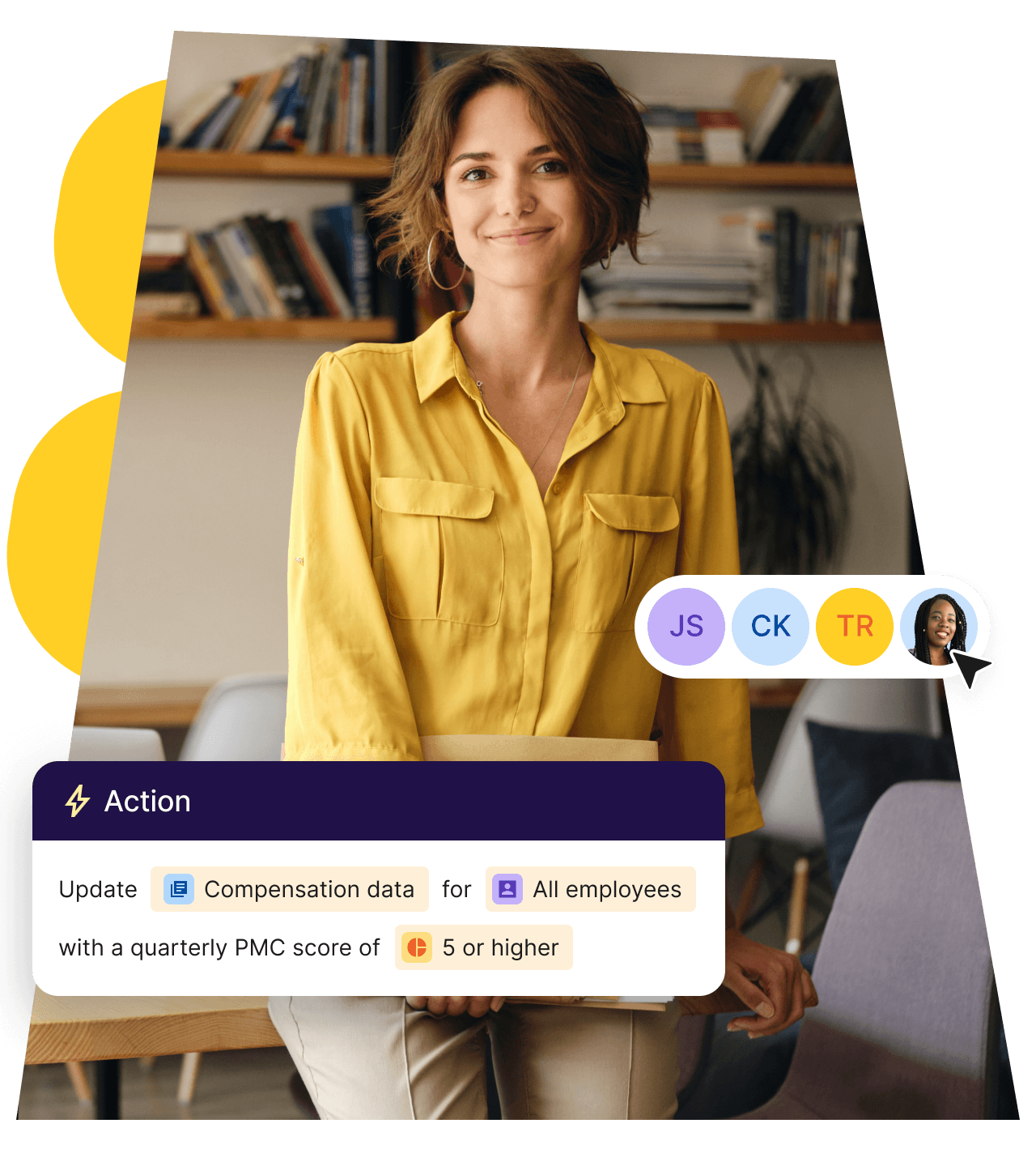
They need accurate, timely info to run smooth cycles and manage compensation. Workflows connect HR events like promotions, leave, or location changes to [payroll](https://www.deel.com/payroll/) triggers. This reduces delays and manual follow-ups, while improving data accuracy in systems.
Get more out of your workflow 
automation faster
入職

Send personalized welcome emails, assign tasks to direct managers, and create Jira tickets.

離職

Send exit surveys, transfer responsibilities, and streamline device retrieval.

Country-specific notification

Notify workers of local compliance and policy changes.

New manager training

Provide necessary leadership training tools like courses, reading materials, and handbooks.

法令遵循檢查

當員工調動時,收到檢查合規法規的提醒。

試用期結束檢討會

當新進員工的試用期即將結束時,提醒相關利益者。

慶祝活動

紀念生日和工作週年等里程碑。

更改入職日期

當新聘人員的入職日期變更時,讓經理和團隊隨時了解最新情況。

整合功能
Connect your favorite HR and finance tools

與現有系統(如 SAP 和 Workday)整合,以減少手動作業量,確保資料一致性,並優化整個組織的工作流程。

Image
Image
Image
Image
Image
Image
Image
Image
Image
Image
Image
Image
Image
Image
探索全部

常見問題

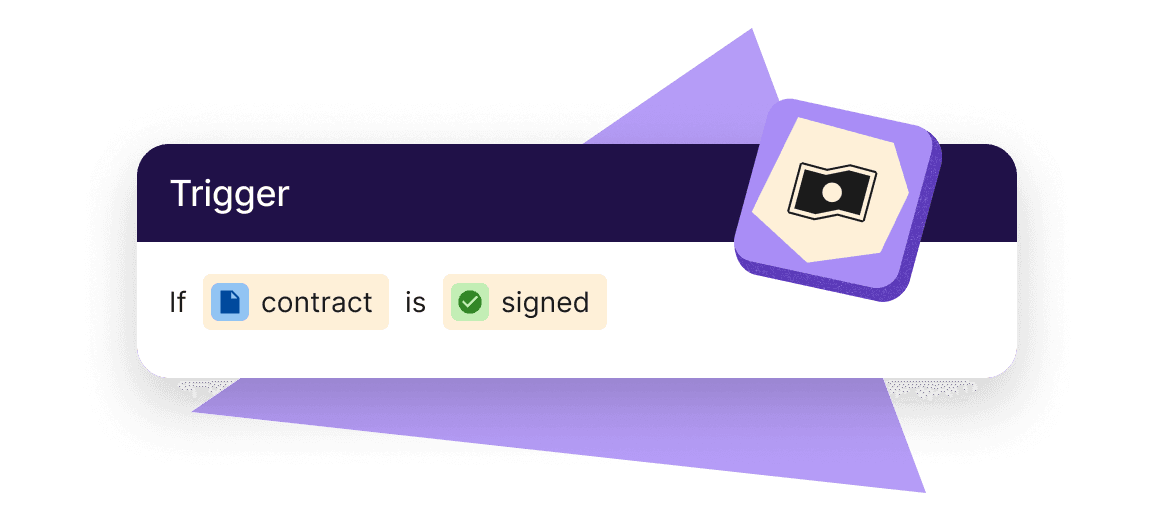
Workflows are automations of repeatable HR processes, like onboarding, time-off approval, or setting tasks. Each workflow starts with a trigger event, and then maps out the tasks and actions. You can filter who is assigned what, add delays between steps, or remove people from the workflow based on conditions you define. Workflows save you time by automating actions on Deel.

No. Deel’s workflow builder is designed to be no-code and gives you a visual interface where you can select options like triggers, actions, filters, and rules. Certain connections to other applications (via Webhooks) require a developer to set up, but once complete, can be used by anyone.

Yes. The workflow builder includes a simulation tool that lets you test out the workflow.

Each workflow starts with a trigger, like “new hire added.” You can then add additional rules.

  • Branching rules: create parallel paths for different user. (e.g., Employees and contractors follow different actions inside the same workflow.)
  • Filters: add extra criteria that must be met before an action runs. These are useful for skipping steps when someone is on leave or a request is already covered by a local holiday.
  • Time-delay steps: pause the workflow for a set period or until a date condition is met, then continue automatically (e.g., send a 30-day check-in survey).

借助 Deel,遠端團隊和國際團隊可以輕鬆成長

150+

國家/地區

37,000+

顧客

200 多位

內部專家