
Article
9 min read
Employee Offboarding Software: Top 10 Tools Compared
IT & device management

Author
Michał Kowalewski
Last Update
September 30, 2025
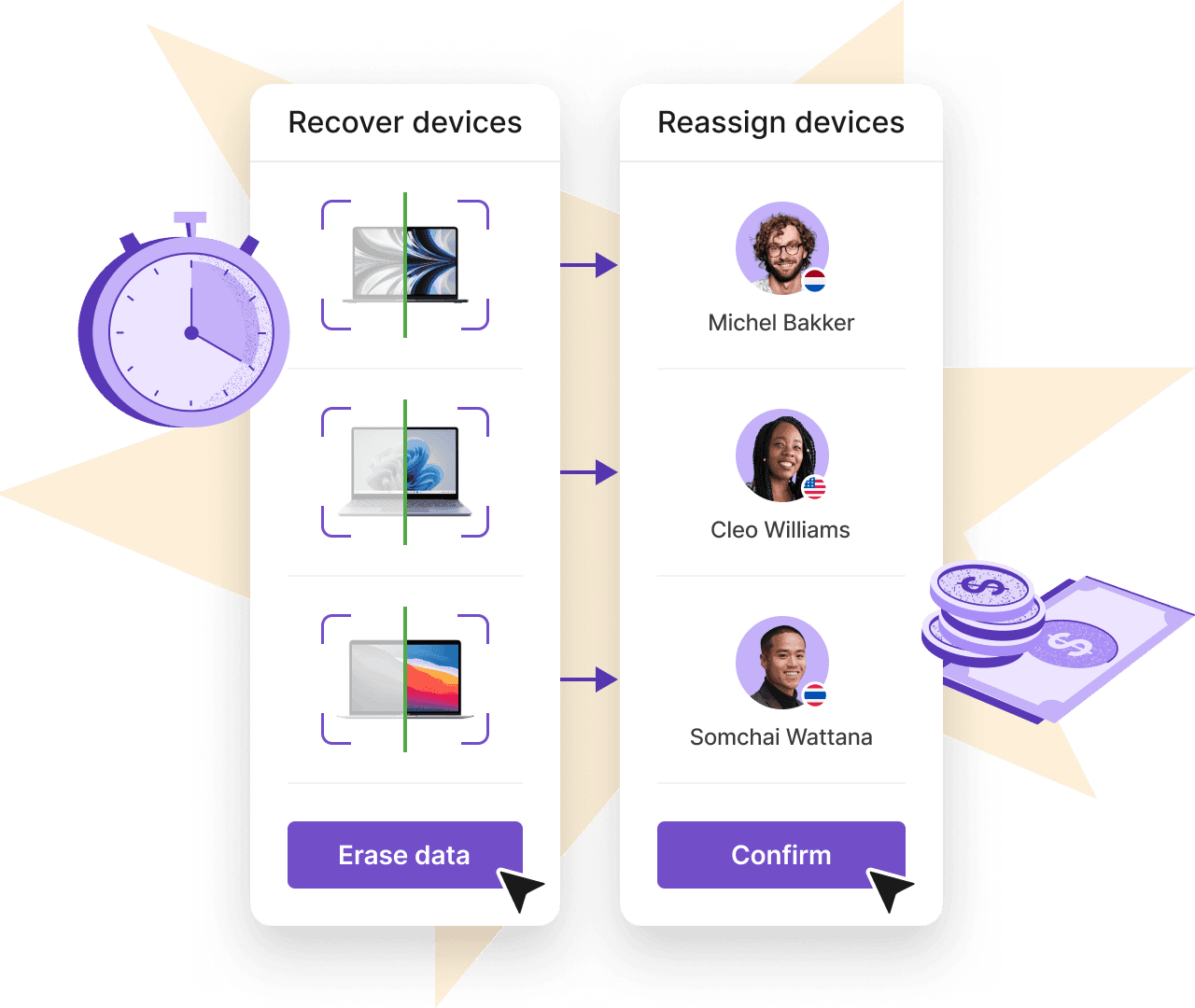
Table of Contents
What is employee offboarding software?
Key features to look for in offboarding software
10 best employee offboarding software tools compared
1. Deel
2. Rippling
3. Workday
4. Okta
5. Jamf
6. Microsoft Intune
7. VMware Workspace ONE
8. BetterCloud
9. OneLogin
10. Kandji
Choosing the right IT offboarding software for your needs
Ensure safe offboarding globally with Deel IT
Key takeaways
- Offboarding is a high-risk stage where lost devices, lingering access, and compliance gaps often occur. Treating it with the same care as onboarding protects both data and assets.
- Dedicated offboarding software reduces risk by automating device recovery, data erasure, and account shutdowns. This frees HR and IT teams from manual, error-prone tasks.
- Deel IT stands out with global coverage, HR and payroll integration, and compliance-ready processes in 130+ countries. It gives companies one consistent system to manage the entire employee lifecycle.
Most HR and People Ops teams put their energy into onboarding. They want devices delivered on time, accounts provisioned, and first impressions to land well, and rightfully so. Offboarding on the other hand, (especially when it involves a termination) rarely gets the same attention. Yet it’s one of the riskiest parts of the employee lifecycle.
Offboarding is where things often fall apart. A forgotten Google Workspace login, an unreturned laptop, or a delay in revoking access can expose businesses to real risks: data breaches, compliance failures, and unnecessary equipment costs. In fact, 71% of HR professionals report that at least one departing employee failed to return company equipment, while 25% of former employees retain access to accounts or systems after departure.
Employee offboarding software exists to prevent these gaps. By automating device recovery, data erasure, and account deprovisioning, Deel IT not only protects your company but also saves IT and HR teams hours of manual work. For global teams, it goes further by handling the logistics across borders—retrieving hardware, wiping it securely, and redeploying it in over 130 countries.
What is employee offboarding software?
Employee offboarding software helps companies manage the process of employees leaving, whether through resignation, termination, or contract completion. Instead of relying on spreadsheets, emails, and manual checklists, these platforms standardize and automate the steps that often get missed.
At its core, offboarding software does three things:
- Recovers company assets: makes sure laptops, phones, and other hardware are collected, wiped, and either reused or securely retired.
- Protects company data: revokes access to applications, shuts down accounts, and ensures sensitive information cannot walk out the door.
- Keeps you compliant: provides audit trails, certified data erasure, and documented processes to meet privacy and security regulations.
For global teams, the definition stretches further. Offboarding software also coordinates shipping and customs, deals with different data protection laws in each country, and makes sure processes are consistent across time zones. Without the right system, all of that becomes messy, slow, and risky.
Key features to look for in offboarding software
Not all offboarding tools are built the same. The best platforms cover both IT and HR needs while also scaling across borders. These are the features that matter most when evaluating software:
Device recovery and asset tracking
Laptops, phones, and peripherals need to be collected, shipped, and securely stored or redeployed. A good platform tracks every step, generates labels, confirms receipt, and often reconditions recovered assets for reuse.
Certified data erasure
Simply deleting files is not enough. Companies need to guarantee that every departing employee’s device is wiped according to international standards. Certified data erasure gives IT teams proof that sensitive information has been removed, often with downloadable certificates for audit purposes. This is especially important in highly regulated industries like finance and healthcare, where compliance failures can carry fines in the millions.
Application and account deprovisioning
Every employee has access to dozens of SaaS tools. If those accounts are not closed, the company remains vulnerable to insider threats and accidental data exposure. Modern offboarding software automates this by integrating with identity and access management tools. As soon as an employee’s end date is confirmed, all permissions and credentials are revoked in a single workflow.
Compliance reporting
Audit-ready reports show when devices were recovered, data erased, and accounts closed. This documentation protects companies during audits or disputes and ensures offboarding meets legal obligations.
Integrations with HR and IT systems
Offboarding often fails because HR and IT are not in sync. HR may know the employee’s last day, but IT may not revoke access until weeks later. A good platform connects to your HRIS and IT service management tools so that offboarding kicks off automatically.
Global logistics support
For distributed teams, recovering devices across borders is one of the hardest parts of offboarding. Customs paperwork, shipping delays, and regional restrictions can all slow down recovery. The right offboarding tool has built-in logistics support: handling customs clearance, providing in-country pickup services, and ensuring compliance with local data protection laws.
Automation and workflows
Manual checklists are error-prone. One missed step can mean a laptop never comes back or a system remains accessible. Automation ensures consistency. The best platforms provide customizable workflows where every action (revoking email access, disabling VPN, triggering device wipe) happens in sequence and on schedule. Some even allow HR or IT leaders to set policies so offboarding runs in the background with minimal intervention.
See also: Top 3 automation wins for HR and IT in 2025
10 best employee offboarding software tools compared
The market for offboarding software is diverse. Some platforms focus on hardware recovery, others on access management, and a few cover the entire employee lifecycle. The right choice depends on whether your priority is global logistics, compliance, or SaaS deprovisioning.
Below are ten of the leading tools, each with its strengths and limitations.
| Tool | Key strengths | Shortcomings | Best for |
|---|---|---|---|
| Deel IT | Global device recovery, certified data erasure, HR and payroll integration, 130+ country coverage | None significant for global teams; may be more than smaller firms need | Companies with distributed workforces that want HR, payroll, and IT offboarding in one platform |
| Rippling | Unified HR, IT, and finance, strong SaaS integrations, identity management | Limited device recovery outside US, no leasing or hardware catalog | Mid-market firms with mostly US-based staff |
| Workday | Enterprise HR and finance, compliance workflows, strong audit tools | Slower, less flexible, device recovery depends on partners | Large enterprises with complex HR and compliance needs |
| Okta | Identity and access management, SSO integrations, automated account deprovisioning | No hardware recovery or device logistics | Companies needing secure account shutdowns |
| Jamf | Deep Apple ecosystem integration, remote lock/wipe, centralized Apple fleet management | Apple-only, no global logistics | Organizations with Apple-heavy environments |
| Microsoft Intune | Endpoint management for Windows and mobile, strong Microsoft 365 integration, policy enforcement | No hardware logistics, Microsoft ecosystem focused | Companies already on Microsoft 365 |
| VMware Workspace ONE | Cross-platform endpoint management, remote lock/wipe, app control | No device logistics or retrieval | Enterprises with mixed device environments |
| BetterCloud | SaaS operations management, automated deprovisioning, cloud policy enforcement | No hardware or certified data erasure | Companies managing many SaaS tools |
| OneLogin | Centralized IAM, automated app deprovisioning, authentication controls | No device recovery or logistics | Companies focused on access security |
| Kandji | Apple device management, pre-built compliance, remote lock/wipe | Apple-only, no global logistics | Scaling Apple-first organizations |
1. Deel
Deel IT is part of the broader Deel platform, which most companies know for global HR, payroll, and compliance. That foundation matters for offboarding because it connects the people side with the IT side. When an employee leaves, the same system that manages their contract and payroll also triggers their IT offboarding, creating a single source of truth.
From an IT perspective, Deel IT handles the full device lifecycle. Offboarding is automated: pickups are scheduled, devices are securely wiped with certified data erasure, accounts are deprovisioned, and hardware is stored or redeployed across 130+ countries. Add-ons like endpoint protection, mobile device management, and 24/7 global IT support extend coverage across every stage of employment.
Key features:
- Global coverage with operations in 130+ countries
- Seamless link between HR, payroll, compliance, and IT processes
- Automated device recovery, certified data erasure, and redeployment
- Management of devices, apps, and software licenses in one dashboard
- Optional endpoint protection, MDM, and global IT support add-ons
- High recovery and on-time delivery rates that cut costs and reduce risk
Best for: Companies with global or distributed workforces that want HR, IT, and payroll to work together in a single platform.
Deel IT

2. Rippling
Rippling offers HR, IT, and finance in one platform, with strong offboarding features like account deprovisioning and SaaS integrations. Where it falls short is global scale: device recovery outside the US is limited, and there’s no leasing or in-stock hardware catalog.
Rippling works well for US-based teams, but Deel covers 130+ countries, manages global logistics, and ties offboarding directly to payroll and compliance.
Key features:
- Automated account deprovisioning
- SaaS integrations with 500+ applications
- Combined HR, IT, and payroll workflows
Best for: Mid-market companies that want unified HR and IT but do not need deep global coverage.
3. Workday
Workday is an enterprise HR and finance platform with built-in workflows for employee exits. It ensures payroll and benefits are updated while triggering IT handoffs through integrations. Where it falls short is flexibility and speed: device management depends heavily on partners, and automation is less nimble than newer platforms.
Key features:
- Enterprise-grade HR and finance system
- Compliance and audit-focused offboarding
- Integrations with IT and identity platforms
Best for: Large organizations that prioritize HR compliance and structured processes over speed and flexibility
4. Okta
Okta is best known for identity and access management. In offboarding, it ensures former employees lose access to company systems immediately. Through automated workflows, IT can revoke logins, disable single sign-on, and cut off access to connected SaaS tools the moment HR flags a departure. Where it falls short is hardware recovery and logistics since it does not handle device retrieval or data erasure.
Key features:
- Automated access revocation and SSO management
- Strong integrations with SaaS applications
- Security-first approach with audit trails
Best for: Companies that want airtight access management during offboarding but need another tool for device recovery and compliance.
5. Jamf
Jamf specializes in managing Apple devices, which makes it popular in Mac-heavy organizations. For offboarding, it allows IT teams to remotely lock, wipe, or reassign Apple laptops, iPhones, and iPads. Where it falls short is platform coverage since it does not manage Windows or Android fleets and does not cover global logistics.
Key features:
- Remote lock and wipe for Apple devices
- Centralized Apple device inventory and tracking
- Strong integration with Apple’s ecosystem
Best for: Organizations that rely heavily on Apple devices and want a dedicated management platform for secure offboarding.
6. Microsoft Intune
Microsoft Intune is part of the Microsoft 365 ecosystem and focuses on unified endpoint management. For offboarding, IT teams can remotely wipe or retire Windows and mobile devices, revoke app access, and enforce security policies. Where it falls short is logistics since it does not manage physical device recovery or global shipping.
Key features:
- Remote wipe and retire functions for devices
- Integration with Microsoft 365 and Azure AD
- Policy enforcement for security and compliance
Best for: Organizations already invested in Microsoft 365 that want strong endpoint control but not hardware logistics.
7. VMware Workspace ONE
VMware Workspace ONE provides cross-platform endpoint management. In offboarding, it can lock, wipe, and retire devices across Windows, macOS, iOS, and Android while also controlling app access. Where it falls short is hardware logistics and device retrieval, which require separate solutions.
Key features:
- Multi-platform device and app management
- Remote lock and wipe capabilities
- Strong integration with VMware security tools
Best for: Enterprises with mixed device environments that want centralized endpoint management but not logistics support.
8. BetterCloud
BetterCloud focuses on SaaS operations management. For offboarding, it automates the removal of user accounts, revokes permissions, and secures data across cloud applications. Where it falls short is device management since it does not handle hardware recovery or certified data erasure.
Key features:
- Automated SaaS deprovisioning
- Policy enforcement for data security
- Visibility into cloud app usage
Best for: Companies that use many SaaS tools and need tighter control over cloud access during offboarding.
9. OneLogin
OneLogin, now part of Ping Identity, is an identity and access management platform. In offboarding, it lets IT teams revoke logins, enforce multi-factor authentication, and cut off access to connected apps in one step. Where it falls short is device recovery and logistics since it only covers the access layer.
Key features:
- Centralized identity and access management
- Automated deprovisioning across SaaS apps
- Strong authentication and security controls
Best for: Companies that want secure and fast account shutdowns but need a separate solution for device and logistics management.
10. Kandji
Kandji is a device management platform built for Apple fleets. For offboarding, it can lock, wipe, and reassign Macs and iOS devices while enforcing compliance policies. Where it falls short is coverage of non-Apple hardware and global logistics support.
Key features:
- Remote lock and wipe for Apple devices
- Pre-built compliance policies
- Centralized Apple fleet management
Best for: Scaling companies that rely on Apple devices and want compliance automation during offboarding.
Case study
Filtered, a fast-growing content intelligence platform, was struggling with delays, duplicate shipments, and frustrated new hires.
The fix came with Deel IT. Today, onboarding takes seconds. Employees log in, choose the right laptop within their £1,800 allowance, and even urgent requests like next day delivery are covered.
The result? 100 percent of orders arrive on time, employees are ready to work from day one, and Filtered can scale without worrying about logistics.
Deel IT is incredibly efficient. Equipping a new hire now takes just 10 minutes of my time. It used to take hours.
—Cath Hammond,
People Ops Manager, Filtered
Choosing the right IT offboarding software for your needs
Not every offboarding solution is built for the same type of organization. The best choice depends on your size, geography, and priorities.
Global vs. local operations
If you manage a distributed workforce across multiple countries, you need more than identity management. Look for platforms that handle international device recovery, customs paperwork, and compliance with regional data laws. Local teams may be fine with a leaner identity-focused tool.
HR-first vs. IT-first needs
Some platforms are designed primarily for HR teams, with strong payroll and compliance features that trigger IT offboarding as part of the workflow. Others are IT-centric, focusing on identity, devices, and SaaS deprovisioning. Map the tool to the team that will own the process.
Integration with existing systems
Choose software that connects with your HRIS, payroll, and IT service management tools. This reduces manual handoffs and ensures offboarding begins automatically the moment HR updates a departure date.
Cost model and scalability
Pricing varies: some charge per device, others per user, and some as part of a broader HR suite. Make sure the model matches your growth plans and does not create hidden costs as your workforce expands.
Security and compliance priorities
If you are in a regulated industry, prioritize platforms that offer certified data erasure, audit-ready reporting, and integrations with your security stack. These features can save you from costly compliance failures.

Free template
Streamline your offboarding process
Ensure safe offboarding globally with Deel IT
Offboarding is often the most fragile stage of the employee lifecycle. Devices go missing, accounts stay active, and compliance slips through the cracks. Deel IT removes those risks by combining HR, payroll, and IT into one global platform.
With Deel IT you get:
- Global device recovery in 130+ countries with local pickup and logistics support
- Certified data erasure and audit-ready documentation for compliance peace of mind
- Automated account deprovisioning to shut down access the moment someone leaves
- Integration with HR and payroll so offboarding starts the instant HR updates a record
- Reuse and redeployment of recovered devices to cut costs and avoid waste
- Optional add-ons like endpoint protection, mobile device management, and 24/7 IT support
Book a demo today to see how Deel IT can simplify global device management and protect your business from day one to the last day.
Michał Kowalewski a writer and content manager with 7+ years of experience in digital marketing. He spent most of his professional career working in startups and tech industry. He's a big proponent of remote work considering it not just a professional preference but a lifestyle that enhances productivity and fosters a flexible work environment. He enjoys tackling topics of venture capital, equity, and startup finance.


