
Article
13 min read
7 Best Laptops for Small Businesses in 2026
IT & device management

Author
Dr Kristine Lennie
Last Update
February 11, 2026

Key takeaways
- For HR teams, People Ops, and IT managers, choosing the right laptops for a small business means aligning performance, security, and portability with how different roles actually work, while keeping procurement and support consistent across the company.
- As small businesses adopt hybrid and remote work, laptop decisions must move beyond one-size-fits-all models toward role-appropriate devices that support productivity, protect company data, and remain cost-effective as teams grow.
- Deel IT enables end-to-end laptop management for small businesses, from selecting devices in an extensive 240+ item equipment catalog to deploying, tracking, and managing them across 130+ countries—all in one platform.
Choosing laptops for a small business means balancing multiple priorities at once. HR teams need devices that are easy to onboard and redeploy, finance teams need predictable costs, and employees need laptops that reliably support their day-to-day work. Without clear standards for what to buy and who each device is for, companies often end up with inconsistent hardware, more support issues, and slower onboarding.
In 2026, these decisions are shaped by global hiring, lean internal teams, and a wider range of laptop options than ever before. Business laptops need to support different roles and working patterns without forcing companies into one-size-fits-all hardware decisions.
This guide highlights several of the best laptops for small businesses in 2026, helping teams make clearer, more consistent equipment choices.
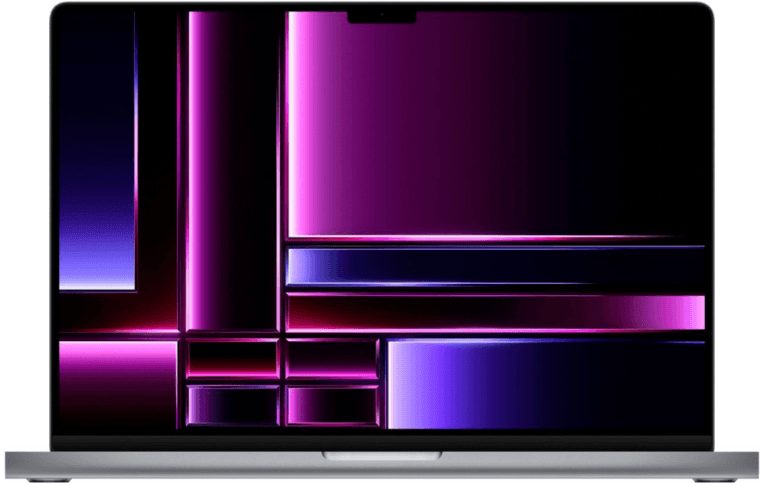
1. Apple MacBook Pro 14.2″
The 14-inch MacBook Pro with the M4 chip works well for small businesses that want a versatile Mac option capable of handling both everyday work and more demanding tasks. It offers sustained performance in a portable design, making it a practical choice for teams that want to keep their Mac lineup simple while still supporting a range of roles and workloads.
| Display | 14.2″ Liquid Retina XDR |
| Processor | Apple M4 (10-core CPU / 10-core GPU) |
| Memory | 16 GB unified memory |
| Storage | 512 GB SSD |
| Weight | ≈ 3.5 lb / 1.6 kg |
| Battery life | ≈ 17–18 hours |
| Connectivity | Wi-Fi 7, Bluetooth 5.3, MagSafe 3, Thunderbolt 4 |
| Operating system | macOS Sequoia |
| Approximate cost | $1,599–$1,999 |
Why it works for small businesses: This MacBook Pro delivers sustained performance in a more compact, flexible configuration than larger Pro models. It’s a practical option for small businesses supporting mixed workloads that need more headroom than entry-level laptops, without committing to the size or higher-end configurations typically associated with workstation-class devices.
Best for: Analysts working with large datasets, marketing teams handling some creative work, and mixed roles where standardizing on one model across technical, creative, and general office work simplifies device management.
Resources to support your laptop rollout
Getting the right laptops is just the start. Here are a few resources to help you deploy and manage devices across your team:
- Set clear IT policies: Define what your team can expense and how devices are managed. Use our Free IT Policy Template to create guidelines that keep costs predictable.
- Streamline device logistics: Simplify how you get equipment to new hires and back from departing team members with our Onboarding & Offboarding Guide for Distributed Teams.
- Plan for growth: Build an IT approach that scales with your team using the IT Strategy Toolkit: 2026 Guide.
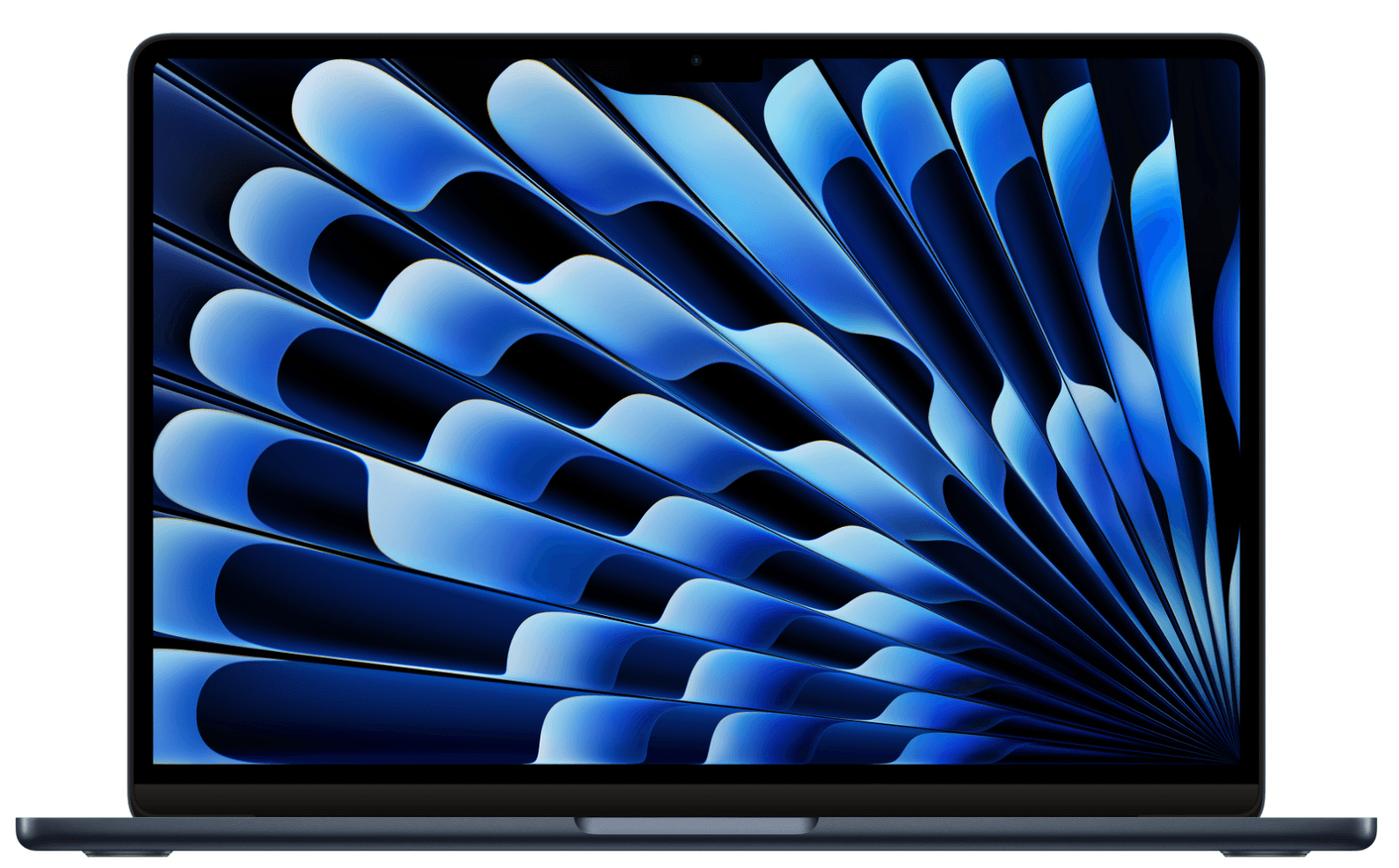
2. Apple MacBook Air 13.6″ (M3)
The MacBook Air 13.6″ with the M3 chip is a strong baseline option for small businesses equipping teams at scale. It’s designed for everyday work—documents, collaboration tools, and browser-based apps—while keeping device costs, weight, and ongoing support needs low. For remote-first or growing companies, it works well as a standard Mac choice that’s easy to deploy broadly without overinvesting in performance most roles don’t need.
| Display | 13.6″ Liquid Retina |
| Processor | Apple M3 |
| Memory | 16 GB unified memory |
| Storage | 256 or 512 GB SSD |
| Weight | 2.7 lb / 1.24 kg |
| Battery life | ≈ 18 hours |
| Connectivity | Wi-Fi 6E, Bluetooth 5.3, MagSafe 3 |
| Operating system | macOS Sequoia |
| Approximate cost | $1,100–$1,400 |
Why this works for small businesses: The MacBook Air offers a practical balance of performance, portability, and predictability for everyday work. Its lightweight design and strong battery life make it well-suited to remote teams, while its consistent macOS experience helps small businesses standardize without overbuying hardware.
Best for: Small businesses with macOS-first teams supporting remote employees and managers who primarily work in collaboration tools, documents, and browser-based applications.
Read also: 5 Ways to Reduce IT Costs in 2026
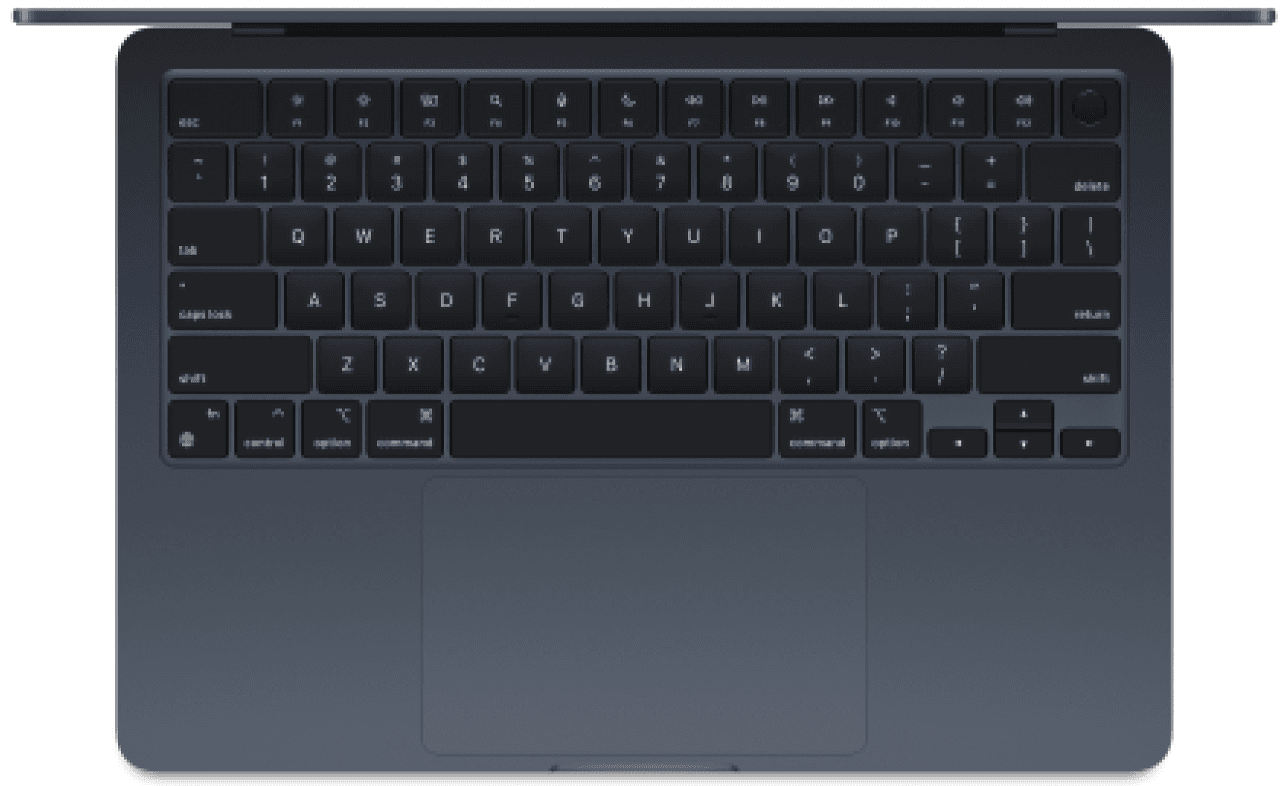
3. Apple MacBook Air 15.3″ (M4)
The MacBook Air 15.3″ keeps the lightweight design and long battery life of the Air line while adding a larger display that makes multitasking and extended screen time more comfortable. The extra screen space supports everyday work like documents, dashboards, and side-by-side apps without increasing setup complexity. For small businesses, it’s a practical option for roles that benefit from more visual room while maintaining a simple, consistent Mac setup across teams.
| Display | 15.3″ Liquid Retina |
| Processor | Apple M4 |
| Memory | 16 GB unified memory |
| Storage | 256 or 512 GB SSD |
| Weight | 3.3 lb / 1.5 kg |
| Battery life | ≈ 18 hours |
| Connectivity | Wi-Fi 7, Bluetooth 5.3, MagSafe 3 |
| Operating system | macOS Sequoia |
| Approximate cost | $1,200–$1,500 |
Why this works for small businesses: The larger display makes it easier to work across multiple documents and tools without relying on external monitors, while keeping the same lightweight, easy-to-standardize setup as the smaller Air. This supports productivity gains for certain roles without introducing additional device complexity across the team.
Best for: Roles in sales, marketing, operations, finance, and HR that regularly work across multiple tools and benefit from extra screen space.
Learn more with: Best Monitors for Remote Workers in 2026
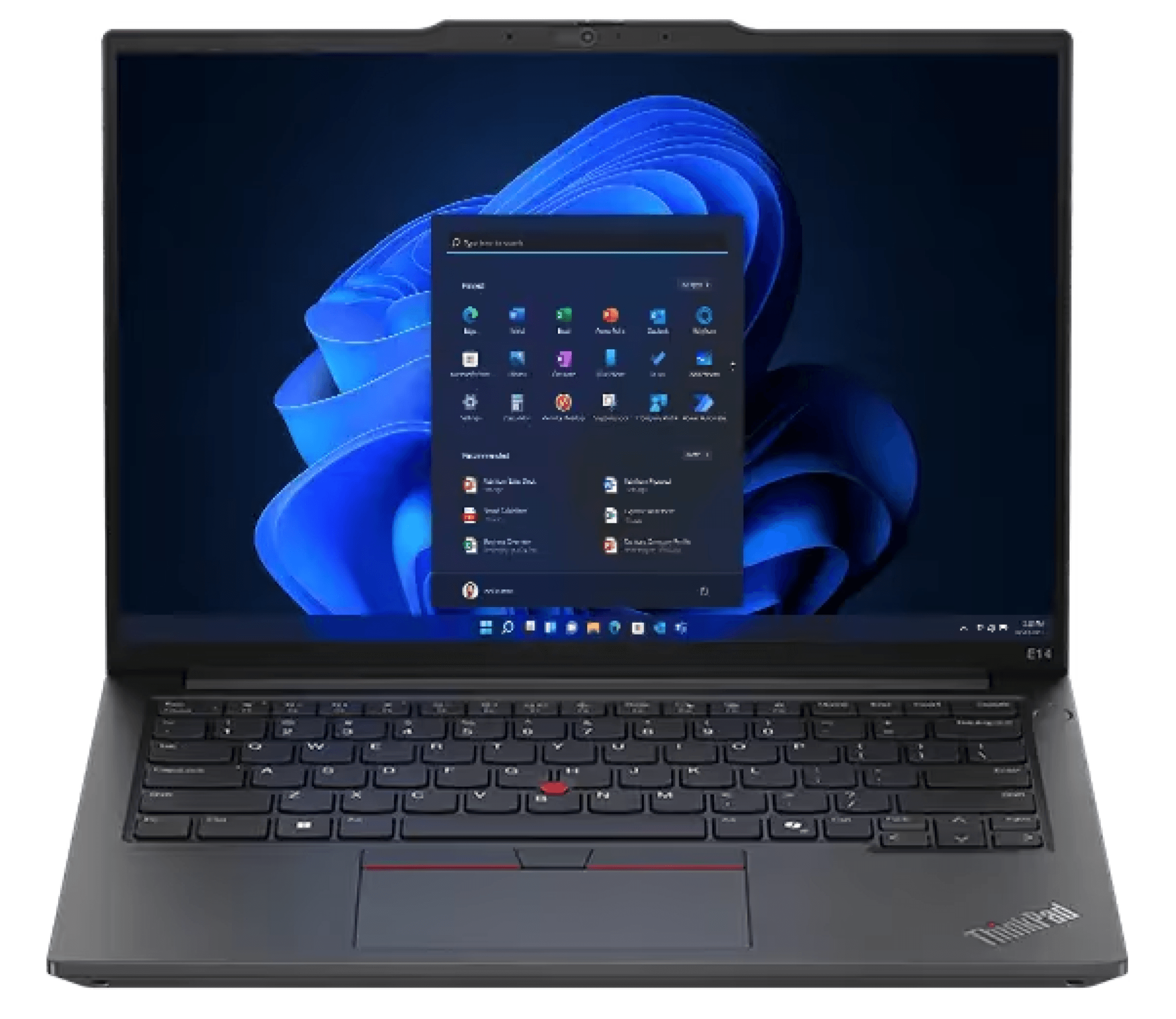
4. Lenovo ThinkPad E14 G6
The Lenovo ThinkPad E14 G6 is suited to organizations that standardize on Windows for everyday business work. It supports common workloads—documents, spreadsheets, internal systems, and video calls—without moving into higher-spec or premium configurations. For small businesses equipping teams across departments, it works well as a default Windows option that can be issued broadly without introducing unnecessary hardware variation.
| Display | 14.0″ Full HD |
| Processor | Intel Core Ultra 7 |
| Memory | 16 GB RAM |
| Storage | 512 GB SSD |
| Weight | ≈ 3.5 lb / 1.6 kg |
| Battery life | ≈ 10–12 hours |
| Connectivity | Wi-Fi 6E, Bluetooth, USB-C, HDMI |
| Operating system | Windows 11 Pro |
| Approximate cost | $1,050–$1,200 |
Why this works for small businesses: The ThinkPad E14 G6 offers a practical screen size, full keyboard, and ports that support external monitors, keyboards, mice, and docking setups for a wide range of everyday work needs. It supports documents, spreadsheets, internal systems, and video calls on Windows, without moving into higher-spec or specialized configurations. For small businesses, this makes it easier to issue the same model across teams and replace or reassign devices as the organization grows.
Best for: HR, finance, operations, customer support, administrative roles, and internal sales support teams that prefer or require Windows for their day-to-day work.
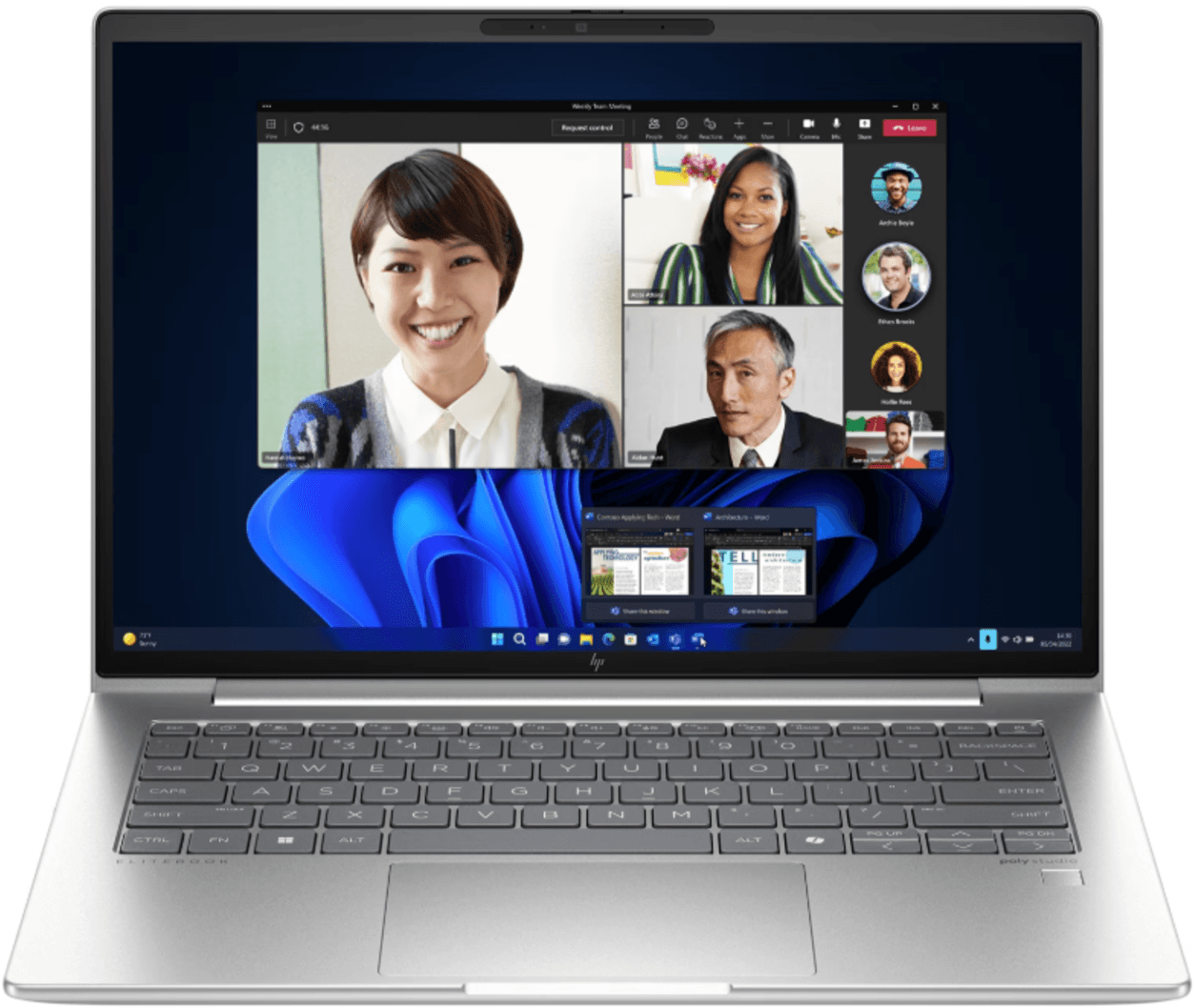
5. HP EliteBook 640 G11
The HP EliteBook 640 G11 is well-suited for teams that require a Windows laptop aligned with stricter data-handling and compliance requirements. It is designed to support hardware- and firmware-level security controls (such as managed BIOS settings and hardware-backed security features) and to work cleanly with standard Windows security policies commonly used in regulated or security-conscious environments.
| Display | 14.0″ Full HD |
| Processor | Intel Core Ultra 5 |
| Memory | 16 GB RAM |
| Storage | 512 GB SSD |
| Weight | ≈ 3.2 lb / 1.45 kg |
| Battery life | ≈ 11–13 hours |
| Connectivity | Wi-Fi 6E, Bluetooth, USB-C, HDMI |
| Operating system | Windows 11 Pro |
| Approximate cost | $1,050–$1,200 |
Why this works for small businesses: Built-in security capabilities make it easier to apply consistent protections without relying on custom setups or specialized devices. For small businesses where IT, HR, and finance responsibilities often overlap, this helps support compliance needs around payroll, contracts, and employee data while keeping day-to-day device management straightforward.
Best for: HR, People Ops, and finance teams that regularly work with sensitive employee or financial data.
Find out more with: Cybersecurity Frameworks: Top 5 Frameworks to Know in 2026
6. Dell Latitude 5440
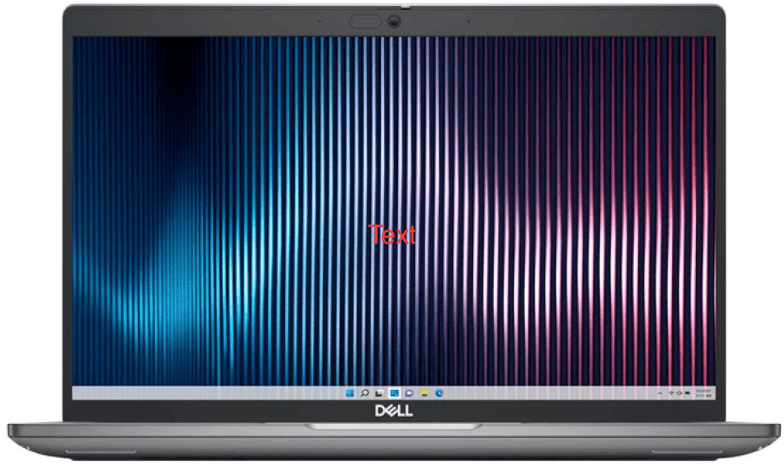
The Dell Latitude 5440 is a Windows laptop suited to teams that need a dependable, broadly usable device rather than role-specific hardware. It’s often selected as a general-purpose laptop when organizations want one model that can work across different functions and employment types without frequent re-evaluation. This makes it a sensible choice for environments where roles, projects, or staffing arrangements change over time.
| Display | 14.0″ Full HD |
| Processor | Intel Core i5 |
| Memory | 8 GB RAM |
| Storage | 256 GB SSD |
| Weight | ≈ 3.6 lb / 1.63 kg |
| Battery life | ≈ 9–11 hours |
| Connectivity | Wi-Fi 6, Bluetooth, USB-C, HDMI |
| Operating system | Windows 11 Pro |
| Approximate cost | $1,050–$1,150 |
Why this works for small businesses: This device strikes a middle ground between portability and usability, allowing it to function comfortably both at a desk and on the move. Because it doesn’t rely on specialized specs or accessories, the same device can be reassigned or reused across teams without creating gaps in capability or support requirements as the business evolves.
Best for: Sales operations, IT support, HR coordinators, operations staff, and other roles that need a broadly usable Windows laptop.
Find out what your employees expect from IT equipment today.
7. HP EliteBook 840 G11
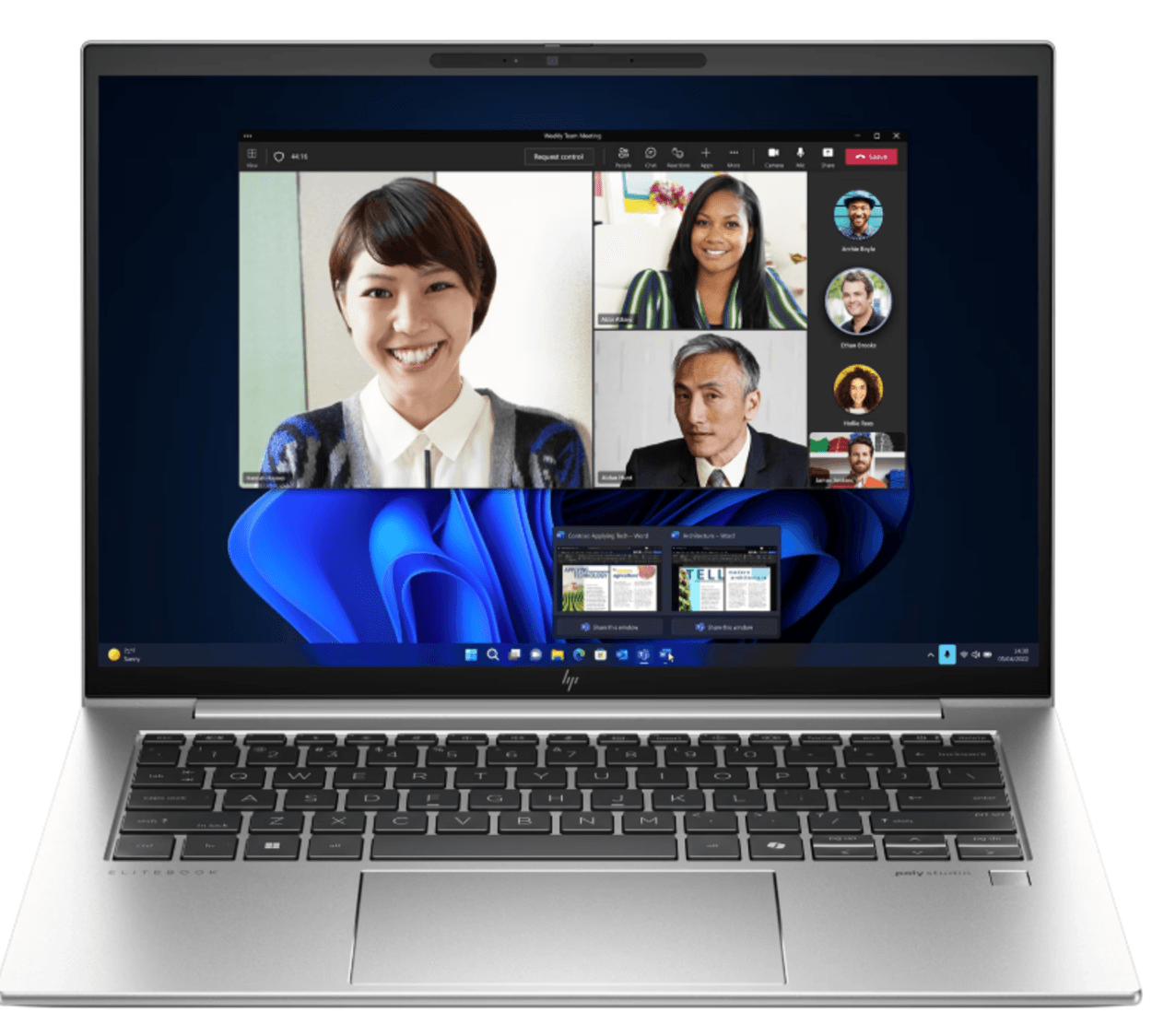
The HP EliteBook 840 G11 is a higher-spec Windows laptop designed for roles that need more performance headroom than standard business models. With increased memory and storage options in a portable form factor, it supports heavier multitasking and more demanding applications while remaining practical for day-to-day business work. This makes it a strong option for users who need extra capacity without stepping into large or specialized workstation devices.
| Display | 14.0″ Full HD |
| Processor | Intel Core Ultra 7 |
| Memory | 16 GB RAM |
| Storage | 1 TB SSD |
| Weight | ≈ 3.3 lb / 1.5 kg |
| Battery life | ≈ 12–14 hours |
| Connectivity | Wi-Fi 6E, Bluetooth, USB-C |
| Operating system | Windows 11 Pro |
| Approximate cost | $1,100–$1,300 |
Why this works for small businesses: The EliteBook 840 G11 offers higher memory and storage options in a slim, portable design, making it well-suited for users who run multiple applications or work with larger files throughout the day. For small businesses, this provides a way to support more demanding work within the same Windows laptop lineup.
Best for: Business analysts working with complex models, finance teams running reporting and planning tools, and marketing professionals handling creative assets where extra performance and storage support demanding daily workflows.
Equip your small business with Deel IT
As your business grows, laptop purchasing, setup, and tracking often become a bottleneck. Deel IT helps small businesses standardize how laptops are procured, configured, shipped, and managed, without adding extra admin or IT overhead.
With Deel IT, you can procure any of the laptops recommended in this guide, along with 240+ other options for business devices and accessories, ensuring employees get the right equipment for their role while keeping costs and processes consistent as your team grows.
Here’s what that means for small businesses:
- Simple global delivery: Ship pre-configured laptops directly to employees in 130+ countries, with customs, taxes, and local logistics handled for you
- Day-one readiness: Laptops arrive with company settings, security policies, and required software already in place, so new hires can start working immediately
- Clear device tracking: Track which employee has which laptop and where it’s located, all from one dashboard
- Repairs and replacements without the hassle: Coordinate local repairs or replacements through trusted regional partners to minimize downtime
- 24/7 support: Always-on IT support for device issues and troubleshooting, with a native ticketing system
- Secure offboarding: Lock and wipe devices at offboarding and arrange secure retrieval, without manual coordination.
Book a demo to see how Deel IT simplifies laptop management for growing small businesses.
Deel IT

FAQs
Is more than 32 GB of RAM overkill for a laptop?
For most business and everyday work, more than 32 GB of RAM is unnecessary. It’s typically only useful for highly specialized tasks like large data processing, complex design work, or development environments with heavy local workloads. For the majority of roles, 16–32 GB provides more than enough headroom without adding cost or complexity.
What kind of computer do I need for a small business?
Most small businesses need computers that reliably support everyday work like documents, email, video calls, and internal tools, rather than highly specialized or high-end machines. The right choice depends on role: general staff can use standard laptops, while a smaller number of users may need higher specs for multitasking or data-heavy work. Prioritizing role-appropriate devices helps small businesses avoid over- or under-equipping teams.
What is the difference between a normal laptop and a business laptop?
A business laptop is designed to be deployed and used consistently across teams, with features that support standard configurations, longer availability, and integration with workplace tools. Compared to consumer laptops, business models typically focus less on flashy features and more on predictable performance, compatibility, and suitability for professional use.
Which laptop option is better, HP or Dell?
There isn’t a single “best” option between HP and Dell — both brands offer reliable business laptops. The right choice depends on the role, workload, and operating system your team uses. Many companies also choose other brands, such as Apple, when macOS is preferred or required.
With Deel IT, teams can access HP, Dell, Apple, and other leading brands from one catalog, making it easier to select, standardize, and deploy the right devices across their workforce.
What is the difference between i5 and i7?
An Intel i7 processor is generally more powerful than an i5, with higher performance headroom for multitasking and more demanding applications. For most business roles, an i5 is sufficient for everyday work like documents, meetings, and internal tools, while an i7 is better suited for users who run heavier workloads or multiple applications at once.
Dr Kristine Lennie holds a PhD in Mathematical Biology and loves learning, research and content creation. She had written academic, creative and industry-related content and enjoys exploring new topics and ideas. She is passionate about helping create a truly global workforce, where employers and employees are not limited by borders to achieve success.


