
Article
15 min read
Best Laptops for Remote Workers in 2026
IT & device management

Author
Dr Kristine Lennie
Last Update
January 29, 2026

Key takeaways
- For HR teams, People Ops, and IT managers, choosing the right laptop for employees means matching device specs to each role, balancing performance, connectivity, and battery life to keep a distributed workforce productive anywhere.
- As workforces become more global and AI transforms daily workflows, companies must make future-proof, data-secure, and cost-efficient equipment choices that serve remote and hybrid teams effectively.
- Deel IT streamlines device procurement, shipment, and lifecycle management, enabling employers and HR teams to equip, track, and securely manage devices for their global workforce using one unified platform.
With the rise of remote and hybrid work, investing in the right equipment for employees has become one of the most strategic decisions an organization can make. When your team is distributed across time zones and countries, you can't just order, ship, or swap out hardware on a whim. The laptop you choose needs to work reliably from day one.
In 2026, that decision requires keeping pace with rapid technological changes (new AI-ready processors, Wi-Fi 7, and stronger security chips) and selecting devices that not only meet today’s needs but also support future innovation and company growth.
This means HR, People Ops, and IT teams must carefully weigh laptop specifications, performance, and cost against employee roles to find the right balance of reliability, security, and usability for a global workforce. With our 4,000+ employees in over 100 countries, Deel knows firsthand what it takes to equip a global team. This guide draws on that experience to help you make confident, informed choices for 2026 and beyond.
Learn also about the top IT procurement challenges faced by employers and how to solve them.
What to prioritise when equipping remote teams in 2026
Equipping remote employees with the right laptops can make or break productivity. Here’s a checklist to help you prioritize the features that matter most, ensuring employees get laptops suited to how they actually work:
| Criteria | Why it matters | Example options (and why) |
|---|---|---|
| Role-based needs | Different roles need different levels of power and portability, and choosing accordingly helps control costs, support productivity, and improve the employee experience | General staff: Light, efficient options (e.g., Dell XPS 13, MacBook Air M3) for everyday productivity Product/engineering roles:* High-performance machines (e.g., MacBook Pro M4, Lenovo ThinkPad) for design or data work Field/sales: Flexible 2-in-1s (e.g., Surface Pro 10) for travel and client meetings |
| Performance | Underpowered laptops shorten lifecycle and frustrate users, so defining a baseline early avoids mid-cycle replacements and minimizes downtime | Minimum 16 GB of RAM, a 512 GB SSD, and a recent-generation processor (Intel Core Ultra, AMD Ryzen AI, or Apple M-series) provide enough speed and storage for everyday work, video calls, and running multiple apps smoothly |
| Operating system | Influences software compatibility, IT management, and how easily employees can get up to speed on new devices | Windows 11 Pro for broad compatibility and easy management, macOS Sonoma for creative and design roles, and Ubuntu LTS for developers who need open-source flexibility. |
| Connectivity | Reliable, high-speed connectivity keeps remote employees productive, while weak wireless performance disrupts calls, meetings, and collaboration | Look for Wi-Fi 7, Bluetooth 5.3, and optional 4G/5G modems for travelling staff |
| Battery life and portability | Long battery life and portability give employees freedom to work productively across locations, whether at home, in transit, or on site | Aim for 8–12 hours battery life, 3.3 lbs/1.5 kg or less in weight, and USB-C charging for universal compatibility |
| Employee experience | Comfort and quality directly affect engagement and retention | Prioritize 14–15″ FHD / 2K displays, 1080p webcams, backlit keyboards, and noise-cancelling mics to support virtual collaboration |
| Durability and serviceability | Sturdy, repairable builds reduce downtime and shipping costs | Durable, long-lasting laptops with reliable global support (e.g., HP EliteBook, Lenovo ThinkPad X1, and Apple MacBook Air or Pro) |
| Hardware security and manageability | Built-in hardware security features protect company data even before software tools are added | Look for TPM 2.0, secure boot, hardware encryption, fingerprint/IR camera login, and enterprise platforms (Intel vPro, AMD PRO) for easier fleet management |
| Global availability, warranty, and support | Global teams depend on consistent device access and fast support to minimize downtime and keep employees productive | Choose vendors with international stock, next-business-day repair, and on-site service guarantees (e.g., Dell Premier, HP Global Services, Apple Business Manager) |
Looking to plan your IT budget? Read: IT Budgeting & Workforce Planning: What HR & IT Leaders Need to Know
Best laptops for remote workers in 2026
To help you make the right choice for your distributed workforce, we’ve highlighted seven standouts that meet the demands of modern remote work in 2026.
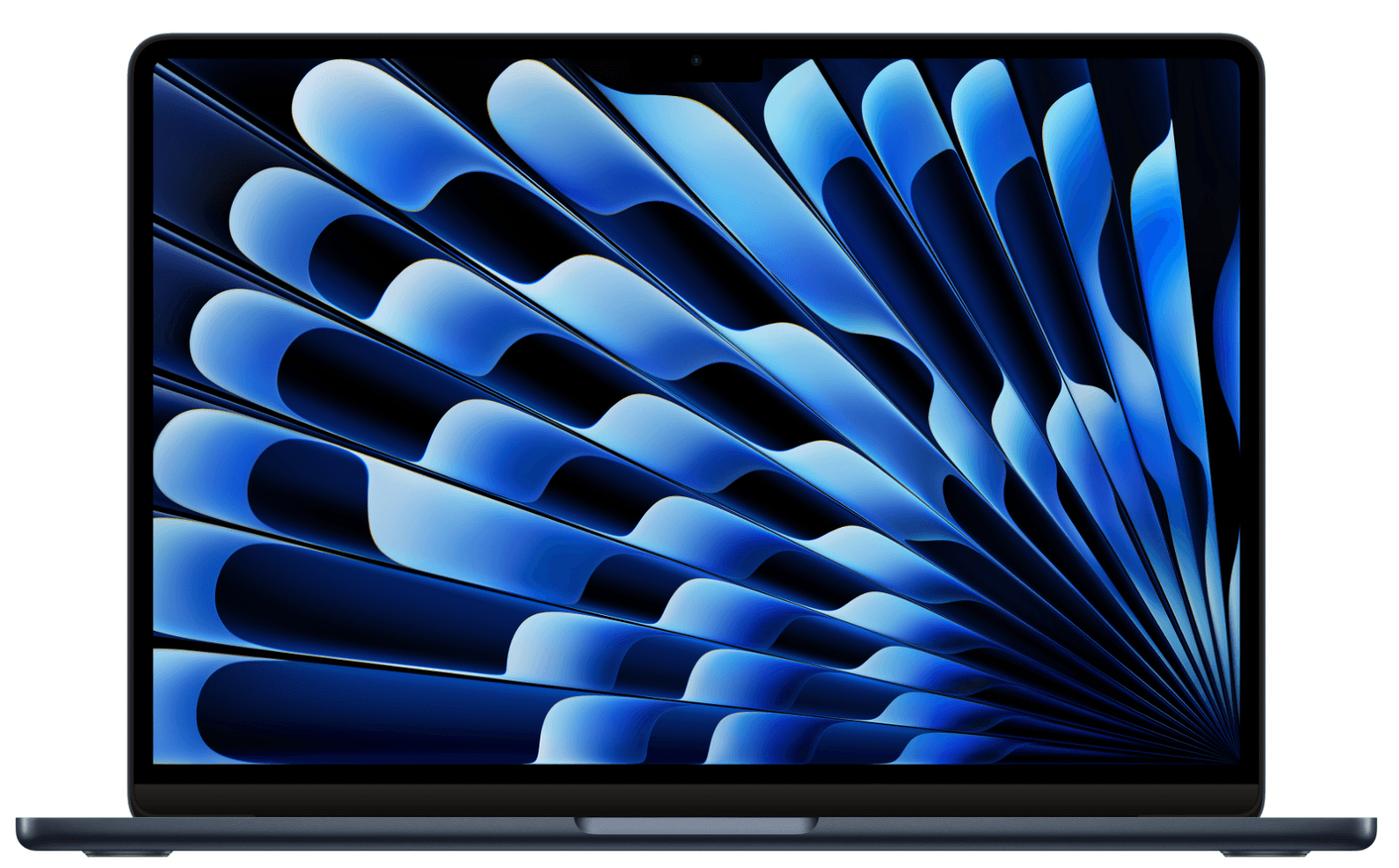
1. MacBook Air M4
Apple’s lightest professional laptop, made for remote workers who need long battery life, reliability, and quiet operation wherever they set up. Its balance of performance, portability, and simplicity makes it a practical choice for a wide range of employees across roles and departments.
| Key Specifications | |
|---|---|
| Display | 13.6″ Liquid Retina (15.3″ model also available) |
| Processor | Apple M4 (10-core CPU / 10-core GPU) |
| Memory | 16 or 24 GB unified memory |
| Storage | 256 or 512 GB SSD |
| Weight | 2.7 lb / 1.24 kg |
| Battery life | ≈ 18 hours |
| Connectivity | Wi-Fi 7, Bluetooth 5.3, MagSafe 3 |
| Operating system | macOS Sequoia |
| Approximate cost | $1,100–$1,500 |
What makes it stand out: Perfect for fully remote roles, with silent performance, minimal IT setup, and all-day power for video meetings.
Best for: General staff, managers, and executives who work from home or travel frequently.
Lifecycle: 4–5 years, with Apple’s long software support, helps extend the usable life of each device.
Read also: How 24/7 IT Support Builds Stronger, Safer Global Operations
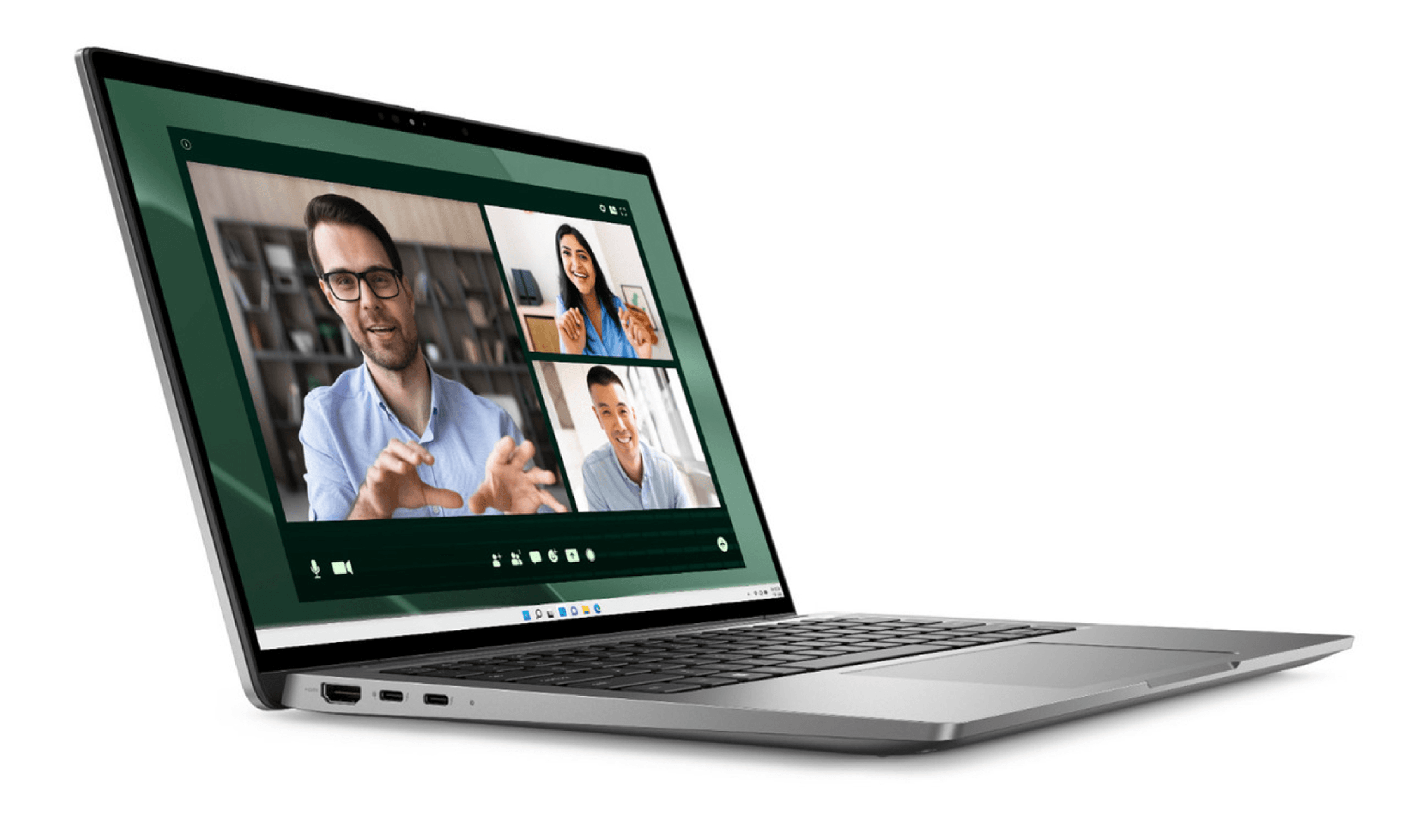
2. Dell Latitude 7450 (Intel Core Ultra 7)
A dependable all-rounder for remote professionals who need reliable performance for video calls, data-heavy spreadsheets, and collaborative tools throughout the day. It’s one of the most versatile Windows options in this lineup, well-suited to the broad range of roles found in distributed teams.
| Key Specifications | |
|---|---|
| Display | 14″ FHD+ (1920×1200) Anti-glare |
| Processor | Intel Core Ultra 7 (Series 2) |
| Memory | 16 or 32 GB LPDDR5x |
| Storage | 512 GB SSD |
| Weight | 2.8 lb / 1.3 kg |
| Battery life | ≈ 13 hours |
| Connectivity | Wi-Fi 7, Bluetooth 5.3, 2× Thunderbolt 4 |
| Operating system | Windows 11 Pro |
| Approximate cost | $1,800–$2,100 (USD) |
What makes it stand out: Built for hybrid schedules, light enough for travel yet powerful for all-day remote collaboration, with Dell Premier global support.
Best for: Suitable for most remote and hybrid professionals (from HR and operations to project and support teams) who need consistent, dependable performance across locations.
Lifecycle: Approximately 4 years, easy to service and update globally.
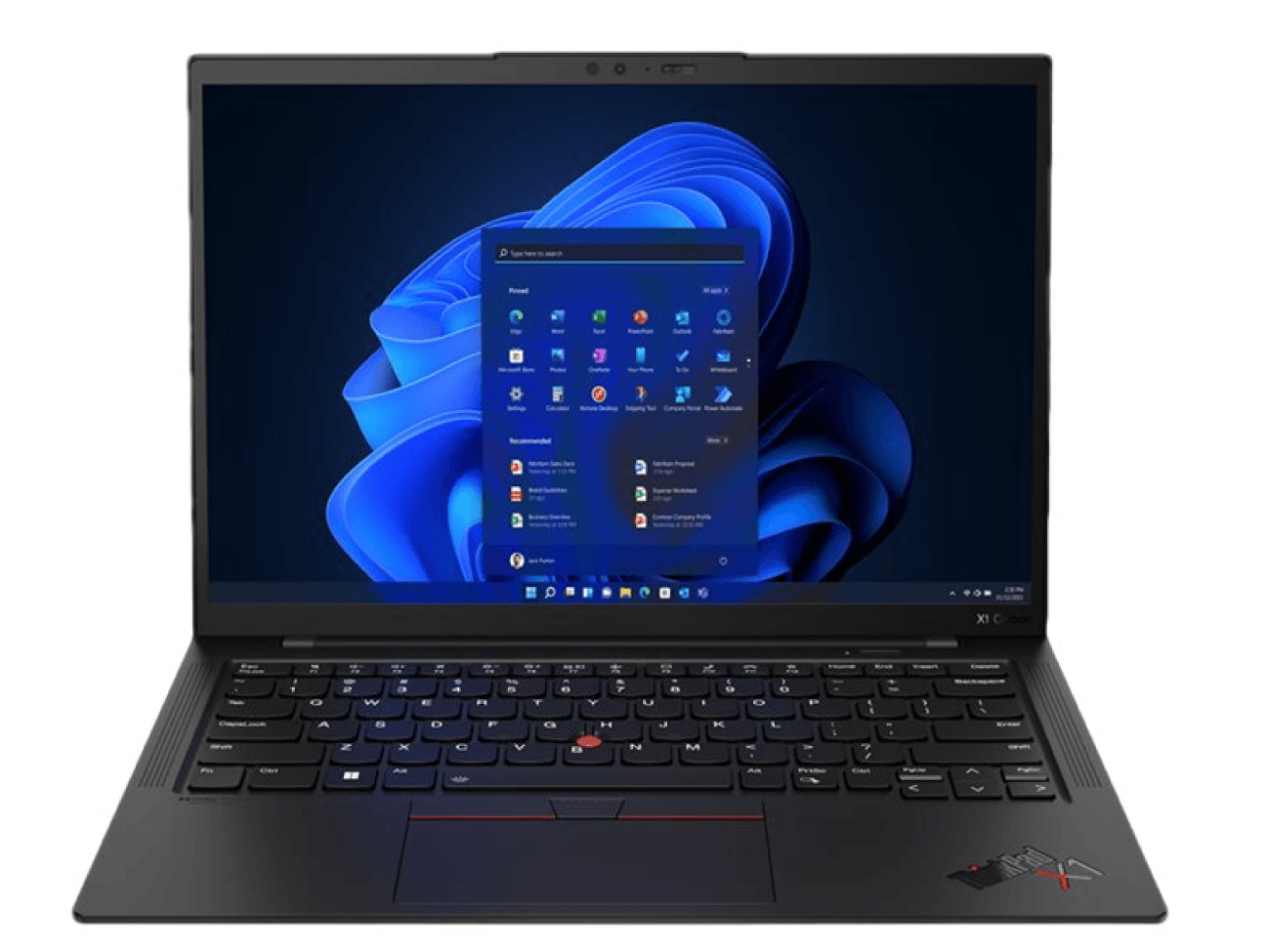
3. Lenovo ThinkPad X1 Carbon Gen 12
A premium business laptop built for professionals who need power, portability, and reliability in equal measure. Lightweight and robust, it delivers enterprise-grade performance, security, and connectivity for those who travel often or work across multiple environments.
| Key Specifications | |
|---|---|
| Display | 14″ 2.8K OLED |
| Processor | Intel Core Ultra 7 |
| Memory | 32 GB LPDDR5x |
| Storage | 1 TB SSD |
| Weight | 2.42 lbs / 1.09 kg |
| Battery life | ≈ 12 hours |
| Connectivity | Wi-Fi 7, Bluetooth 5.3, optional 5G |
| Operating system | Windows 11 Pro |
| Approximate cost | $1,800 |
What makes it stand out: Ultra-light and durable, with enterprise-grade build quality, sharp display options, a high-quality webcam and mic array for clear calls, and optional 5G for always-on connectivity.
Best for: Senior staff, client-facing teams, and frequent travelers who need a premium, lightweight device built for mobility.
Lifecycle: 4 years, supported by excellent build quality and service network.
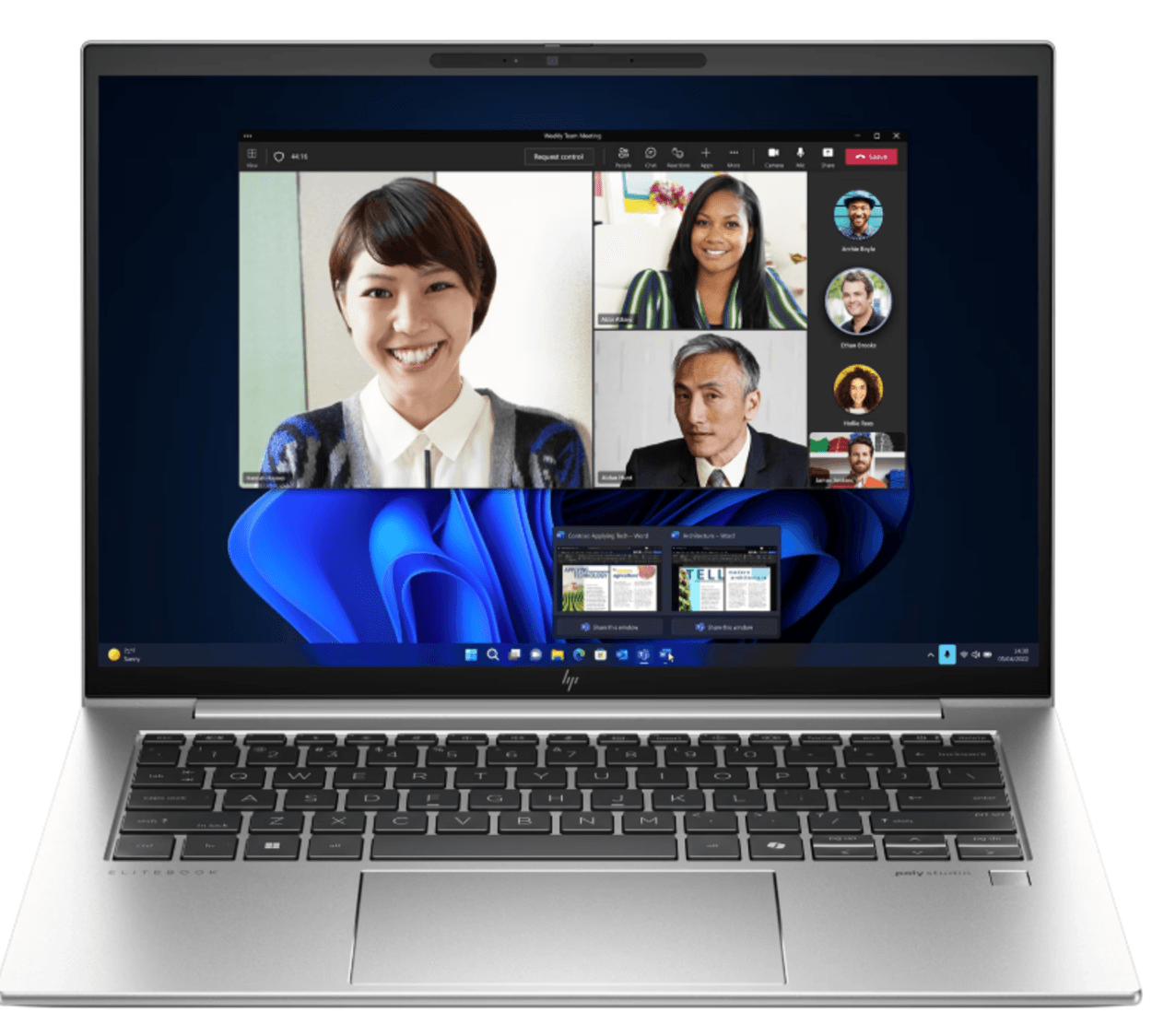
4. HP EliteBook 840 G11
A business-class laptop designed for modern teams working across locations and time zones. This option balances strong processing power with high-quality audio and video for seamless collaboration, plus built-in security and management features that help IT support a distributed workforce efficiently.
| Key Specifications | |
|---|---|
| Display | 14″ FHD IPS (400 nits) |
| Processor | Intel Core Ultra 5 / 7 |
| Memory | 16 GB DDR5 |
| Storage | 512 GB or 1 TB SSD |
| Weight | 3.0 lb / 1.36 kg |
| Battery life | ≈ 14 hours |
| Connectivity | Wi-Fi 7, Bluetooth 5.3, optional LTE |
| Operating system | Windows 11 Pro |
| Approximate cost | $1,100–$1,300 |
What makes it stand out: Reliable and security-first, the EliteBook 840 G11 combines strong audio-visual performance for virtual meetings with HP Wolf Security to keep remote endpoints protected.
Best for: Distributed HR, operations, and support teams that depend on reliable performance for remote meetings, project coordination, and managing employee data and communications.
Lifecycle: 4 years, supported by widely available parts and service network.
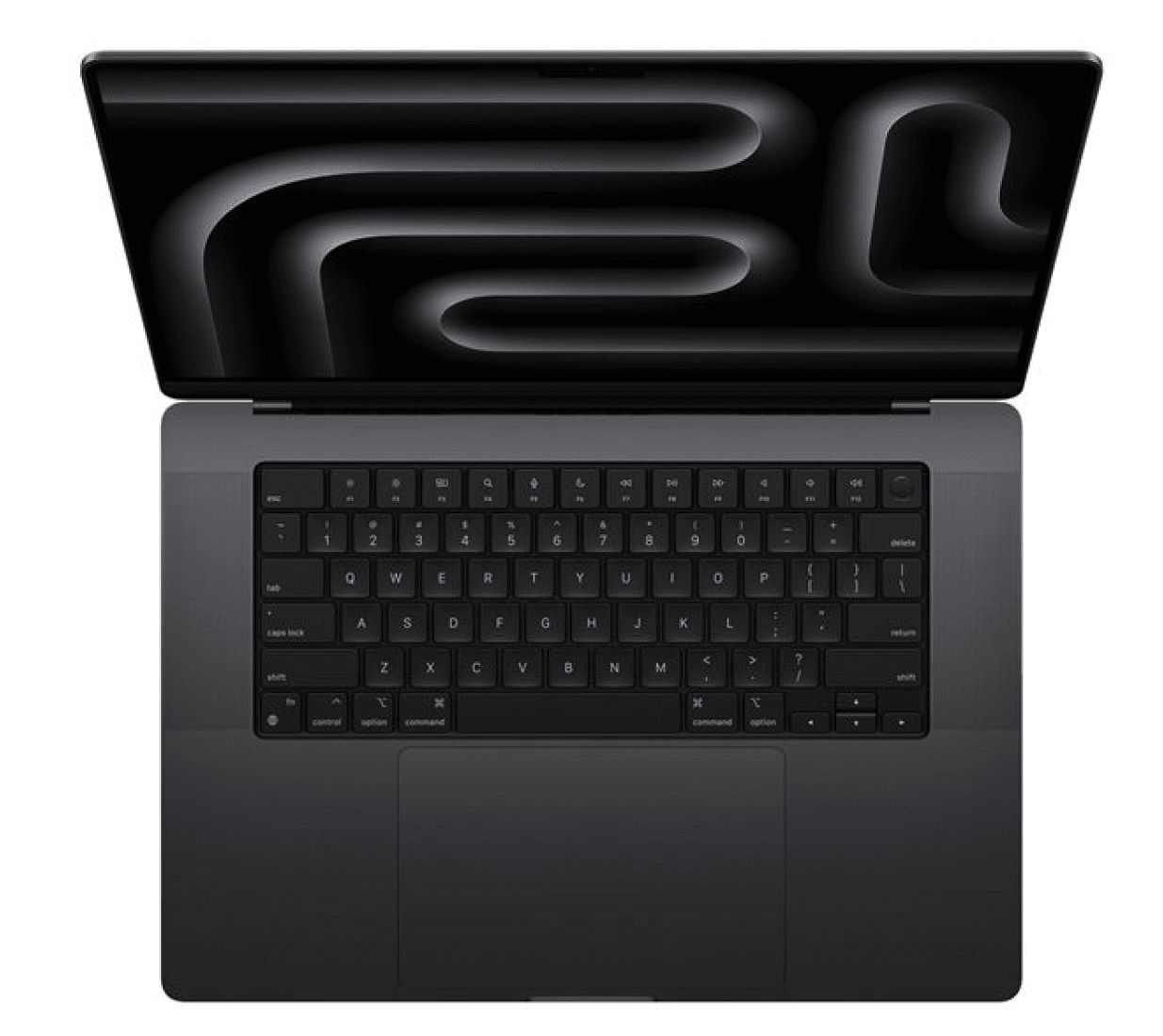
5. MacBook Pro 14″ M4
A powerful, high-performing option for remote professionals running resource-intensive design, product, or analysis tools for day-to-day creative and technical work. Configurable at purchase with multiple memory and storage options, the M4 Pro lets teams choose the right balance of performance and cost for different remote roles. While Wi-Fi 7 isn’t yet supported on Apple silicon laptops, their Wi-Fi 6E delivers stable, high-bandwidth performance for most enterprise networks, and Apple’s strong wired and Thunderbolt 5 connectivity options ensure future flexibility.
| Key Specifications | |
|---|---|
| Display | 14.2″ Liquid Retina XDR |
| Processor | Apple M4 Pro (12-core CPU with 8 performance and 4 efficiency cores) |
| Graphics | 16-core GPU (M4 Pro base) |
| Memory | 24 GB, 36 GB, 48 GB, 64 GB, or 128 GB unified memory (depending on chip configuration) |
| Storage | 512GB, 1TB, 2TB, or 4TB SSD |
| Weight | 3.5 lb / 1.6 kg |
| Battery life | ≈ 22 hours |
| Connectivity | Wi-Fi 6E / Bluetooth 5.3; three Thunderbolt 5 ports, HDMI, SDXC, MagSafe 3 |
| Operating system | macOS Sonoma (upgradeable to macOS Sequoia) |
| Approximate cost | $1,600–$3,500 (depending on the configuration) |
What makes it stand out: Incredible power for video, design, data, and AI-infused remote workflows, while also ultra-portable.
Best for: Designers, engineers, data scientists, and remote teams working on intensive creative or analytic projects.
Lifecycle: 4–5 years, with Apple’s long software support window and consistent second-hand value, reducing long-term ownership costs.
Read also: Want to Reduce IT Costs? Try These 5 Device Reconditioning Strategies
6. Dell Precision 3591 Mobile Workstation
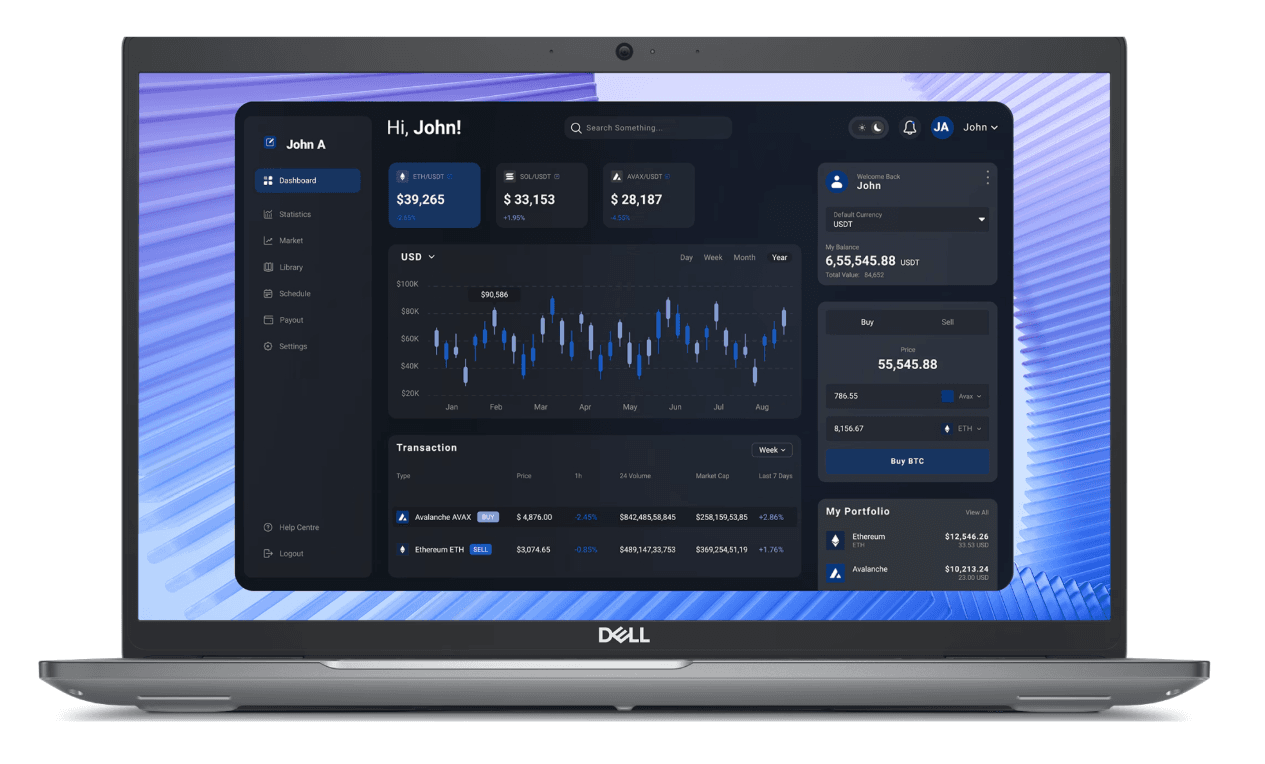
A high-performance workstation built for remote professionals who need serious computing power without sacrificing mobility. This laptop's 15.6″ display and dedicated NVIDIA RTX A1000 GPU deliver the muscle for AI, design, and data-intensive work, while the AI-ready Intel Core Ultra processor ensures future-proof performance. Though larger than other models in this list, it’s still portable enough for hybrid setups and flexible work environments that include travel.
| Key Specifications | |
|---|---|
| Display | 15.6″ FHD |
| Processor | Intel Core Ultra 7 (Series 2, AI-ready CPU) |
| Memory | 16 GB DDR5 |
| Storage | 512 GB SSD |
| Weight | 4.3 lb / 1.95 kg |
| Battery life | ≈ 10 hours |
| Connectivity | Wi-Fi 7, Bluetooth 5.3, Thunderbolt 4 |
| Operating system | Windows 11 Pro |
| Approximate cost | $1,700–$1,800 |
What makes it stand out: Built for demanding remote roles, this laptop combines strong CPU and GPU performance for AI, design, and data-heavy work. It’s a powerful yet practical choice for technical and creative professionals who need more performance than standard business laptops, without giving up portability or enterprise support.
Best for: Remote engineers, designers, data scientists, and technical specialists who need strong local performance for AI or creative work.
Lifecycle: 4–5 years, supported by Dell’s global service network and ISV certifications for professional software.
7. Lenovo ThinkPad E14 Gen 6
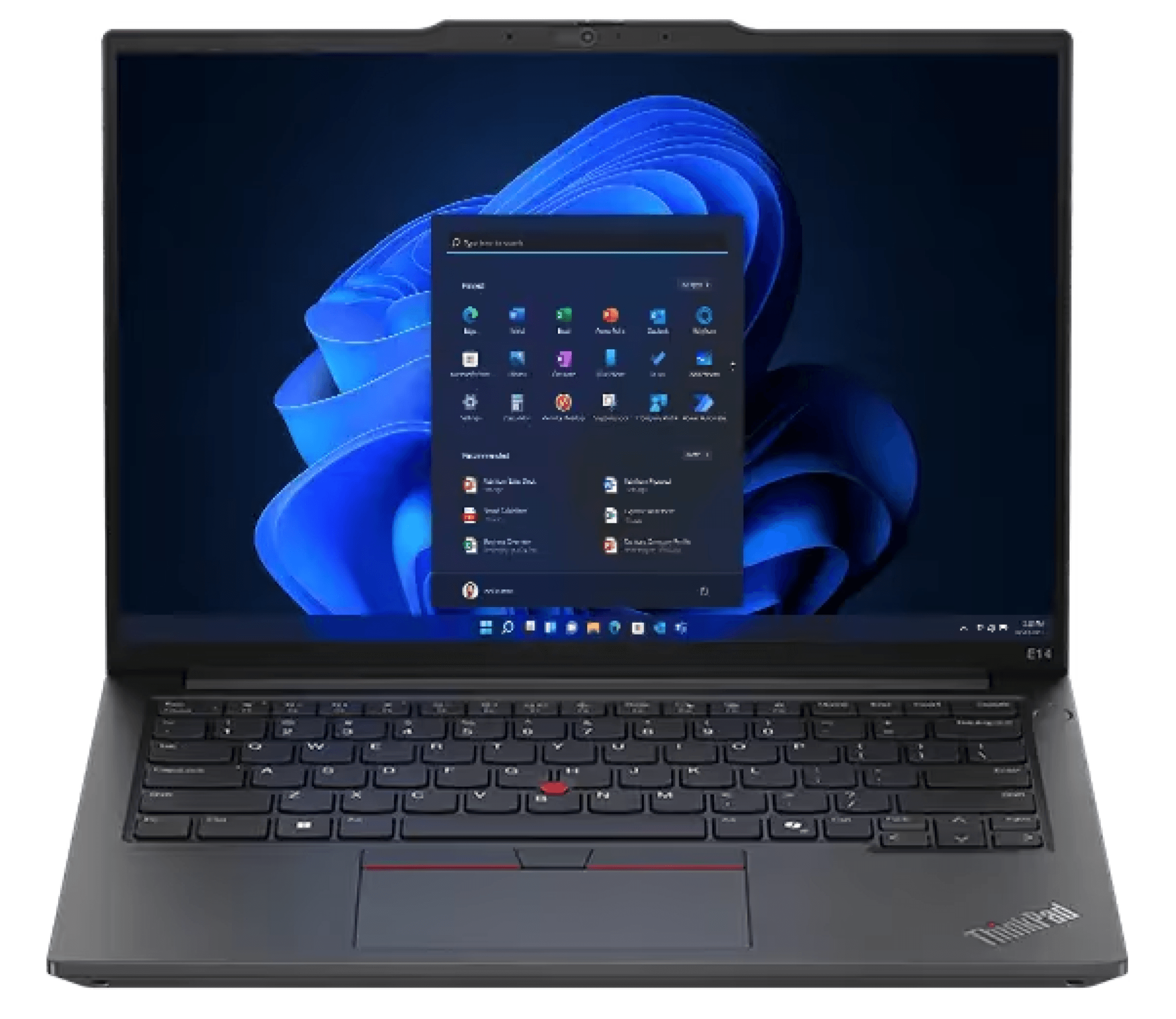
A modern, AI-ready laptop built to equip a growing distributed workforce. The ThinkPad E14 Gen 6 brings Lenovo’s business-grade reliability and sleek design to a more accessible price point without compromising on the core performance needed for everyday professional workflows. It's ideal for scaling remote and hybrid teams.
| Key Specifications | |
|---|---|
| Display | 14″ FHD (1920×1200) |
| Processor | Intel Core Ultra 7 (Series 2, AI NPU) |
| Memory | 16 GB LPDDR5x |
| Storage | 512 GB SSD |
| Weight | 3.1 lb / 1.4 kg |
| Battery life | ≈ 13 hours |
| Connectivity | Wi-Fi 7, Bluetooth 5.3, 2× Thunderbolt 4 |
| Operating system | Windows 11 Pro |
| Approximate cost | $1,000 – $1,100 |
What makes it stand out: Delivers the right mix of performance, portability, and long-term manageability for growing teams. Its AI-ready processor and Wi-Fi 7 connectivity make it future-ready and support smooth collaboration, while its accessible price makes it easier to equip a wider workforce without compromise.
Best for: A broad range of employees (across HR, operations, finance, and support teams) who need a modern Windows laptop that balances performance, portability, and value.
Lifecycle: 4 years, supported by Lenovo’s global parts availability and service network.
Read also: IT Equipment Leasing With Deel IT: Everything You Need to Know
Equip your global workforce with Deel IT
Deel IT helps you seamlessly equip your global teams by streamlining procurement, distribution, security, and device management through a single platform. Our easy-to-navigate catalog includes over 240 equipment options, from the laptops highlighted above to a full range of peripherals and accessories—everything your workforce needs to stay productive, wherever they’re based.
Here is what that means:
- Global delivery: Ship pre-configured laptops directly to employees in 130+ countries, with a 99.5% on-time delivery rate, and customs, tax compliance, and local logistics fully managed
- Setup and security: Streamline onboarding with company settings, security policies, and all necessary software pre-applied, so employees can log in and start working securely on day one
- Lifecycle tracking: Track devices, warranties, and ownership from onboarding through offboarding in one dashboard, so IT always knows who has which laptop and where it’s located
- Maintenance and repairs: Coordinate local repairs or replacements through trusted regional partners and provide employees with temporary loan devices to minimize downtime
- 24/7 global IT support: Offer always-on support for employees and IT teams, handling device issues, access changes, and troubleshooting across time zones
- Sustainable offboarding: Automatically lock and remotely wipe devices at offboarding, arrange secure retrieval, then refurbish or recycle hardware responsibly as part of a single, end-to-end process
Book a demo and see how Deel IT streamlines everything from shipping to offboarding.
Deel IT

FAQs
What laptop specs do I need for remote work?
The ideal laptop depends on the employee’s role, including how much processing power their work requires, how often they travel, and how mobility impacts their productivity. With the growing demand for AI-driven tools, most teams now need devices that balance performance, portability, and future readiness. As a general rule of thumb, look for AI-ready processors such as the latest Intel Core Ultra, Apple M4, or AMD Ryzen AI chips, paired with at least 16 GB RAM and a 512 GB SSD. Choosing models that support Wi-Fi 7, deliver at least 8–10 hours of battery life, and feature a 13–14″ display helps ensure reliable, secure performance for employees working anywhere.
Is 32GB RAM enough for office work?
For most roles, 16 GB of RAM is sufficient for using everyday tools like video conferencing, spreadsheets, browsers, and HR or project platforms. 32 GB is ideal for power users (such as developers, designers, or data analysts) who run multiple heavy applications or virtual machines at once. Going beyond that rarely adds value for a typical role.
Is the MacBook Air good for remote work?
Yes. MacBook Air (M3 or M4) is excellent for remote work thanks to its long battery life, lightweight design, and strong performance. It’s ideal for most hybrid and remote roles, though power users may prefer the MacBook Pro or another more powerful model for heavier workloads.
What is the average lifespan of a laptop?
Most modern laptops last about 4–5 years with regular office or remote work use.
Dr Kristine Lennie holds a PhD in Mathematical Biology and loves learning, research and content creation. She had written academic, creative and industry-related content and enjoys exploring new topics and ideas. She is passionate about helping create a truly global workforce, where employers and employees are not limited by borders to achieve success.


