
Article
12 min read
How to Ship Laptops from USA to Colombia
IT & device management

Author
Michał Kowalewski
Last Update
January 30, 2026

Table of Contents
What to know before shipping laptops from USA to Colombia
How to prepare laptops in the USA before shipping
Step by step process for sending laptops from USA to Colombia
Sending laptops from USA to Colombia with Deel IT
When to ship vs when to procure locally
Practical checklists for shipping laptops to Colombia from USA
Simplify laptop shipping with Deel IT
Key takeaways
- Laptops shipped to Colombia are generally subject to 0–5% import duty plus 19% VAT (IVA), making landed costs significantly higher than purchase price.
- All shipments require detailed documentation, including the importer’s NIT tax ID, and may be delayed without a licensed customs broker.
- Deel IT manages procurement, compliance, and customs clearance so employees in Colombia receive ready-to-use laptops on day one.
Colombia is one of the fastest-growing tech and outsourcing hubs in Latin America, making it a common destination for cross-border laptop shipments.
But while proximity to the U.S. helps with logistics, customs complexity often causes delays. Laptops are subject to VAT, and clearance requires accurate paperwork and local broker support. A missing NIT number or undervaluation can easily hold up equipment in customs for weeks.
If you want to avoid the hassle, Deel IT ships to 130+ countries with a 99%+ on-time delivery rate in 10 days or fewer, so your Colombian hires can start fast.
What to know before shipping laptops from USA to Colombia
When sending laptops from the USA to Colombia, there are several country-specific regulations and requirements to plan for. Missing even one detail can delay a shipment at customs or create unexpected costs.
Customs duties and taxes
- Laptops (HS code 8471) face 0–5% import duty, depending on classification.
- Under the U.S.–Colombia Trade Promotion Agreement, the U.S.-origin laptops are eligible for 0% duty, but models outside this scope may face rates up to 5%.
- Regardless of duty, a 19% VAT (IVA) is applied to the CIF value (Cost + Insurance + Freight).
- Additional minor surcharges, such as customs processing fees, may apply through the DIAN (Dirección de Impuestos y Aduanas Nacionales).
Required documentation
- Commercial invoice with detailed laptop description, HS code, and serial numbers
- Packing list
- Air Waybill (AWB)
- Importer’s NIT (Número de Identificación Tributaria) tax ID
- Certificate of origin (to benefit from preferential duty treatment under trade agreements, e.g., U.S.–Colombia FTA)
- Customs broker details for shipments above de minimis
Regulatory restrictions
- Lithium-ion batteries must comply with IATA packaging and labeling standards (UN3481).
- For commercial quantities, Colombian regulations may require compliance with ICONTEC standards (local technical certification body).
- Refurbished or used laptops are restricted and may require special permits.
See also: Want to Reduce IT Costs? Try These 5 Device Reconditioning Strategies
Shipping environment
- Major couriers (DHL, FedEx, UPS) operate in Colombia, offering integrated customs clearance.
- Customs clearance can still take several days if documents are incomplete or undervaluation is suspected.
- Licensed customs brokers are required for formal imports above USD 200–300.
Impact on employee onboarding
- Customs delays are common if NIT tax IDs or certificates of origin are missing.
- Without DDP (Delivered Duty Paid) terms, employees may face unexpected tax bills at delivery.
How to prepare laptops in the USA before shipping
Before shipping laptops to Colombia, there are several preparation steps to follow. These ensure devices are secure, compliant with U.S. export rules, and ready to clear customs smoothly.
Secure company data
- Encrypt each device (BitLocker for Windows, FileVault for Mac).
- Remove cached logins, saved passwords, and personal data.
- Record the laptop’s serial number for paperwork and tracking. Colombian customs often require it on the commercial invoice.
- Enable mobile device management (MDM) or remote wipe so you can protect data if a device is lost in transit.
Verify export rules
- Confirm laptops are correctly classified under HS code 8471 (typically 8471.30 for portable laptops) and eligible for preferential duty treatment under the U.S.–Colombia Trade Promotion Agreement.
- Check lithium-ion batteries against IATA standards (≤100 Wh per cell, ≤300 Wh per battery pack).
- Ensure compliance with U.S. export control rules, especially for pre-installed encryption software. For more information visit U.S. Bureau of Industry and Security
- Coordinate with your Colombian customs broker to verify if ICONTEC certification is required for bulk imports.
Package devices securely
- Use the manufacturer’s original packaging if available.
- Double-box with sturdy, corrugated cardboard and high-density foam to absorb shocks during long-haul transit.
- Separate chargers and accessories in padded pouches to prevent scratches or impact damage.
- Apply lithium battery hazard labels (UN3481) on each package, as required by IATA air shipping regulations.
Prepare documentation in advance
- Complete a commercial invoice with HS code, laptop model, serial numbers, and declared value.
- Generate the Air Waybill (AWB) with consignee’s full details, including NIT tax ID.
- Attach a certificate of origin to claim duty-free benefits under the U.S.–Colombia FTA.
- Share all documents with your Colombian customs broker before shipment to minimize clearance delays.
Step by step process for sending laptops from USA to Colombia
Use this eight-step checklist to ship laptops from the USA to Colombia with fewer delays and predictable costs.
1. Set your shipping plan
Decide whether to use an express courier like DHL, FedEx, or UPS, which offer integrated customs clearance, or a freight forwarder for bulk shipments. Couriers are faster for small volumes, while forwarders may reduce costs but require more broker involvement.
2. Prepare the laptop
Encrypt the hard drive, preinstall endpoint security, and document each serial number for asset tracking. Confirm that the lithium battery specifications comply with IATA rules to avoid rejection during transit.
Tip: Mobile device management (MDM) software lets you track, lock, or wipe laptops remotely. It’s worth setting up before shipping. See our best MDM tools guide for options.
Mobile Device Management
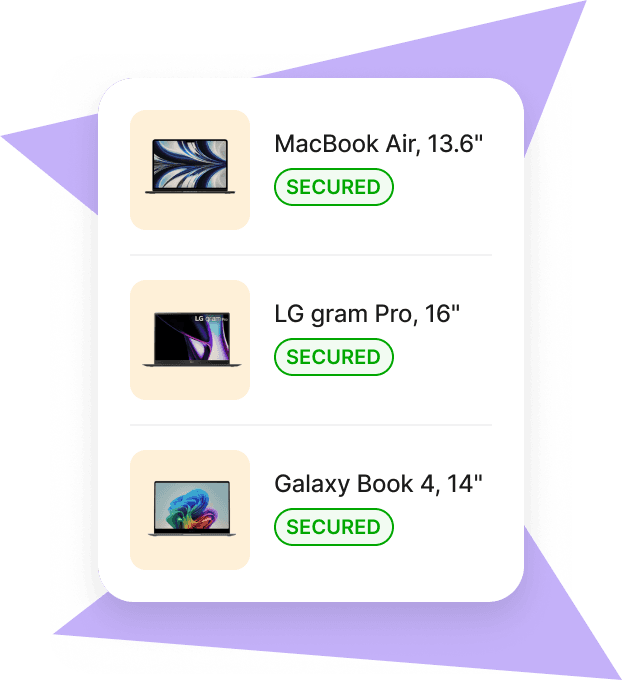
3. Create shipment and documents
Draft a commercial invoice with laptop model, HS code 8471.30 (for most portable laptops), declared value, and country of origin. Prepare the packing list, generate the Air Waybill (AWB), and include the consignee’s NIT tax ID, which is mandatory for clearance.
4. Submit for pre-clearance
Share documents with your Colombian customs broker in advance. Pre-clearance helps avoid delays in the DIAN (Dirección de Impuestos y Aduanas Nacionales) system, which often flags shipments for inspection if details are incomplete.
5. Package and hand off
Pack laptops in anti-static sleeves with foam inserts inside double-walled cartons. Affix lithium battery and fragile electronics labels, then deliver the shipment to your courier or arrange a forwarder pickup.
6. Track and resolve exceptions
Monitor the shipment through the carrier’s tracking portal. If DIAN requests additional documents (such as proof of origin under the U.S.–Colombia FTA or confirmation of value), provide them promptly to prevent storage fees.
7. Settle duties and coordinate last mile
Pay import duty (0–5% depending on classification) and 19% VAT, along with any customs processing fees. If you ship under Delivered Duty Paid (DDP) terms, the broker or courier handles payments; otherwise, employees may face charges at delivery.
8. Delivery to the employee
Once cleared, the laptops are delivered to the employee’s address in Colombia, usually within 5–10 business days for express shipments. Confirm receipt, verify device functionality, and update your company’s asset tracker.
See also: Mac vs PC for work: Pros, cons, and how to pick the right one
Sending laptops from USA to Colombia with Deel IT
Instead of managing encryption, packaging, paperwork, customs, and delivery yourself, Deel IT handles the entire workflow. Here’s what the same process looks like when you use Deel IT:
- Place the order: select the laptop model in the Deel IT platform and assign it to the employee.
- Configuration: devices are preconfigured to your specifications (OS, security settings, company standards).
- Compliance and paperwork: all customs forms, duties, and country-specific certifications are prepared and managed by Deel IT.
- Shipping: the device is shipped through Deel’s global logistics network and fully insured.
- Delivery: the laptop arrives at the employee’s address in Colombia, compliant and ready to use on day one.
- Lifecycle support: if the device is damaged, needs repair, or must be retrieved, Deel IT manages the reverse logistics.
Shipping laptops yourself vs with Deel IT
| Step | Doing it yourself | With Deel IT |
|---|---|---|
| Device preparation | Encrypt, reset, record serials manually | Preconfigured to your standards |
| Packaging | Source boxes, add padding, apply battery labels | Professionally packaged and labeled |
| Documentation | Create invoices, packing list, airway bill, file EEI | Documentation prepared and submitted |
| Customs clearance | Calculate duties, respond to broker queries | Duties prepaid, clearance managed |
| Shipping | Choose courier, track shipment, resolve delays | Shipped through Deel’s global network |
| Delivery | Employee sets up device after receipt | Device arrives ready to use |
| Returns & repairs | Arrange collection and service locally | Managed through Deel IT platform |
Device Lifecycle Management
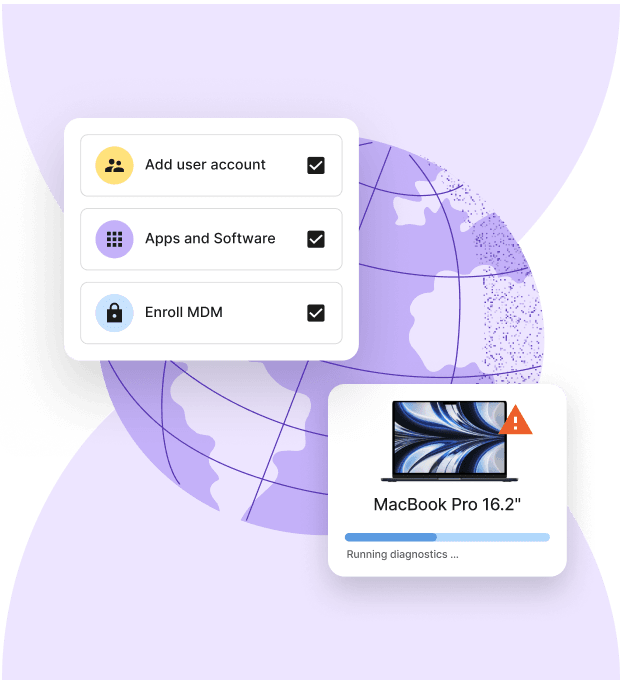
Global delivery coverage
Deel IT is not limited to shipping laptops from the USA to Colombia. We deliver to over 130 countries worldwide, including:
- Canada, Mexico, Brazil
- United Kingdom, Germany, France, Spain
- India, China, Japan, Singapore
- Australia, New Zealand, and more
Wherever your team is located, Deel IT ensures devices arrive on time, compliant, and ready to use. Find out more details on how companies worldwide are leveraging Deel IT in our Guide to The World at Work in 2025
When to ship vs when to procure locally
Not every situation calls for shipping laptops from the USA. In many cases, buying in-country is faster, cheaper, and less risky. Use this framework to decide.
Shipping from the USA is better when:
- You need a specific model that is not available locally
- You already have inventory in the USA ready to go
- You are equipping a small number of employees and want consistent hardware globally
- Duties and shipping costs are lower than local purchase prices
Procuring locally is better when:
- You need laptops delivered in a timely manner
- Local regulations make imports difficult (extra permits, high duties, or restrictions on used equipment)
- You are hiring in volume and want faster scaling without customs delays
- You want local warranty coverage and service availability
Break-even point:
Compare the total landed cost of shipping (device cost + freight + insurance + duties + admin time) with the cost of buying locally (device price + local taxes + vendor fees). The lower option is usually the smarter choice.
Case study
By switching to Deel IT’s global-first solution, Directional Pizza, the largest Pizza Hut franchise in the UK, can now hire across borders and seamlessly equip employees with the tech they need, wherever they are. IT assets are now procured, deployed, and managed across all countries from a single platform.
Practical checklists for shipping laptops to Colombia from USA
Use these quick-reference templates to prepare shipments consistently.
Commercial invoice checklist
- Full description of the laptop (brand, model, HS code 8471)
- Quantity and unit value in USD
- Serial numbers listed individually
- Country of origin (United States if claiming FTA benefits)
- Importer’s NIT tax ID (mandatory for clearance)
- Exporter’s name and address
- Terms of sale (e.g., DDP or DAP)
Packing list checklist
- List of all items in the shipment, including accessories (charger, cables, mouse)
- Number of cartons and total weight
- Dimensions of each carton
- Cross-reference to serial numbers on invoice
- Contact details of sender and consignee
Pre-shipment checklist
- Device encryption enabled and security software installed
- Lithium-ion battery compliance confirmed under IATA rules
- Certificate of origin prepared to claim duty-free entry under the U.S.–Colombia FTA
- Air Waybill (AWB) created with consignee and NIT details
- Documents shared with Colombian customs broker for pre-clearance
Employee delivery checklist
- Confirm laptop delivered to the correct employee in Colombia
- Verify customs clearance completed and all duties/taxes settled
- Update asset tracker with device assignment and serial number
- Ensure employee confirms full device functionality and access to required software
- Collect proof of delivery for compliance and audit purposes
Our previous provider’s inefficiencies caused delays, duplicate shipments, and logistical nightmares. Deel stepped in and completely transformed our IT operations.
—Cath Hammond,
People Operations Manager at Filtered
Simplify laptop shipping with Deel IT
Getting laptops from the USA into Colombia doesn’t have to mean chasing couriers, filling out customs forms, and managing duty payments yourself. You can do it manually, but every step adds time, risk, and extra work.
Deel IT simplifies cross-border laptop shipping by running the entire process end to end in one unified IT platform, across 130+ countries, with shipping and lifecycle actions triggered by HR data—from procurement through delivery and ongoing lifecycle support:
- Global device sourcing: Procure Macs and PCs from Deel IT’s device catalog based on role, budget, and business needs
- Reliable global delivery: Devices are shipped directly to employees in the UK and 130+ countries with a 99.5% on-time delivery rate
- Preconfigured devices: Laptops are prepared with required apps, security settings, and policies before they ship
- Compliance handling: Customs documentation, duties, VAT, and UK-specific requirements are managed automatically as part of the shipment
- Real-time tracking: Track shipments, delivery status, and device ownership from a single dashboard, from dispatch to receipt
- Automated lifecycle management: Onboarding, repairs, reassignments, and offboarding are triggered automatically, with actions synced to HR data and role changes
- 24/7 global IT support: Always-on support handles shipping issues, device problems, replacements, and access changes
Book a demo today and see how Deel IT helps you equip teams in Colombia and beyond.
Device Lifecycle Management
Michał Kowalewski a writer and content manager with 7+ years of experience in digital marketing. He spent most of his professional career working in startups and tech industry. He's a big proponent of remote work considering it not just a professional preference but a lifestyle that enhances productivity and fosters a flexible work environment. He enjoys tackling topics of venture capital, equity, and startup finance.


