
Article
6 min read
Best Laptops for Designers in 2026
IT & device management

Author
Dr Kristine Lennie
Last Update
July 07, 2026

Key takeaways
Designers have some of the most demanding hardware requirements of any knowledge worker: the wrong laptop can lead to bottlenecks in rendering, color accuracy, and multitasking that compound across every project.
Choosing the right laptop means matching specs to the specific type of design work: graphic design, motion, UX, or 3D and CAD each have distinct performance requirements.
Deel IT makes it straightforward for IT and HR teams to equip designers globally from a single platform. Choose from a catalog of 240+ devices and ship to 130+ countries with a 99.5% on-time delivery rate.
Designers push laptops harder than most. Between large file sizes, color-critical work, and applications like Adobe Creative Cloud, Figma, Blender, and AutoCAD running simultaneously, a machine that looks adequate on paper can become a daily frustration in practice. The stakes are higher than comfort — the wrong hardware slows creative output, creates rendering delays, and forces workarounds that erode productivity over time.
For IT and HR teams equipping distributed design teams, choosing the right hardware means balancing creative performance, budget, and global deployment. In this guide, we'll list the best laptops for designers currently on the market, explain which specifications matter most, and help you choose the right hardware for your design team.
What to prioritize when choosing a laptop for designers
The table below summarizes the key specifications IT teams should evaluate when selecting laptops for designers, along with practical recommendations for each.
| Criteria | Why it matters | Example options (and why) |
|---|---|---|
| Display quality and color accuracy | Designers work to precise color standards, so a display that cannot accurately reproduce sRGB or P3 colors can produce work that looks different in print or on other screens. | MacBook Pro and MacBook Air with Apple silicon offer full P3 wide color gamut coverage. Dell UltraSharp displays provide factory-calibrated color accuracy. |
| Processor performance | Design applications are CPU- and GPU-intensive. Rendering, exporting, and running multiple creative applications simultaneously require sustained performance rather than short bursts of speed. | Apple M-series chips deliver strong sustained performance. Intel Core Ultra 7 and AMD Ryzen 7 processors are well suited to demanding Windows-based creative workflows. |
| RAM | Large design files, multiple open applications, and browser-based tools such as Figma consume memory quickly. While 16GB is the minimum for most designers, 32GB or more is recommended for motion graphics and 3D work. | 16GB for graphic design and UX; 32GB for motion graphics, video editing, and 3D design |
| Storage speed and capacity | Design assets, project files, and creative application libraries require fast, high-capacity storage to avoid delays when opening or switching between projects. | 512GB minimum; 1TB recommended for designers working with video, animation, or 3D assets |
| GPU capability | Motion graphics, video editing, and 3D rendering rely heavily on GPU performance. Entry-level integrated graphics are often insufficient for these workloads. | Apple M-series chips provide strong integrated GPU performance through unified memory. Dedicated GPU options are available in Lenovo ThinkPad P Series and Dell Precision laptops. |
| Portability vs. screen size | Designers who travel or work across multiple locations need to balance portability with workspace. Larger displays improve productivity, while smaller devices are easier to carry. | MacBook Air 15-inch and MacBook Pro 16-inch suit designers who primarily work from a desk. Thirteen- and 14-inch models are better for frequent travel. |
| Global availability and procurement | Distributed design teams need hardware that can be sourced, shipped, and supported consistently across multiple countries. | Deel IT ships preconfigured laptops to more than 130 countries, simplifying global procurement and deployment. |
The best laptops for designers: matched to role and workflow
The laptops below are selected from the Deel IT catalog and matched to specific design disciplines. Every recommendation is role-based: the right machine depends on what the designer actually does, not just a general performance tier. The list covers the full range from graphic design and UX to motion graphics, 3D, and CAD, across both macOS and Windows.
1. MacBook Air 15.3" M5 16GB 512GB
For graphic designers, UX designers, and product designers who need a capable, portable machine without the weight or cost of a Pro, the MacBook Air 15" M5 is a strong all-round option. The 15.3" Liquid Retina display covers the full P3 wide color gamut, making it genuinely color-accurate for screen-based design work — not just adequate.
| Specification | Detail |
|---|---|
| Display | 15.3-inch Liquid Retina display with P3 wide color and True Tone |
| Processor | Apple M5 |
| Memory | 16GB unified memory |
| Storage | 512GB SSD |
| Weight | 1.51 kg |
| Battery life | Up to 18 hours |
| Connectivity | Two Thunderbolt 4 ports, MagSafe 3, 3.5mm headphone jack |
| Operating system | macOS |
| Approximate cost | From $1,299 |
Why this works: The M5 chip handles Adobe Creative Cloud, Figma, and Sketch without thermal throttling. The fanless design means sustained performance during long export sessions, not just short bursts. The 15" display gives designers meaningful screen real estate without requiring an external monitor in every working environment.
Best for: Graphic designers, UX/UI designers, product designers, and brand designers working primarily in 2D tools.
Lifecycle: Apple Silicon MacBooks have a strong 4-5 year lifecycle with consistent software support; the fanless design reduces mechanical failure risk over time.
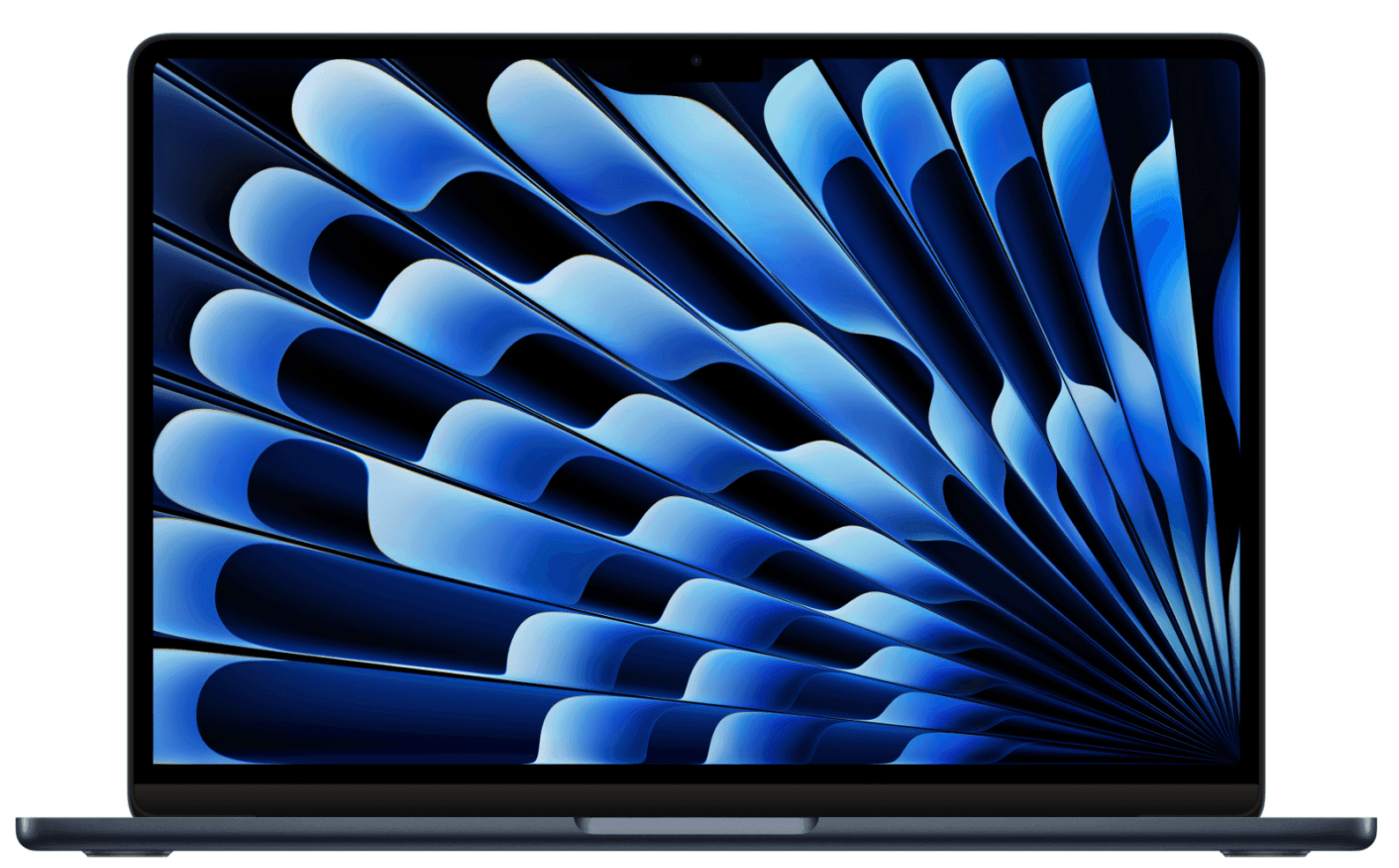
2. MacBook Pro 14.2" M5 Pro 15C 24GB 1TB
Motion graphics designers, video editors, and creative directors who run multiple demanding applications simultaneously need more than the Air can offer. The MacBook Pro 14" M5 Pro steps up with active cooling, a ProMotion display, and 24GB of unified memory: enough to run After Effects, Premiere, and Figma concurrently without memory pressure.
| Specification | Detail |
|---|---|
| Display | 14.2-inch Liquid Retina XDR display with ProMotion 120Hz and P3 wide color |
| Processor | Apple M5 Pro with 15-core CPU |
| Memory | 24GB unified memory |
| Storage | 1TB SSD |
| Weight | 1.62 kg |
| Battery life | Up to 17 hours |
| Connectivity | Three Thunderbolt 5 ports, HDMI, SD card slot, MagSafe 3 |
| Operating system | macOS |
| Approximate cost | From $2,199 |
Why this works: The M5 Pro's active cooling system sustains peak performance during long renders and exports, a meaningful difference from the Air when working with high-resolution video or complex motion projects. The ProMotion 120Hz display makes animation and motion work noticeably smoother to evaluate on-screen.
Best for: Motion graphics designers, video editors, creative directors, and senior designers running complex multi-application workflows.
Lifecycle: MacBook Pro M-series machines are built for 5+ year lifecycles; the SD card slot and HDMI port reduce dongle dependency for studio and on-location work.
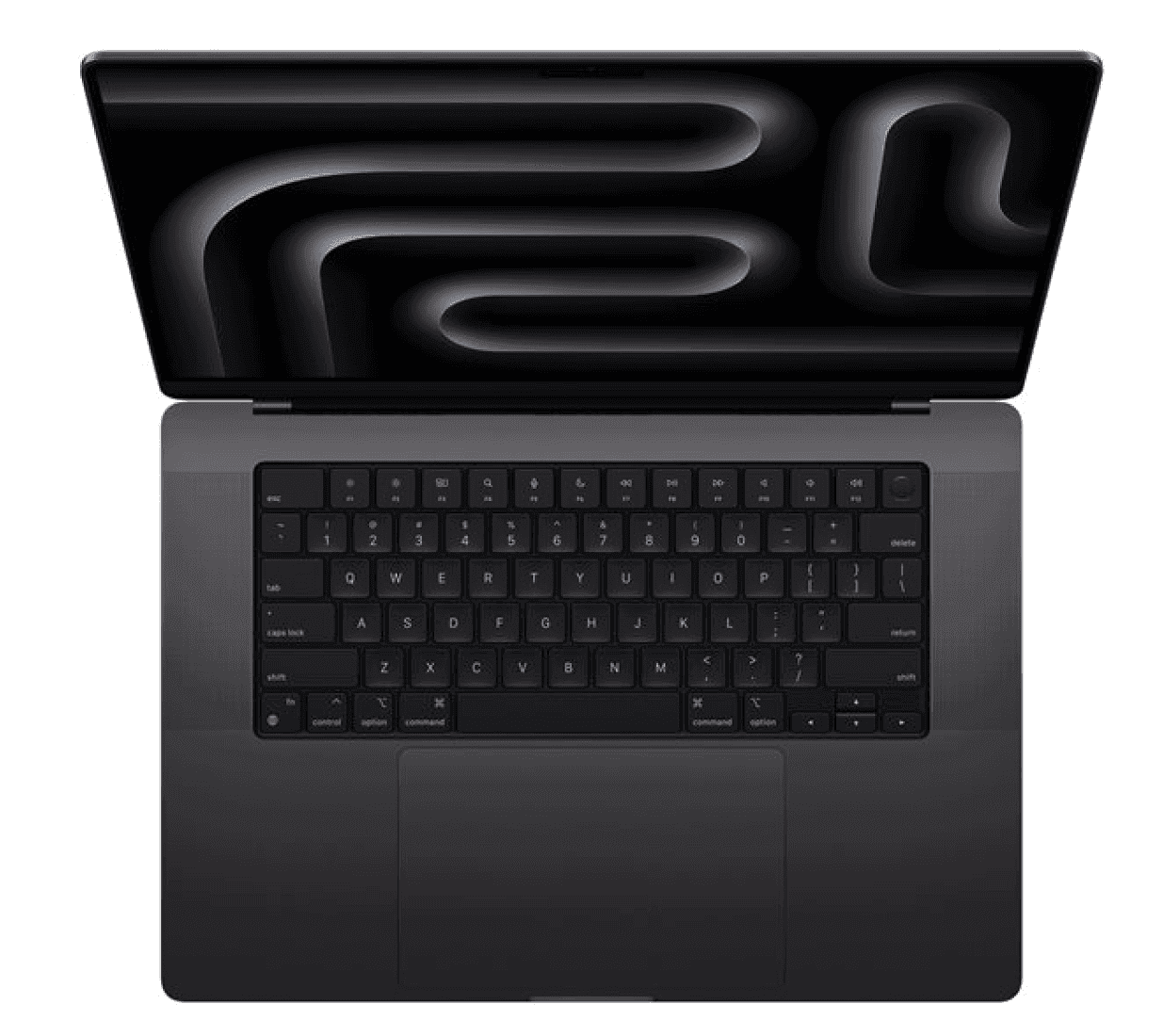
3. MacBook Pro 16.2" M5 Pro 18C 24GB 1TB
For designers who spend significant time in 3D, high-resolution video, or large-scale print production, the 16" screen size is a genuine workflow advantage. The MacBook Pro 16" M5 Pro delivers the same chip architecture as the 14" Pro but with a larger canvas, more thermal headroom, and a bigger battery for sustained studio sessions.
| Specification | Detail |
|---|---|
| Display | 16.2-inch Liquid Retina XDR display with ProMotion 120Hz and P3 wide color |
| Processor | Apple M5 Pro with 18-core CPU |
| Memory | 24GB unified memory |
| Storage | 1TB SSD |
| Weight | 2.14 kg |
| Battery life | Up to 24 hours |
| Connectivity | Three Thunderbolt 5 ports, HDMI, SD card slot, MagSafe 3 |
| Operating system | macOS |
| Approximate cost | From $2,699 |
Why this works: The larger display makes a tangible difference when working across multiple artboards, reviewing animation timelines, or evaluating print layouts at scale. The 18-core CPU configuration handles heavier rendering workloads than the 15-core 14" model, making it the right choice for designers whose primary bottleneck is sustained compute performance.
Best for: Senior designers, art directors, 3D generalists, and designers working in large-format print, packaging, or complex motion projects.
Lifecycle: Expected 4–5-year lifespan for demanding creative workloads. The additional performance headroom makes it well suited to organizations with longer device refresh cycles.
4. Dell Precision Mobile Workstation 3591 15.6", Ultra 7 16GB 512GB
For creative professionals working with motion graphics, video production, 3D animation, and other media-intensive workflows, the Dell Precision Mobile Workstation 3591 is built to deliver sustained performance throughout long rendering and editing sessions. Unlike standard business laptops, the Precision series is engineered for professional creative applications that place continuous demands on CPU and graphics resources.
| Specification | Detail |
|---|---|
| Display | 15.6-inch display |
| Processor | Intel Core Ultra 7 |
| Memory | 16GB |
| Storage | 512GB SSD |
| Weight | Varies by configuration |
| Battery life | Up to 10 hours |
| Connectivity | Thunderbolt 4, USB-A, HDMI, Ethernet, SD card reader |
| Operating system | Windows 11 Pro |
| Approximate cost | From $1,719 |
Why this works: For creative professionals working with motion graphics, video production, 3D animation, and other media-intensive workflows, the Dell Precision Mobile Workstation 3591 is built to deliver sustained performance throughout long rendering and editing sessions. Unlike standard business laptops, the Precision series is engineered for professional creative applications that place continuous demands on CPU and graphics resources.
Best for: Windows-based graphic designers, video editors, product designers, CAD users, architects, and creative professionals running demanding Adobe, Autodesk, or other professional design applications.
Lifecycle: Motion graphics designers, video editors, VFX artists, 3D artists, animation professionals, and creative teams working with Adobe Creative Cloud, DaVinci Resolve, Blender, Cinema 4D, or similar production software.
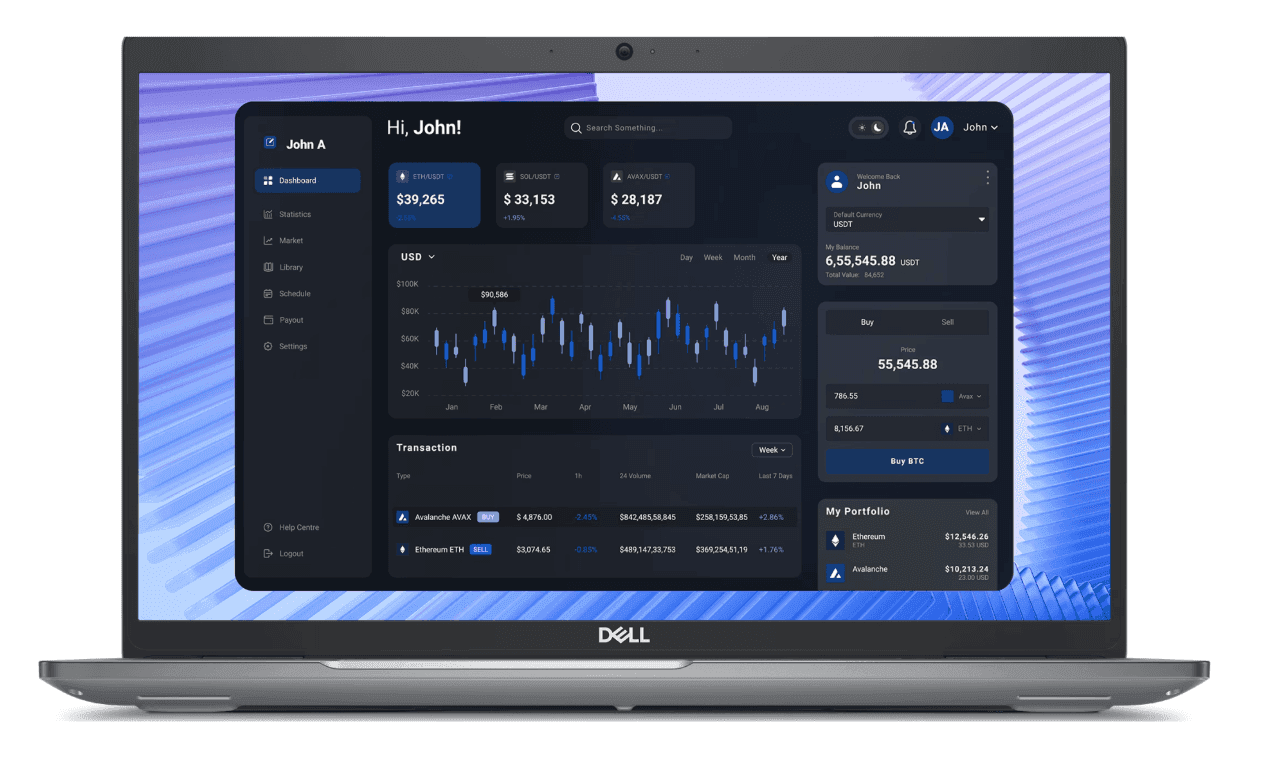
5. HP ZBook 8 G1i 14", Ultra 7 32GB 1TB
Designers working in industrial design, product development, architecture, or architectural visualization need hardware capable of handling complex models and compute-intensive design software. The HP ZBook 8 G1i is HP's flagship mobile workstation, combining workstation-class performance with the portability needed for professionals moving between the office, client sites, and project locations.
| Specification | Detail |
|---|---|
| Display | 14-inch IPS display |
| Processor | Intel Core Ultra 7 |
| Memory | 32GB |
| Storage | 1TB SSD |
| Weight | Approximately 1.6 kg |
| Battery life | Up to 12 hours |
| Connectivity | Thunderbolt 4, USB-A, HDMI, headphone jack |
| Operating system | Windows 11 Pro |
| Approximate cost | From $3,399 |
Why this works: The ZBook is HP's professional mobile workstation, designed for sustained performance in engineering and design applications. With 32GB of memory and a 1TB SSD, it comfortably handles large CAD assemblies, product visualization, architectural models, rendering, and other technically demanding creative workflows.
Best for: Industrial designers, product designers, architects, architectural visualization specialists, CAD designers, and creative professionals working with Autodesk applications, Rhino, KeyShot, SolidWorks, or similar design software.
Lifecycle: HP ZBook workstations are built for enterprise environments with long-term serviceability and support. A 4–5-year lifecycle is realistic for organizations running demanding creative and technical workloads.
Find out how to choose IT equipment for any role.
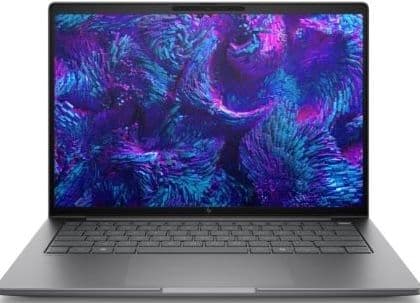
6. MacBook Air 13.6" M4 16GB 256GB
For junior designers, design interns, or team members doing lighter design work (e.g., social media assets, presentation design, or basic photo editing) the MacBook Air 13" M4 delivers genuine design capability at a lower price point. It runs the full Adobe Creative Cloud suite and Figma without issue, making it a practical choice for roles where the heaviest workloads are occasional rather than constant.
| Specification | Detail |
|---|---|
| Display | 13.6-inch Liquid Retina display with P3 wide color and True Tone |
| Processor | Apple M4 |
| Memory | 16GB unified memory |
| Storage | 256GB SSD |
| Weight | 1.24 kg |
| Battery life | Up to 18 hours |
| Connectivity | Two Thunderbolt 4 ports, MagSafe 3, 3.5mm headphone jack |
| Operating system | macOS |
| Approximate cost | From $999 |
Why this works: The M4 chip is more than capable of 2D design work, and the P3 display ensures color accuracy that cheaper consumer laptops can't match. The 256GB storage is a constraint for asset-heavy workflows, but for designers working primarily in cloud-based tools or with external storage, it's a practical entry point.
Best for: Junior designers, design interns, marketing coordinators doing design work, and team members using design tools occasionally rather than as their primary workflow.
Lifecycle: Strong 4-5 year lifecycle; the 256GB storage may require external storage or cloud asset management as project libraries grow.
How Deel IT equips design teams globally, and keeps them creating
Design teams depend on powerful, color-accurate hardware to do their best work. Whether they're designing product interfaces, editing video, creating motion graphics, or working with large creative files, the wrong laptop—or delays getting the right one—can slow projects, interrupt collaboration, and reduce creative output.
Deel IT is a global IT operations platform that handles device procurement, Mobile Device Management (MDM), access provisioning, and 24/7 support from a single system. Every laptop in this guide is available directly from the Deel IT catalog—240+ items, shipped to 130+ countries, with a 99.5% on-time delivery rate. Whether you're equipping a designer in New York, Barcelona, or Tokyo, the same procurement workflow applies, with no regional resellers or customs surprises.
Here is what Deel IT handles across the design laptop lifecycle:
Global procurement across 130+ countries: Source creative workstation laptops, configure them, and ship pre-configured devices to designers anywhere in the world, ensuring every employee receives hardware suited to their role, on time
Pre-configured hardware from day one: Devices arrive with MDM enrollment, security policies, and role-appropriate configurations already applied, so designers can start creating immediately
Centralized fleet visibility: Track every device across ownership, status, location, and cost in real time, without relying on spreadsheets or manual asset tracking
Fast repair and replacement: If a designer's laptop fails, Deel IT manages the replacement process, minimizing downtime and helping creative work continue without unnecessary delays
Certified data erasure at offboarding: When employees leave, device recovery is triggered, with remote lock capabilities and certified data wipe available to protect creative assets and company data
24/7 global IT support: Designers working across time zones can access IT support whenever they need it, helping resolve issues without disrupting deadlines
License and app management: Creative software and SaaS applications are provisioned alongside hardware, ensuring designers have access to the tools they need from day one, with access removed automatically during offboarding
Book a demo with Deel IT and see how you can equip your entire design team from one platform.
Deel IT
Automate IT operations in 130+ countries

FAQs
What RAM do I need for a designer's laptop?
For most graphic design and UX work, 16GB is the practical minimum — it handles Adobe Creative Cloud, Figma, and browser-based tools running simultaneously without significant memory pressure. For motion graphics, video editing, or 3D work, 32GB is the more appropriate baseline. Apple's unified memory architecture means 16GB on an M-series MacBook performs closer to 24-32GB on a comparable Windows machine, because the GPU and CPU share the same memory pool rather than competing for separate allocations.
Should designers use Mac or Windows?
For most design disciplines — graphic design, UX, motion graphics, and brand work — macOS is the more common choice, primarily because of display quality, color accuracy, and the performance characteristics of Apple Silicon. That said, Windows is the right choice for designers working in CAD, architectural visualization, or environments where software compatibility or organizational IT infrastructure requires it. The best approach is to match the operating system to the tools the designer actually uses, not to a blanket policy.
Is 256GB storage enough for a designer?
For designers working primarily in cloud-based tools like Figma or storing assets in cloud storage, 256GB can work — but it requires active file management and discipline about what stays local. For designers working with large Photoshop files, video assets, or 3D project libraries, 512GB is the practical minimum, and 1TB is preferable. Storage constraints create friction that compounds over time, so it's worth sizing up if the role involves asset-heavy workflows.
How often should designer laptops be refreshed?
For Apple Silicon MacBooks, a 4-5 year refresh cycle is realistic — the performance headroom built into M-series chips means they remain capable for demanding design work well into their lifecycle. For Windows machines, a 3-4 year cycle is more typical, particularly for workstation-class machines running GPU-intensive applications. The trigger for refresh should be performance degradation affecting creative output, not a fixed calendar date — a machine that still handles the workload cleanly doesn't need replacing.
Dr Kristine Lennie holds a PhD in Mathematical Biology and loves learning, research and content creation. She had written academic, creative and industry-related content and enjoys exploring new topics and ideas. She is passionate about helping create a truly global workforce, where employers and employees are not limited by borders to achieve success.











