
Article
4 min read
A Complete Guide to Endpoint Protection with Real‑Time Monitoring and Incident Response
IT & device management

Author
Anna Grigoryan
Last Update
October 07, 2026
Table of Contents
Understanding endpoint protection and its importance
Core technologies for endpoint protection
Endpoint protection that integrates with existing security tools
Key capabilities of endpoint protection software with centralized management
How to implement endpoint protection
How Deel IT provides endpoint protection with centralized management and existing tool integrations
FAQ
To protect endpoints with real-time monitoring and incident response, use software that centralizes threat detection, policies, alerts, and response while integrating with your existing security and IT tools. Deel IT provides these capabilities alongside device management, application access, and worker lifecycle workflows, giving global teams a connected way to manage endpoint security.
Modern endpoint protection goes beyond traditional antivirus. It continuously monitors devices for suspicious activity and gives security teams tools to investigate, contain, and respond to threats in real time. EDR and XDR platforms extend these capabilities by collecting and analyzing security data across endpoints and, in the case of XDR, other parts of the security environment.
For organizations comparing endpoint protection software that integrates with existing security tools and provides centralized management, detection capabilities are only part of the decision.
The platform also needs to work with the existing security stack and provide centralized management for devices, policies, alerts, and response actions. This guide explains the technologies involved, the capabilities to look for, and how to build endpoint protection into broader IT and security operations.
Understanding endpoint protection and its importance
Endpoint protection secures devices such as laptops, desktops, servers, and mobile devices against malware, ransomware, and other threats. Modern endpoint protection combines prevention with continuous monitoring, threat detection, investigation, and response.
This has become more important as organizations manage devices across offices, remote locations, and BYOD environments. IT and security teams need visibility across these endpoints and a consistent way to apply security policies, detect threats, and respond when something goes wrong.
For this reason, endpoint protection has moved beyond traditional antivirus. Many platforms now combine endpoint protection with EDR or XDR capabilities and integrate with other security tools to provide more centralized visibility and response.
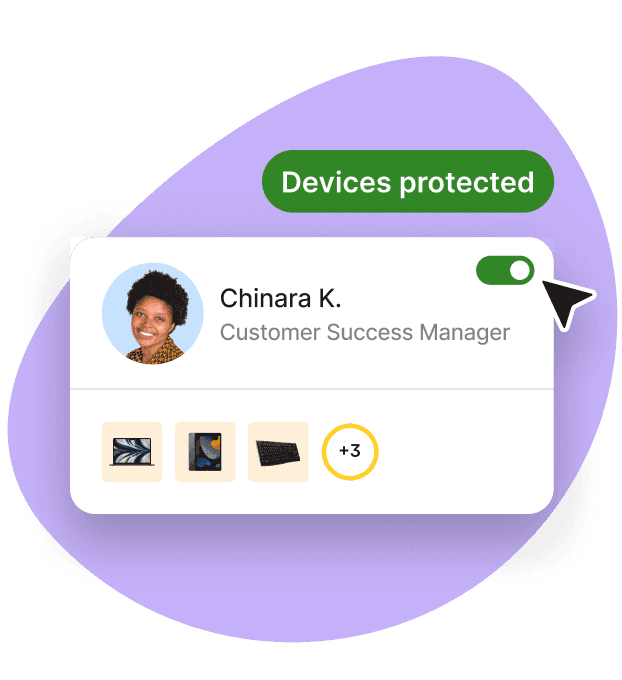
Endpoint Protection
Built-in device protection from day one
Core technologies for endpoint protection
Endpoint detection and response (EDR)
Endpoint detection and response (EDR) continuously monitors endpoints for suspicious activity. It collects information about activity on devices and helps security teams detect, investigate, and respond to threats.
Depending on the platform, response actions can include isolating an affected device, terminating malicious processes, quarantining files, or starting further investigation. This gives teams more visibility and response capabilities than traditional antivirus alone.
Extended detection and response (XDR)
Extended detection and response (XDR) builds on EDR by connecting security data from multiple sources. Depending on the platform, this can include endpoints, identity systems, networks, email, cloud services, and other security tools.
By correlating activity across these systems, XDR can help teams understand how an incident is developing and respond across more than the affected endpoint.
Endpoint protection that integrates with existing security tools
Endpoint protection rarely operates on its own. Organizations may need it to work with existing security and IT tools so endpoint activity can be monitored and managed as part of the wider security environment.
Common integrations include:
SIEM: Collects and analyzes security events from endpoints and other systems in a central location.
SOAR: Connects security tools and automates predefined incident response workflows.
Threat intelligence: Adds information about known and emerging threats to help identify and investigate suspicious activity.
Identity and access management: Connects endpoint activity with user identities and access controls.
Device management: Helps IT teams apply policies and maintain visibility across managed devices.
When comparing endpoint protection software, look at both the integrations available and what can be managed centrally. A platform that connects with your existing stack can reduce disconnected workflows and give IT and security teams a clearer view of devices, policies, threats, and response actions.
Key capabilities of endpoint protection software with centralized management
When comparing endpoint protection software, consider how well it detects and responds to threats and what your team can manage centrally.
Real-time monitoring and threat detection: Modern endpoint protection continuously monitors device activity to identify suspicious behavior. EDR and other advanced tools can use behavioral analysis to detect unusual activity and threats that traditional signature-based antivirus may miss.
Automated incident response: Endpoint protection platforms can respond when threats are detected by isolating compromised devices, terminating malicious processes, or quarantining files. Some platforms also support approval controls for sensitive actions.
Centralized management: A central console gives IT and security teams one place to monitor endpoints, apply policies, review alerts, and manage response actions. Check what can actually be managed centrally, as capabilities may vary by operating system, product, or license.
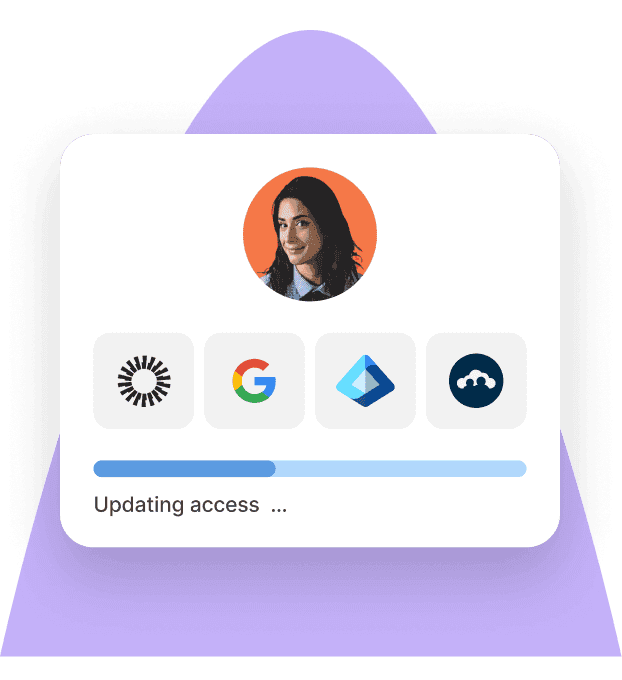
Identity Access Management
Seamlessly provision device and app access for global teams
How to implement endpoint protection
A successful endpoint protection rollout starts with understanding what you need to protect and how the software will fit into your existing IT and security environment.
Step 1: Inventory your endpoints and requirements
Identify the devices, operating systems, users, and locations you need to protect. Consider your security and compliance requirements, existing device management processes, and whether employees use company-owned or personal devices.
This gives you a baseline for evaluating operating system coverage, security controls, and management requirements.
Step 2: Choose software that fits your existing stack
Compare endpoint protection platforms based on threat detection and response capabilities, integrations, and centralized management. Consider whether the software works with your identity provider, device management tools, SIEM or SOAR platform, and other security systems you already use.
Also consider whether you need a dedicated endpoint security product or a broader platform that connects endpoint protection with device management and other IT operations.
Step 3: Deploy and configure endpoint protection
Roll out endpoint protection across your device fleet and apply consistent security policies. Confirm that devices are enrolled correctly, required protections are active, and endpoint data is reaching the systems your IT and security teams use for monitoring.
For distributed teams, standardized deployment and policy management can help maintain consistent protection across locations.
Step 4: Monitor, test, and improve
Use your central management console to monitor endpoint coverage, alerts, and policy compliance. Review response procedures, test how your team handles common incidents, and adjust policies or automation as your environment and security requirements change.
Regular reviews can also identify unmanaged devices, coverage issues, and integrations that are no longer working as expected.
How Deel IT provides endpoint protection with centralized management and existing tool integrations
Deel IT is a global IT operations solution that runs device, application access, security, support, and recovery workflows across the worker lifecycle — from onboarding through offboarding. It combines built-in endpoint protection (powered by CrowdStrike) with device lifecycle management, application access, security controls, and 24/7 global IT support. IT teams can connect security with the workflows used to procure, deploy, manage, support, and recover devices.
For distributed and global teams, Deel IT can help:
Centralize device management: Maintain visibility over devices and apply security policies across a distributed fleet through one central system of execution.
Protect endpoints: Built-in endpoint protection, powered by CrowdStrike, is managed natively alongside device policies and other security controls — not bolted on as a separate integration.
Connect security to worker lifecycle events: Trigger IT workflows as employees join, change roles, and leave, driven by HRIS connections to BambooHR, Workday, and HiBob.
Manage application access: Provision and revoke access based on worker lifecycle events and company policies, with role-based access management and app license management.
Manage the full device lifecycle: Procure, deploy, track, repair, recover, store, and reuse equipment across 130+ countries, with a 99.5%+ on-time delivery rate.
Support employees globally: Provide 24/7 IT support across all time zones as a standard inclusion, not an add-on.
Book a demo to see how Deel IT can simplify endpoint protection and global IT management.
FAQ
What endpoint protection software integrates with existing security tools and provides centralized management?
Deel IT, CrowdStrike Falcon, Microsoft Defender for Endpoint, and SentinelOne are examples of platforms that provide centralized endpoint protection and integrate with existing security and IT tools. Deel IT also connects endpoint protection with device management, application access, and worker lifecycle workflows, making it particularly relevant for distributed and global teams.
What should I look for when comparing endpoint protection platforms?
Prioritize real-time threat monitoring, detection and response capabilities, centralized policy management, and integrations with the tools you already use. Also consider operating system coverage, automation, reporting, and how easily your team can investigate and respond to incidents from a central console.
Does endpoint protection integrate with identity and access management tools?
Many endpoint protection platforms integrate with identity and access management systems to connect device security with user identity and access controls. These integrations can help teams coordinate security actions when employees join, change roles, or leave the organization.
Can endpoint protection be managed centrally across global or remote teams?
Yes. Centralized management allows IT and security teams to monitor distributed endpoints, enforce security policies, review alerts, and take response actions without needing physical access to each device.
How does Deel IT provide endpoint protection?
Deel IT provides built-in endpoint protection powered by CrowdStrike alongside centralized device management, application access, and device lifecycle workflows. For global teams, these capabilities can be managed alongside HR and identity integrations, 24/7 IT support, and device operations across 130+ countries.
What is the difference between EDR and XDR?
Endpoint detection and response (EDR) focuses on detecting, investigating, and responding to threats on endpoint devices. Extended detection and response (XDR) brings together security data from multiple sources—such as endpoints, identity, email, networks, and cloud environments—to provide broader threat visibility and investigation.
Anna Grigoryan is an SEO and Content Manager with 6+ years of experience in digital marketing and content strategy. She specializes in optimizing & creating high-impact, search-driven content in the tech and HR space, with a focus on global work, people operations, and the evolving world of employment. When she’s not optimizing content for growth, she’s exploring new trends in marketing and technology. Connect with her on Linkedin.











