Article
5 min read
How to Handle a Last-Minute Device Request for a New Hire: An IT Manager's Guide
IT & device management

Author
Dr Kristine Lennie
Last Update
November 19, 2026

Table of Contents
Why a late request becomes an IT problem
Step 1: Place the order the same day the request lands
Step 2: Run approvals in parallel
Step 3: Set up access while the device is on its way
Step 4: Connect HR and IT before the next hire
Before the next request: your day-one readiness checklist
How Deel IT helps prevent last-minute device requests
FAQ
The key to handling a last-minute new hire device request is ordering locally same-day, running approvals and access setup in parallel, and fixing the HR-to-IT handoff so future requests reach IT before they’re urgent. Deel IT Self-Serve makes same-day ordering possible across 130+ countries: no contract, no vendor setup, just a credit card checkout.
When IT finds out about a new hire only days before their start date, there’s very little room for procurement delays. The device still needs to be sourced, configured, and delivered, often in a country where the company doesn’t already have a vendor or stock on hand.
For growing teams, this kind of last-minute scramble often starts well before the request reaches IT. The handoff from HR happens too late, procurement takes too many steps, or both.
A late request doesn’t have to mean a late device. This guide covers how to move quickly when time is tight, remove the delays that slow down procurement and provisioning, and build a better HR-to-IT process so the next request reaches IT before it becomes urgent.
Why a late request becomes an IT problem
Getting a device to a new hire involves more than delivery. IT may need to source the right hardware, secure approval, place the order, and make sure the device is properly configured. When the request comes in late, there’s much less time to complete those steps.
The biggest delays usually come from:
Procurement: Checking stock, confirming the right device, and placing the order all take time. If you don’t already have a supplier that can deliver to the employee’s location, sourcing can add another step.
Approvals: Finance sign-off, manager approval, or purchase order requirements can hold up an otherwise ready order.
Delivery: Stock location, shipping distance, and, where relevant, cross-border shipping and customs can all affect whether the device arrives before the start date.
Configuration: If configuration happens after delivery, IT still needs to enroll the device in Mobile Device Management (MDM) and apply the right policies before it’s ready for work.
The goal is to remove or run these steps in parallel wherever possible, without compromising security or day-one readiness. Here’s where to start.
Step 1: Place the order the same day the request lands
When the request arrives late, the first priority is getting the device moving. Avoid turning an urgent request into a long procurement exercise. Use the information you already have, follow your approved purchasing process, and resolve only the decisions that could prevent you from placing the order.
Before ordering, focus on the factors that have the biggest impact on speed and day-one readiness:
Check local availability first: Look for a device that can be fulfilled within the hire’s country. Local fulfillment avoids the added time and uncertainty of cross-border shipping and customs.
Use an approved device spec: If you already have a standard device for the employee’s role, use it rather than starting a new specification process. Escalate only when the role genuinely requires different hardware.
Use the fastest approved payment route: If company policy allows credit card checkout, it can avoid the additional steps involved in requesting a quote, raising a purchase order, or setting up a new vendor.
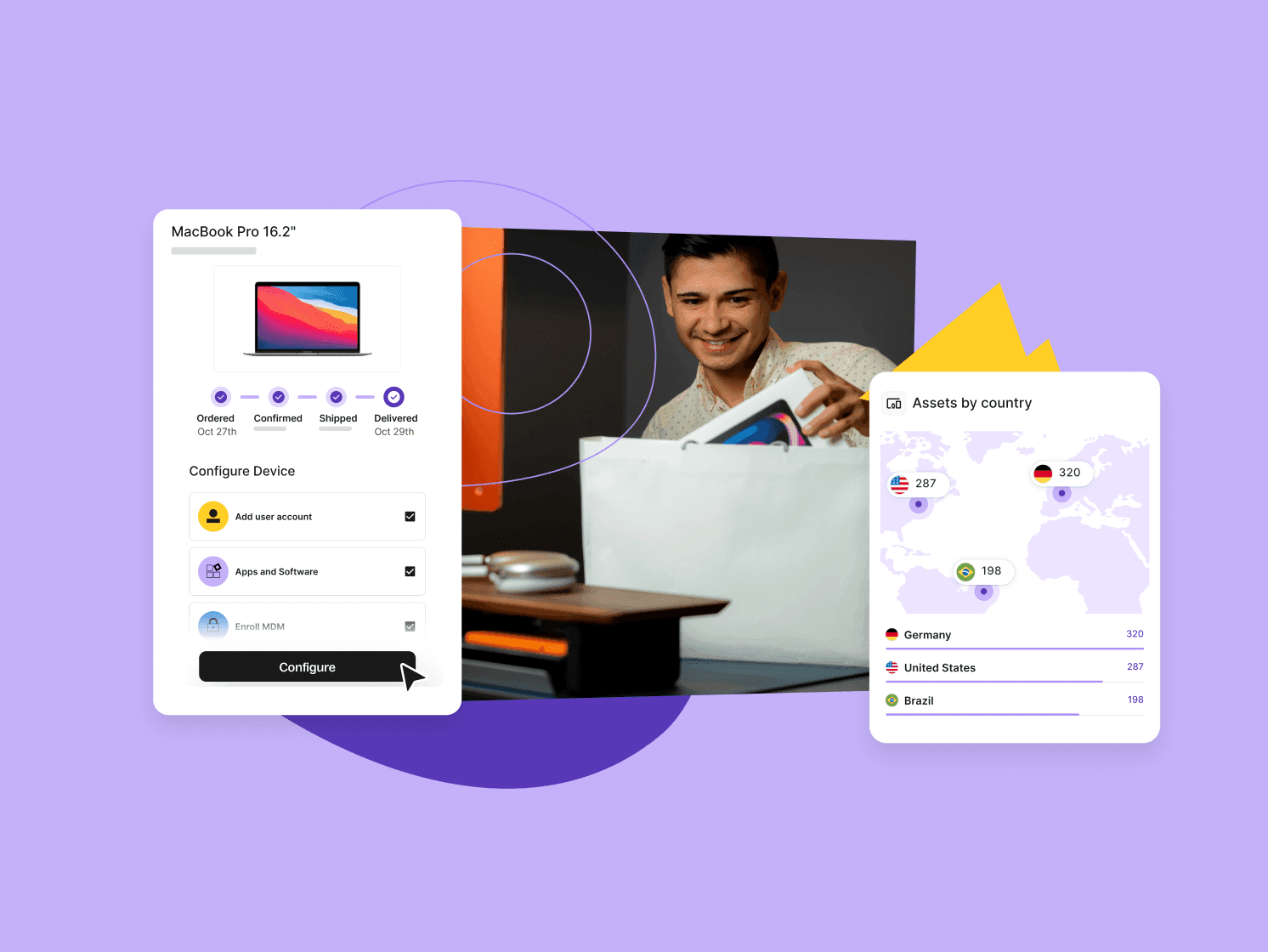
Check how the device will be configured: Confirm whether Mobile Device Management (MDM) enrollment and required policies can be applied before the device reaches the employee. Getting the laptop there quickly only solves half the problem if it isn’t ready for work.
Explore Deel IT Self-Serve → Browse devices and accessories, configure for the destination country, and check out by credit card — no sales call, no contract, no seat minimum. Your first order can ship today.
See also: Why new hires start without equipment
Step 2: Run approvals in parallel
Once you’ve identified the device and fulfillment path, start the approval process immediately. Don’t wait until every part of the order is finalized if your approver already has enough information to make a decision.
The goal is to keep approval from becoming another sequential step between the request and the order. While IT confirms availability and configuration, the relevant approver can review the purchase at the same time.
To keep things moving:
Give approvers the information they need to decide: Share the hire’s country and start date, the proposed device, the expected cost, and when approval is needed. Keep the request focused on the decision rather than the procurement process behind it.
Make the delivery window clear: Explain when the order needs to be placed to have the best chance of arriving before the employee starts. “Urgent” is vague; a clear deadline gives the approver something to act on.
Prepare an approved alternative: Local availability can change. If the preferred device isn’t available, having a suitable alternative ready prevents another round of sourcing and approval.
Confirm the payment route at the same time: Check whether the purchase will go through a company card, purchase order, or another approved route before you reach checkout. The aim is to resolve payment and approval while the device is being sourced, not afterward.
Running approval, sourcing, and configuration in parallel can recover valuable time without bypassing your organization’s purchasing controls.
For an urgent purchase, the Deel IT Self-Serve catalog provides another route: teams can browse locally available devices and place an order online without a sales call or contract.
Read: Top IT procurement challenges and how to solve them
Step 3: Set up access while the device is on its way
Getting the device to the new hire on time is only part of day-one readiness. The employee also needs access to the apps and accounts required for their role. Treat device delivery and access setup as parallel workstreams rather than waiting for one to finish before starting the other.
Access can be prepared before the device arrives. Focus on what the employee needs to sign in and start working on day one:
Define the essential apps for the role: Identify the email, communication, and role-specific tools the employee needs from their first day. Use an existing role-based set where possible rather than provisioning applications one by one.
Use HR events to trigger access changes: If your setup supports it, connect access workflows to employee data such as start date, role, and department. This reduces the manual work required for each new hire and helps make sure access changes happen at the right point in the employee lifecycle.
Prepare SSO and MFA: Make sure Single Sign-On (SSO) and Multi-Factor Authentication (MFA) requirements are accounted for before the employee starts. The goal is for the new hire to be able to authenticate securely from day one, not discover missing setup when they first try to log in.
Give someone ownership: If access still requires manual work, assign a clear owner and confirm what needs to be ready before the start date. In a last-minute onboarding, access can easily be overlooked while everyone focuses on getting the hardware delivered.
Running device delivery and access setup in parallel means the employee receives more than a laptop. They have the secure access they need to start working.
Read: Identity and access management with Deel IT
Step 4: Connect HR and IT before the next hire
The steps above help recover a late device request. The next priority is preventing the same scramble from happening again.
If IT relies on someone remembering to send a message after a hire is confirmed, the process has a built-in delay. Instead, the employee lifecycle should drive the IT work that follows: when someone joins, changes roles, or leaves, IT should have the information and workflows in place to act at the right time.
Here’s what to put in place:
Define the HR-to-IT trigger: Decide which event starts the IT process, such as a new hire being confirmed in your HRIS, and what information IT needs to act. At a minimum, that could include the employee’s role, location, start date, and device requirements.
Agree on a lead time: Set a minimum notice period for device requests based on your procurement and delivery capabilities. Make the expectation clear to HR and hiring managers so everyone knows when IT needs the information to deliver a day-one-ready device.
Automate the handoff where possible: Connect the trigger to the next IT actions rather than relying on someone to copy information into an email or Slack message. Depending on your setup, a hire event can initiate device, configuration, and access workflows automatically.
Review where the process breaks: Track whether IT received the right information on time, whether the device arrived before the start date, and whether access was ready. Use those gaps to improve the workflow rather than treating every late request as an isolated incident.
This won’t prevent every urgent request. Start dates change, and hires can be confirmed at short notice. But it removes a major source of avoidable delay: IT learning about an employee only after the clock has already started ticking.
How Deel IT helps: Deel IT connects IT operations with your HR data, so employee events can trigger device and access workflows automatically. As people join, move roles, or leave, IT can manage devices and grant or revoke access without relying on manual handoffs.
Read: Integrating IT lifecycle management with global HR
Before the next request: your day-one readiness checklist
Use this checklist to remove the common delays before your next new hire request arrives.
| What to put in place | Why it matters | Done |
|---|---|---|
| Connect your HR-to-IT workflow | IT can act as soon as a hire is confirmed instead of waiting for a manual handoff | ☐ |
| Establish a procurement path for every country where you hire | IT can order without finding and setting up a new local vendor each time | ☐ |
| Standardize device options by role | IT can choose an approved device without restarting the specification and approval process for every hire | ☐ |
| Enroll devices in MDM before delivery | New hires receive devices with the required management and security policies already applied | ☐ |
| Agree on minimum lead times with HR and hiring managers | Everyone knows how much notice IT needs to prepare a device for day one | ☐ |
| Connect access changes to employee events | Joiner, mover, and leaver events can trigger the right access changes instead of relying on manual requests | ☐ |
How Deel IT helps prevent last-minute device requests
The best way to handle a last-minute device request is to prevent it from becoming last-minute in the first place. Deel IT connects employee events with IT workflows, so device and access processes can start when a hire is confirmed rather than when IT receives a request days later.
When a late request does happen, IT also has a consistent way to source, configure, deliver, and support the device without building a new procurement process for each country.
Here’s how Deel IT brings that together:
Device Lifecycle Management across 130+ countries: Buy, configure, ship, track, repair, recover, and retire devices without managing a network of local IT vendors. Local fulfillment also reduces the delays and uncertainty that come with cross-border shipping.
Device management from day one: Enroll devices in MDM and apply the required configurations and security policies so employees can receive hardware that’s ready for work.
Access tied to employee events: Deel IT syncs with HRIS data so joiner, mover, and leaver events can trigger the right access changes across systems such as Okta, Microsoft Entra, and Google Workspace.
IT support wherever employees work: Connect employees with qualified IT engineers who can resolve device, access, and configuration issues after the employee is up and running.
Together, these workflows give IT one process from hire confirmation through device delivery and access setup, while reducing the manual handoffs that turn routine onboarding into an urgent request. Book a demo to see how.
Deel IT
Procure, deliver, manage, and secure devices anywhere

FAQ
What should I do if the start date is fewer than five days away and I haven't placed an order yet?
Place the order immediately — today, not tomorrow. Use a platform with local warehouse fulfillment in the hire's country, which removes customs delays and typically delivers within 2–4 days. If the platform offers express delivery, use it. In parallel, confirm whether a loaner device is available as a bridge — a pre-enrolled spare that can be shipped or handed over while the permanent device is in transit. The worst outcome is waiting another day to gather information before acting.
Can I order a device for a new hire in a country where we've never hired before?
Yes, if your procurement platform has local warehouse coverage in that country. The key question to ask before placing the order is whether the device ships from within the country or crosses a border — cross-border shipments add customs processing time that can push a tight timeline past the start date. Deel IT ships from its own warehouses in 130+ countries, which means local fulfillment is available in most markets without any additional vendor setup.
What if the new hire's manager hasn't confirmed the device spec yet?
Use your standard configuration for that role type and place the order. Waiting for manager input on spec is one of the most common sources of delay in last-minute situations, and in most cases the standard spec is exactly what the manager would have chosen anyway. If there's a genuine exception — a developer who needs a higher-spec machine, a designer who needs a specific display — it can be flagged and handled as a follow-up. Don't let a spec conversation hold up an order that needs to go out today.
How do I handle access provisioning when there's no time to go through the normal process?
Prioritize the core application set — email, communication tools, and any system the employee needs on day one — and provision those manually if your identity provider doesn't support automated provisioning. SSO and MFA should be configured before the start date, not after. If your current setup requires a ticket and a queue for every new hire, that's the process to fix after this hire is onboarded. In the short term, name a specific person responsible for access for this hire and give them a checklist of what needs to be ready before the start date.
About the author
Dr Kristine Lennie holds a PhD in Mathematical Biology and loves learning, research and content creation. She had written academic, creative and industry-related content and enjoys exploring new topics and ideas. She is passionate about helping create a truly global workforce, where employers and employees are not limited by borders to achieve success.