
Article
6 min read
Best Laptops for HR and People Ops in 2026
IT & device management

Author
Dr Kristine Lennie
Last Update
July 07, 2026

Key takeaways
HR and People Ops professionals work across a mix of HRIS platforms, video calls, document-heavy workflows, and sensitive employee data, and their laptop needs reflect that blend of performance, portability, and security.
Choosing the right device isn't just about specs: global IT teams need hardware that ships reliably, enrolls in MDM at provisioning, and meets compliance requirements across every country they hire in.
All laptops featured in this article are available directly from the Deel IT catalog, which covers 240+ devices across 130+ countries with a 99.5% on-time delivery rate.
HR and People Ops teams are often overlooked in IT procurement conversations: their devices get chosen by default rather than by design. But these are the people running onboarding workflows, managing sensitive employee records, and spending hours each day in video calls, HRIS platforms, and document tools. Giving them the wrong laptop creates friction at exactly the wrong moments.
In this guide, we'll compare the best laptops for HR and People Ops professionals, break down the specifications that matter most, and recommend the right devices for different HR workloads.
What to prioritize when choosing a laptop for HR and People Ops
The table below summarizes the key specifications IT teams should evaluate when selecting laptops for HR and People Ops teams, along with practical recommendations for each.
| Criteria | Why it matters | Recommended specification |
|---|---|---|
| Display quality and size | HR professionals spend much of the day working in HRIS platforms, reviewing documents, managing spreadsheets, and attending video meetings. A larger, higher-quality display improves comfort and productivity. | Choose a 14–15" display with at least Full HD resolution. QHD displays provide additional workspace for multitasking. |
| Processor performance | HR teams regularly use HRIS platforms, payroll systems, Microsoft 365, collaboration tools, and video conferencing applications at the same time. | Apple M4/M5, Intel Core Ultra 5/7, or AMD Ryzen 7 processors provide smooth performance for everyday HR workloads. |
| Memory (RAM) | HR systems, recruiting platforms, browser tabs, spreadsheets, and collaboration tools all compete for memory throughout the day. | 16GB is recommended for most HR professionals. Choose 24GB or more for senior roles or heavier multitasking. |
| Battery life | Recruiters, HR business partners, and HR leaders often move between meetings, offices, and travel throughout the day. | Prioritize all-day battery life. Apple Silicon leads in efficiency, while premium Windows laptops also provide strong endurance. |
| Portability | HR professionals who travel or work across multiple offices benefit from a lightweight laptop that's easy to carry without compromising performance. | Choose a device under 1.5kg where portability is a priority. A 14" laptop provides a good balance between screen size and mobility. |
| Security and MDM compatibility | HR devices contain sensitive employee, payroll, and benefits information that requires centralized security and compliance management. | Choose business laptops that support Mobile Device Management (MDM) and enterprise security features. |
| Global availability | Organizations hiring internationally need hardware that can be sourced, shipped, and supported consistently across every region. | Choose devices available through a global procurement program with international shipping and lifecycle support. |
The best laptops for HR and People Ops teams
The devices below cover the full range of HR and People Ops roles: from high-volume coordinators to senior leaders who need performance and portability in equal measure. They are organized by role tier and use case, with both macOS and Windows options at each level. Every model is available through the Deel IT catalog and can be procured, pre-configured, and shipped globally.
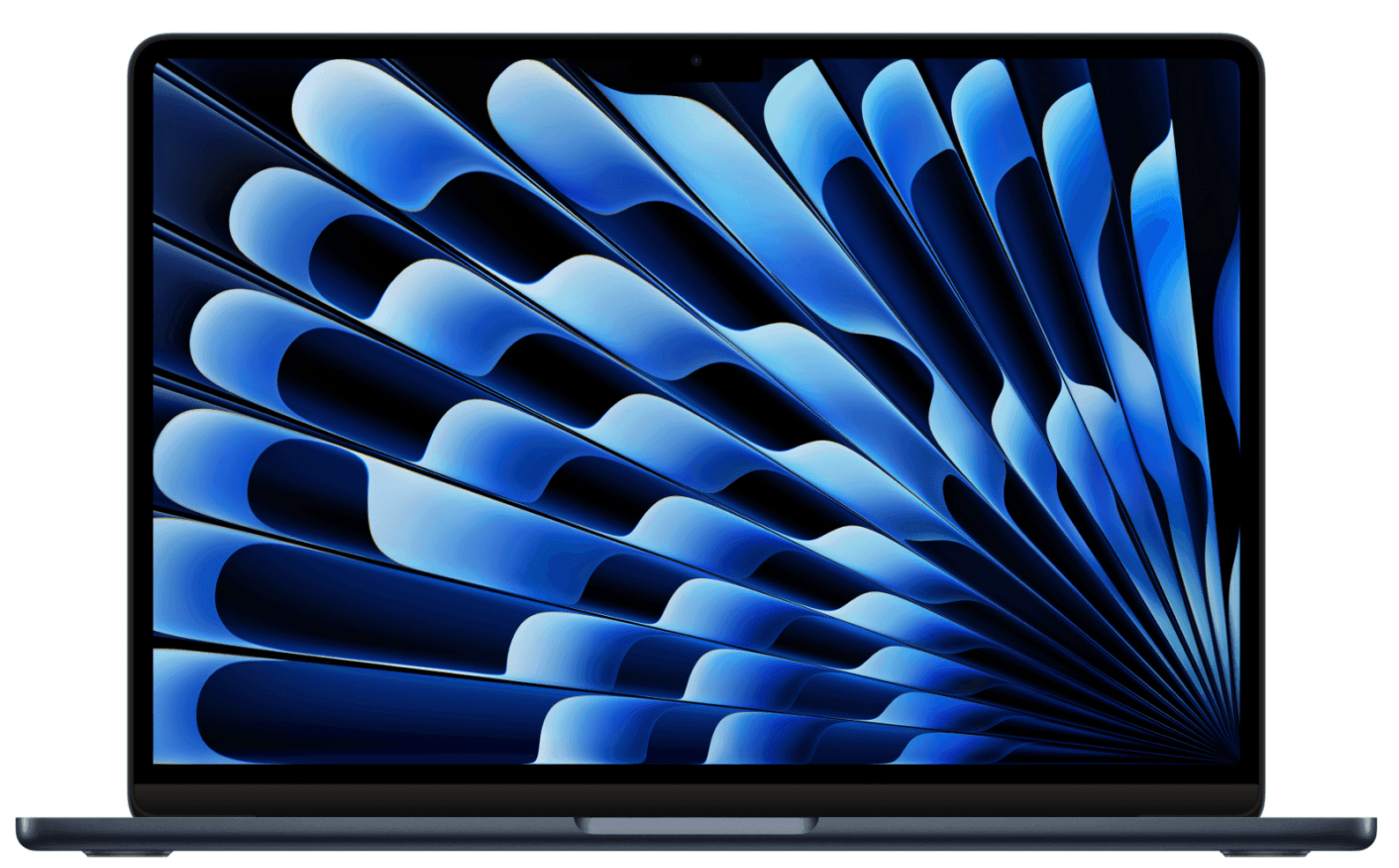
1. MacBook Air 13.6" M4 16GB 256GB
The MacBook Air M4 is the strongest all-round choice for HR coordinators and generalists who need a fast, light, reliable device for everyday People Ops work. It combines excellent portability with enough performance for the vast majority of HR and People Ops workloads, making it a natural standard device for many organizations.
| Specification | Detail |
|---|---|
| Display | 13.6" Liquid Retina display (2560 × 1664) |
| Processor | Apple M4 |
| Memory | 16GB unified memory |
| Storage | 256GB SSD |
| Weight | 1.24kg (2.7 lb) |
| Battery life | Up to 18 hours |
| Connectivity | MagSafe 3, 2× Thunderbolt 4 (USB-C), 3.5mm headphone jack |
| Operating system | macOS |
| Starting price | From $999 |
Why this works: The M4 chip handles simultaneous HRIS sessions, video conferencing, and document tools without thermal throttling or fan noise: important for HR professionals who spend hours on calls. The fanless design and all-day battery life mean it survives a full day of back-to-back interviews without forcing the user to reach for a charger.
Best for: HR coordinators, People Ops generalists, talent acquisition specialists, and HR administrators handling high-volume daily workflows.
Lifecycle: Apple Silicon MacBooks typically run 4–5 years in a business environment with minimal servicing requirements; global repair and replacement are available through Deel IT.
2. MacBook Air 15.3" M5 16GB 512GB
The 15.3" MacBook Air is the natural step up for HR professionals who want more workspace without moving to a MacBook Pro. It combines a larger display with the same portability and exceptional battery life that make the Air lineup a popular choice for business users.
| Specification | Detail |
|---|---|
| Display | 15.3" Liquid Retina display (2880 × 1864) |
| Processor | Apple M5 |
| Memory | 16GB unified memory |
| Storage | 512GB SSD |
| Weight | 1.51kg (3.3 lb) |
| Battery life | Up to 18 hours |
| Connectivity | MagSafe 3, 2× Thunderbolt 4 (USB-C), 3.5mm headphone jack |
| Operating system | macOS |
| Starting price | From $1,299 |
Why this works: The larger display makes it easier to work across HRIS platforms, email, documents, and video calls simultaneously. The M5 chip keeps everything responsive throughout the day, while the all-day battery easily supports meeting-heavy schedules.
Best for: Senior HR generalists, HRBPs, compensation and benefits managers, and People Ops leads who work across multiple tools and need a larger display without sacrificing portability.
Lifecycle: 4–5-year lifespan in a business environment; Deel IT handles global repair, replacement, and certified data erasure at the end of the lifecycle.
Find out about the best laptops for remote workers.
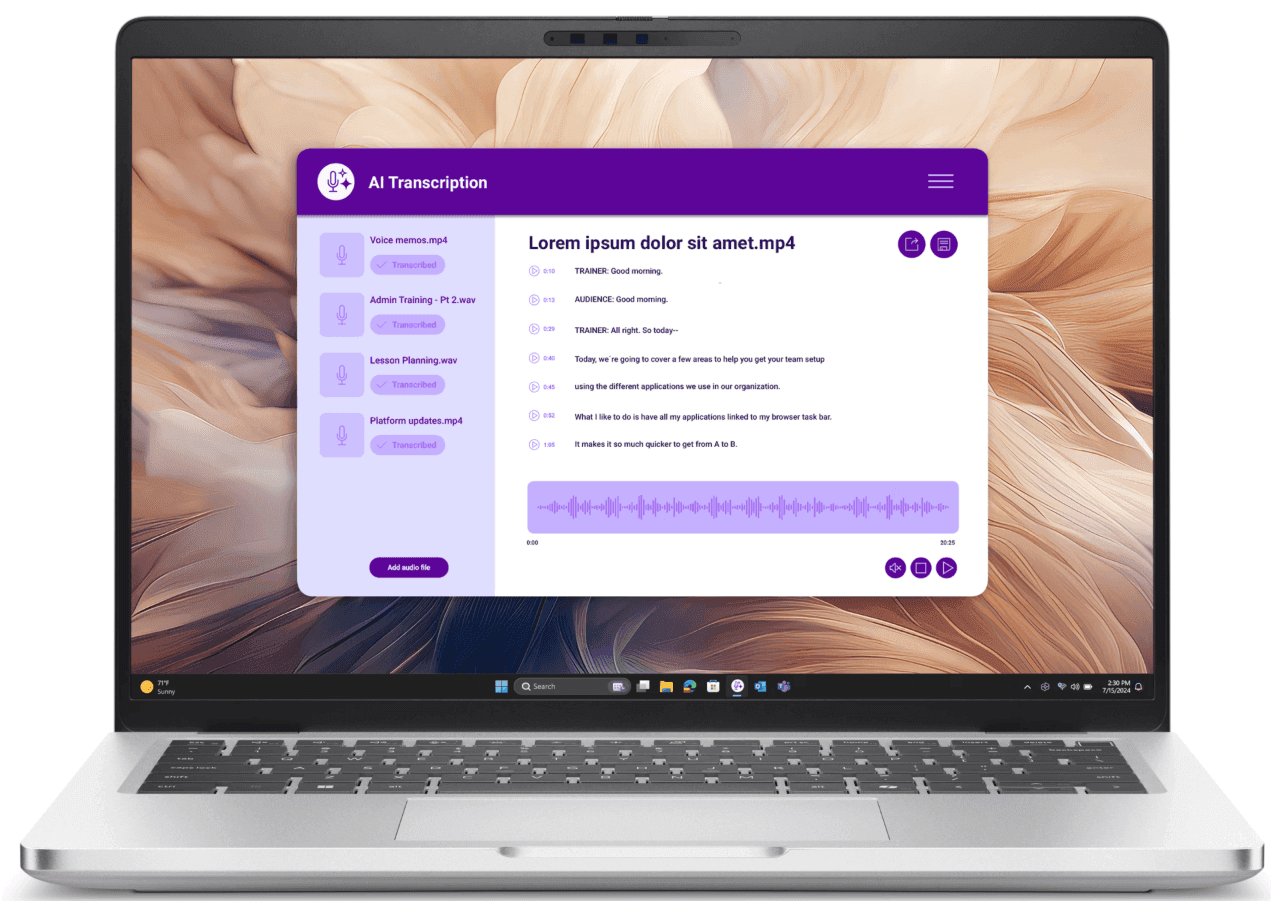
3. Dell Pro 14 Plus Ultra 7 32GB 512GB
The Dell Pro 14 Plus is the strongest all-round Windows recommendation in this guide. It strikes an excellent balance between performance, portability, and enterprise manageability, making it well suited to organizations standardized on the Microsoft ecosystem.
| Specification | Detail |
|---|---|
| Display | 14" FHD+ IPS display (1920 × 1200) |
| Processor | Intel Core Ultra 7 |
| Memory | 32GB LPDDR5 |
| Storage | 512GB SSD |
| Weight | 1.48kg (3.3 lb) |
| Battery life | Up to 14 hours |
| Connectivity | 2× Thunderbolt 4, 2× USB-A, HDMI 2.0, SD card reader |
| Operating system | Windows 11 Pro |
| Starting price | From $1,734 |
Why this works: 32GB of RAM is the right call for HR professionals running compensation models, workforce planning tools, and video conferencing simultaneously in a Windows environment. The Thunderbolt 4 ports support a full docking station setup at a desk while remaining genuinely portable for travel.
Best for: HRBPs, compensation and benefits analysts, workforce planning leads, and HR managers working in Microsoft-centric environments.
Lifecycle: Dell Pro series devices typically run 3–4 years in a business environment; Deel IT manages repair, replacement, and certified data erasure globally.
See also: Best docking stations for hybrid workers
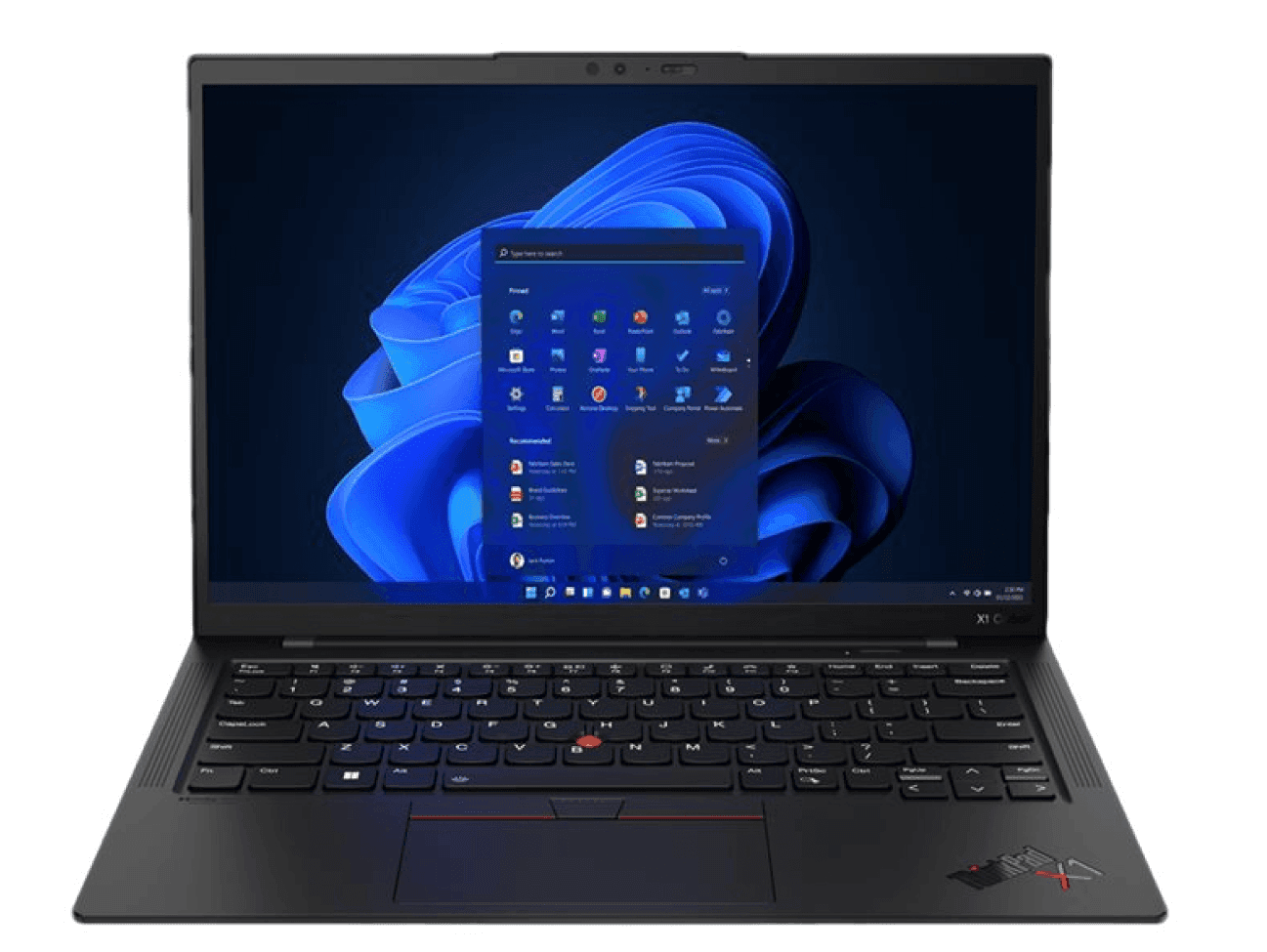
4. ThinkPad X1 Carbon Gen 13 Ultra 7 32GB
The ThinkPad X1 Carbon is Lenovo's flagship business ultrabook and the premium Windows option in this guide. It combines an exceptionally lightweight design with enterprise-grade build quality, making it a strong choice for organizations that want a high-end Windows laptop without stepping up to a larger mobile workstation.
| Specification | Detail |
|---|---|
| Display | 14" IPS display (up to 2.8K OLED) |
| Processor | Intel Core Ultra 7 |
| Memory | 32GB LPDDR5 |
| Storage | Configurable from 512GB SSD |
| Weight | From 1.09kg (2.4 lb) |
| Battery life | Up to 15 hours |
| Connectivity | 2× Thunderbolt 4, 2× USB-A, HDMI 2.0, 3.5mm headphone jack |
| Operating system | Windows 11 Pro |
| Starting price | From $2,029 |
Why this works: Weighing just over 1kg, the X1 Carbon is easy to carry between offices and business trips without compromising on performance. Its durable construction, long battery life, and excellent keyboard also make it particularly well suited to HR leaders who spend much of their day in meetings, writing reports, or working while traveling.
Best for: CHROs, VP People, senior HRBPs, and HR directors who travel frequently and need a premium, durable Windows device.
Lifecycle: ThinkPad X1 series devices are built for 4–5-year business lifecycles with strong global serviceability; Deel IT handles repair, replacement, and end-of-life data erasure.
Read about the most crucial IT equipment expectations and trends.
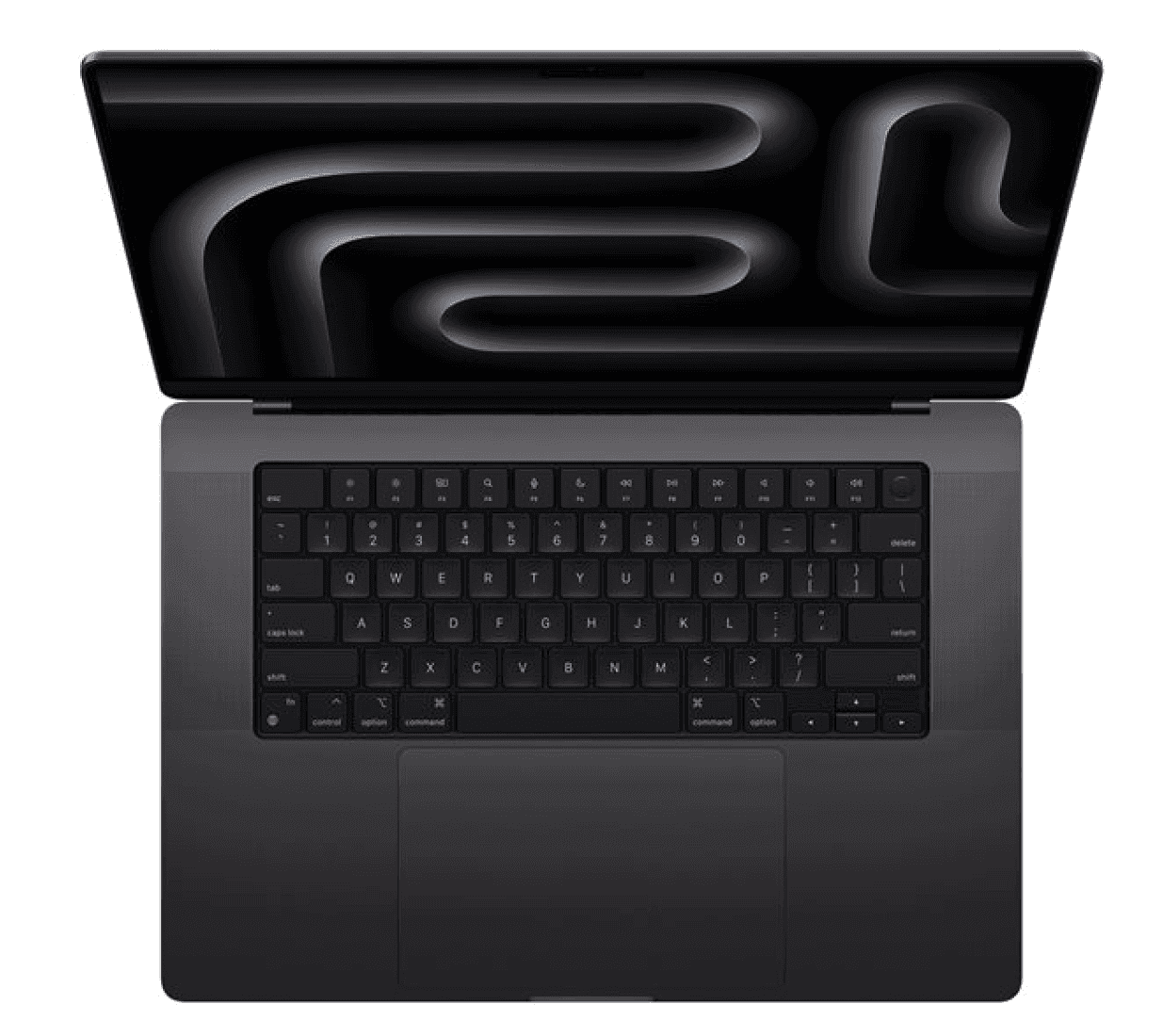
5. MacBook Pro 14.2" M5 10C 16GB 512GB
The MacBook Pro 14 is the premium Mac recommendation in this guide, intended for HR and People Ops professionals whose workloads go beyond everyday productivity. It offers a meaningful step up from the MacBook Air while remaining compact enough for regular travel and hybrid working.
| Specification | Detail |
|---|---|
| Display | 14.2" Liquid Retina XDR display (3024 × 1964), ProMotion up to 120Hz |
| Processor | Apple M5 (10-core CPU, 10-core GPU) |
| Memory | 16GB unified memory |
| Storage | 512GB SSD |
| Weight | 1.55kg (3.4 lb) |
| Battery life | Up to 17 hours |
| Connectivity | MagSafe 3, 3× Thunderbolt 5, HDMI 2.1, SDXC card slot |
| Operating system | macOS |
| Starting price | From $1,599 |
Why this works: The MacBook Pro's active cooling and Thunderbolt 5 ports make it the right choice for People Ops leaders who push their devices harder: running analytics tools, large HRIS exports, and video calls simultaneously without any performance degradation. The XDR display is also a meaningful upgrade for anyone spending long hours reviewing documents and data.
Best for: People Ops directors, HR analytics leads, Chief People Officers, and senior HR leaders who run data-heavy workflows alongside standard communication tools.
Lifecycle: MacBook Pro devices typically run 5+ years in a business environment; Deel IT handles global repair, replacement, and certified data erasure at the end of the lifecycle.
6. HP ProBook 440 G11 Ultra 5 16GB 512GB
For organizations that need to equip a large HR team cost-effectively (e.g., coordinators, recruiters, and HR administrators who do not run heavy workloads) the HP ProBook 440 G11 delivers reliable everyday performance at a price point that makes fleet standardization practical. It covers the full range of standard HR tasks without the premium cost of higher-tier devices.
| Specification | Detail |
|---|---|
| Display | 14" FHD IPS display (1920 × 1080) |
| Processor | Intel Core Ultra 5 |
| Memory | 16GB DDR5 |
| Storage | 512GB SSD |
| Weight | 1.38kg (3.0 lb) |
| Battery life | Up to 12 hours |
| Connectivity | 2× Thunderbolt 4 (USB-C), 2× USB-A, HDMI, 3.5mm headphone jack |
| Operating system | Windows 11 Pro |
| Starting price | From $1,200 |
Why this works: The ProBook 440 G11 covers every standard HR workflow — HRIS access, video calls, document management, and email — at a price point that makes it practical to standardize across a large coordinator or recruiter population. The Thunderbolt 4 ports and Windows 11 Pro make it straightforward to enroll in MDM and connect to a docking station at a desk.
Best for: HR coordinators, recruiters, HR administrators, and onboarding specialists who need a reliable, cost-effective device for standard daily workflows.
Lifecycle: HP ProBook devices typically run 3–4 years in a business environment; Deel IT manages repair, replacement, and certified data erasure globally.
See also: Best desk setup for working from home
One more thing: HR laptops need to be secure from day one
HR teams handle some of the most sensitive data in any organization: compensation records, performance reviews, personal employee information, and immigration documents. The device is the first line of defense, and procurement decisions have direct security implications.
Build these practices into your HR laptop deployment process:
Enroll every device in Mobile Device Management (MDM) before it reaches the employee: Security policies, encryption, and remote management should be applied at provisioning, not after first login.
Verify encryption from day one: Full-disk encryption should already be enabled before the device is issued, reducing the risk of sensitive HR data being exposed if a laptop is lost or stolen.
Standardize deployment globally: Every HR employee should receive the same approved hardware, security configuration, and policy baseline, regardless of where they're hired. A laptop that arrives late, unconfigured, or without security policies applied creates unnecessary risk.
All devices in this guide support MDM enrollment, full-disk encryption, and remote wipe. When procured through Deel IT, MDM enrollment is applied at provisioning, so every device arrives policy-compliant on day one.
Learn how to improve IT compliance with automated device management.
How Deel IT takes the complexity out of HR laptop procurement
Choosing the right laptop is only half the problem. Getting it to the right person, in the right country, configured correctly, and ready for secure deployment on day one is where most IT teams lose time and resources.
Deel IT handles the full device lifecycle from a single platform: procurement, configuration, shipping, MDM enrollment, and hardware recovery. IT teams can standardize hardware, security policies, and deployment workflows globally without managing multiple regional vendors.
Here is what Deel IT covers across the HR laptop lifecycle:
Global procurement across 130+ countries: Source from a catalog of 240+ devices and accessories, configure, and ship hardware to employees with 99.5% on-time delivery rate
MDM-enabled security: Centralized device management helps IT enforce security policies, enable encryption, support remote lock and wipe, and maintain compliance across every HR device
Pre-configured hardware for every role: Devices are configured for the employee's role before shipment, reducing manual setup and helping new hires get productive faster
Onboarding and offboarding: HR events in your HRIS automatically trigger the right IT actions, from provisioning role-based access for new hires to updating permissions after role changes and revoking access when employees leave
Certified data erasure at offboarding: Offboarding and device recovery are triggered automatically, with certified data erasure also available
24/7 global IT support: Support for HR employees in every time zone, embedded in the same platform managing their devices and access — no separate ticketing system, no coverage gaps
Fleet visibility in one place: Real-time view of every device across your HR team — ownership, status, location, and cost — without spreadsheets or manual reconciliation
Explore Deel IT or book a demo to see how it handles HR laptop procurement and lifecycle management for distributed teams.
Deel IT
Automate IT operations in 130+ countries
FAQs
What RAM do HR professionals actually need in a laptop?
For most HR coordinators, recruiters, and generalists, 16GB is the right baseline. It handles simultaneous HRIS sessions, video conferencing, and document tools without slowdown. For senior roles running compensation models, workforce analytics, or large HRIS configurations — particularly on Windows — 32GB is worth the investment. It removes the ceiling on what the device can handle as workloads grow.
Is macOS or Windows better for HR and People Ops teams?
Both work well for HR workflows, and the right choice usually comes down to the broader organizational environment. If the company runs Microsoft 365 heavily — Teams, SharePoint, Excel-based modeling — Windows integrates more naturally, and the Dell Pro or ThinkPad X1 Carbon are strong choices. If the organization is macOS-first or the HR team values battery life and portability above all else, Apple Silicon MacBooks are hard to beat. The most important thing is consistency across the team so MDM policies, security configurations, and support workflows apply uniformly.
How important is battery life for HR professionals?
Very important, particularly for HRBPs and senior HR leaders who move between meetings, offices, and travel. A device that needs charging mid-afternoon creates friction in a role that is already meeting-heavy. Apple Silicon MacBooks consistently deliver 15–18 hours of real-world battery life. Modern Windows ultrabooks like the ThinkPad X1 Carbon reach 12–15 hours. For coordinators who work primarily at a desk, battery life matters less — but it is still worth standardizing on devices that can handle a full day unplugged.
Should HR laptops have different security configurations than other departments?
HR teams handle some of the most sensitive data in the organization — compensation, performance, personal employee records, and immigration documents. The security baseline should be at least as high as any other department, and in many cases higher. Full-disk encryption, MDM enrollment at provisioning, MFA enforced across all applications, and automated access revocation at offboarding are non-negotiable. The device configuration itself is less about HR-specific settings and more about ensuring the standard security baseline is applied consistently from day one — which is where MDM enrollment at provisioning, rather than after first login, makes a material difference.
Dr Kristine Lennie holds a PhD in Mathematical Biology and loves learning, research and content creation. She had written academic, creative and industry-related content and enjoys exploring new topics and ideas. She is passionate about helping create a truly global workforce, where employers and employees are not limited by borders to achieve success.











