Article
3 min read
Zero-Touch Deployment Tools Compared: Which One Fits Your Remote Team?
IT & device management

Author
Dr Kristine Lennie
Last Update
November 19, 2026

Table of Contents
At a glance: how these platforms approach zero-touch deployment
1. Deel IT
2. Jamf Pro
3. Microsoft Intune
4. Iru (formerly Kandji)
How Deel IT extends zero-touch beyond enrollment
FAQ
The best zero-touch deployment tool depends on whether you need enrollment alone or a full IT lifecycle in one place. Deel IT, Jamf Pro, Microsoft Intune, Iru, Hexnode, and Miradore are the leading options, with Deel IT standing out by connecting zero-touch enrollment with global procurement across 130+ countries. With Deel IT Self-Serve, you can start ordering pre-enrolled devices today without a contract or minimum order.
Disclaimer: This comparison is based on publicly available information at the time of writing. Features and pricing change: verify directly with each vendor before making purchasing decisions. Deel accepts no responsibility for decisions made on the basis of this article.
Zero-touch deployment can mean different things depending on the platform. Some tools focus on enrolling and configuring devices after they’ve been purchased, while others connect deployment with broader IT workflows such as procurement, access, security, and offboarding. For remote and global teams, that difference determines how much IT still needs to coordinate across separate vendors and systems.
We compared six zero-touch deployment tools based on how they handle enrollment, the operating systems and workflows they support, what they cover beyond deployment, and where their limitations lie.
At a glance: how these platforms approach zero-touch deployment
Compare how each platform supports zero-touch deployment, which teams and device environments it fits, and what it can manage beyond enrollment:
| Platform | Best for | Zero-touch capabilities | Beyond deployment |
|---|---|---|---|
| Deel IT | Companies of all sizes that want zero-touch deployment connected with the broader IT lifecycle | Multi-OS zero-touch enrollment and pre-configuration, including MDM enrollment during provisioning | Device and app management, configuration, security and compliance policies, plus global procurement across 130+ countries, identity and access management, endpoint security, 24/7 IT support, repair, recovery, storage, and reuse |
| Jamf Pro | Organizations managing Apple fleets with dedicated IT resources | Apple Automated Device Enrollment through Apple Business Manager | Apple device management, configuration, app deployment, security, and compliance |
| Microsoft Intune | Organizations already on Microsoft 365, particularly those managing Windows-heavy fleets | Windows Autopilot for automated Windows provisioning and enrollment | Device and app management, security, and compliance across Windows, macOS, iOS, and Android |
| Iru (formerly Kandji) | Apple-first organizations that also manage Windows and Android devices | Automated enrollment across Apple, Windows, and Android | Device management, configuration, security, and compliance across Apple, Windows, and Android |
| Hexnode | Organizations managing mixed fleets, including Android, rugged, and kiosk devices | Apple ADE, Android Zero-Touch, Windows Autopilot, and Samsung Knox Mobile Enrollment | Device management, app management, security policies, and kiosk management across multiple operating systems |
| Miradore | Small teams looking for straightforward device management | Apple ADE and Windows Autopilot | Device, app, security, and compliance management across Apple, Windows, and Android |
Find out how device lifecycle management and MDM work together.
1. Deel IT
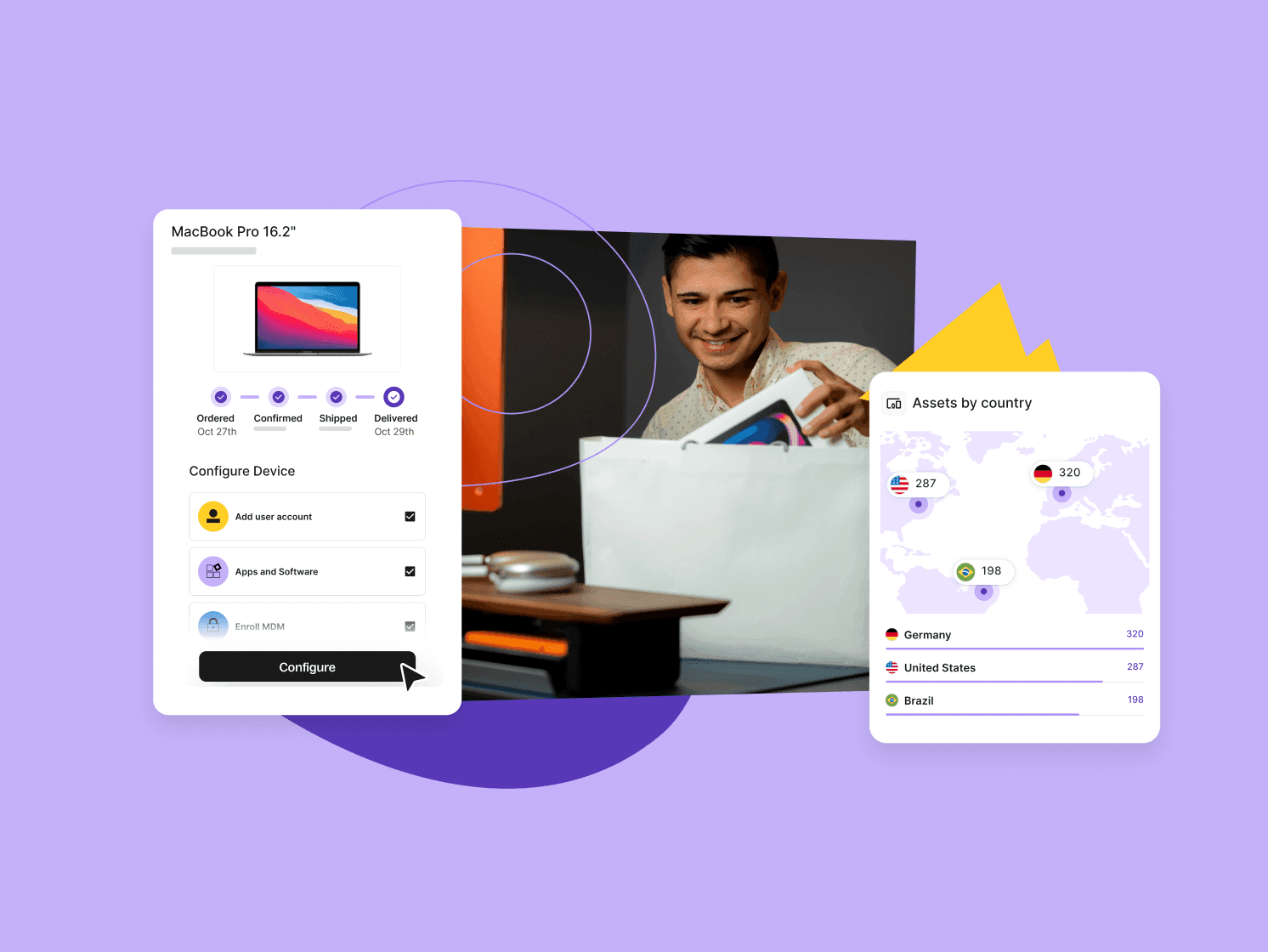
Deel IT brings zero-touch deployment into a broader global IT operations platform, connecting device procurement and provisioning with Mobile Device Management (MDM), identity and access management, endpoint security, IT support, and device recovery. It supports device management across Windows, macOS, Linux, iOS, and Android, with zero-touch enrollment and pre-configuration available during provisioning.
This means zero-touch deployment does not have to start after hardware has already been sourced. Deel IT can connect procurement, delivery, enrollment, and ongoing device management in the same platform, then extend those workflows into access, security, support, and offboarding.
Key capabilities:
Multi-OS zero-touch setup: Enroll and pre-configure devices during provisioning, applying MDM settings, apps, and policies before they reach employees
Hardware and deployment in one workflow: Procure laptops and accessories across 130+ countries and connect delivery with provisioning and enrollment, with a 99.5% on-time delivery rate
Multi-OS device management: Manage Windows, macOS, Linux, iOS, and Android devices remotely, including applications, configurations, policies, and device actions
Access tied to the worker lifecycle: Connect application access with worker data so provisioning and deprovisioning can follow onboarding, role changes, and offboarding
Security from setup onward: Apply device policies and endpoint security controls across distributed fleets rather than treating security as a separate post-deployment step
Support after deployment: Give distributed employees access to 24/7 IT support for device and access issues after their hardware arrives
Deployment through recovery: Track devices throughout their lifecycle and coordinate repair, retrieval, secure storage, and redeployment when hardware needs to be returned or reassigned
Limitations: Teams that already have hardware sourcing, device enrollment, and IT workflows working well across separate systems may not need to consolidate them in Deel IT.
Best for: Companies of all sizes looking for an all-in-one solution that brings zero-touch deployment, hardware procurement, multi-OS device management, access, security, IT support, and device lifecycle services together.
Ready to equip your first hire? Try Deel IT Self-Serve → Browse a global device catalog, configure for the destination country, and check out by credit card — no contract, no seat minimum.
2. Jamf Pro
Jamf Pro manages Apple devices across macOS, iOS, iPadOS, and tvOS. For zero-touch deployment, eligible devices can automatically enroll in Jamf Pro during setup through Apple Business Manager and receive the settings, apps, and policies defined by IT.
Key capabilities:
Apple zero-touch enrollment: Automatically enroll and configure eligible Apple devices during setup
Apple device management: Manage settings, restrictions, and policies across macOS, iOS, iPadOS, and tvOS
App and software management: Deploy applications, software, and updates across managed devices
Security and compliance: Apply security controls and monitor device compliance
Apple OS support: Manage devices as new Apple operating system versions become available
Identity integrations: Connect device management with supported identity providers
Limitations: Jamf Pro is designed primarily for Apple device management, rather than hardware procurement and the physical device lifecycle. Teams need separate processes or providers for global hardware delivery, retrieval, storage, and reuse. Organizations with non-Apple devices may also need additional tools or Jamf products to manage the rest of their fleet.
Best for: Organizations with primarily Apple fleets that want dedicated Apple device management and already have hardware procurement and lifecycle processes in place.
3. Microsoft Intune
Microsoft Intune is Microsoft’s cloud-based endpoint management platform for Windows, macOS, iOS/iPadOS, Android, and Linux. For zero-touch deployment, Windows Autopilot can automatically enroll and configure Windows devices during setup, while Apple devices can enroll through Apple’s automated enrollment framework.
Key capabilities:
Windows zero-touch deployment: Automatically enroll and configure Windows devices during initial setup with Windows Autopilot
Multi-OS device management: Support Windows, macOS, iOS/iPadOS, Android, and Linux devices
Apple automated enrollment: Enroll eligible Apple devices automatically during setup
Device configuration and compliance: Apply settings, security requirements, and compliance policies remotely
Application management: Deploy, configure, and manage apps across supported devices
Microsoft integrations: Connect device management with Microsoft Entra ID, Conditional Access, and Microsoft 365
Limitations: Intune focuses on device and application management rather than hardware procurement and the physical device lifecycle. Teams need separate processes or providers for global hardware delivery, repairs, retrieval, storage, and reuse. Zero-touch deployment also requires the relevant enrollment services and configurations to be set up in advance. Licensing varies depending on the Microsoft products and plans an organization already has.
Best for: Organizations already using Microsoft products, particularly those with Windows-heavy fleets that want device management closely connected with Microsoft identity and security tools.
4. Iru (formerly Kandji)
Iru, formerly Kandji, combines device management for Apple, Windows, and Android with additional security, identity, and compliance products. Its zero-touch deployment is focused on Apple devices, which can enroll automatically and receive the required apps, settings, and security controls during setup.
Key capabilities:
Apple zero-touch deployment: Automatically enroll and configure eligible Apple devices during setup
Multi-OS device management: Manage Apple, Windows, and Android devices
Automated configuration: Apply apps, settings, and security controls automatically based on defined rules
App and software management: Deploy applications and manage software updates across supported devices
Security and compliance: Manage encryption, firewall settings, restrictions, and other security requirements
Additional security and identity tools: Add endpoint detection and response, vulnerability management, identity, and compliance capabilities
Limitations: Iru supports devices across multiple operating systems, but its zero-touch deployment is more focused on Apple. Hardware procurement, global delivery, IT support, device retrieval, storage, and reuse require separate processes or providers. Pricing depends on the products selected and the number of users or devices.
Best for: Organizations with primarily Apple fleets that also have Windows or Android devices and already have hardware procurement and lifecycle processes in place.
5. Hexnode
Hexnode supports a mix of desktops, mobile devices, rugged hardware, and kiosks across multiple operating systems. For zero-touch deployment, it supports automated enrollment for Apple, Android, Windows, and Samsung devices through their respective enrollment frameworks.
Key capabilities:
Multi-OS zero-touch enrollment: Automatically enroll supported Apple, Android, Windows, and Samsung devices
Multi-OS device management: Manage devices across major desktop and mobile operating systems
Configuration and compliance: Apply settings, restrictions, security policies, and compliance requirements remotely
App management: Deploy and manage applications across supported devices
Remote management: View and control supported devices remotely for administration and troubleshooting
Kiosk and rugged device management: Configure and manage dedicated, shared, kiosk, and rugged devices
Limitations: Hexnode focuses on device management rather than hardware procurement and the physical device lifecycle. Teams need separate processes or providers for global hardware delivery, retrieval, storage, and reuse. Some management and automation capabilities require higher-tier plans.
Best for: Organizations with mixed device fleets, particularly those that include rugged, kiosk, or other specialized devices and already have hardware procurement and lifecycle processes in place.
6. Miradore
Miradore provides device management for Apple, Windows, and Android, with automated enrollment, configuration, app management, and security controls. A free plan is available for up to 50 enrolled devices.
Key capabilities:
Multi-OS zero-touch enrollment: Automatically enroll eligible Apple, Windows, and Android devices
Multi-OS device management: Configure and control Apple, Windows, and Android devices remotely
Device configuration and security: Apply settings, restrictions, security policies, and remote actions
App and patch management: Deploy applications and manage supported software updates
Automated configuration: Assign apps, settings, and policies based on device or user groups
Remote support and integrations: Additional remote support and integration capabilities are available on Premium+
Limitations: Miradore covers device management rather than hardware procurement and the physical device lifecycle. Teams need separate processes or providers for global hardware delivery, retrieval, storage, and reuse. Some capabilities, including integrations and remote support, require Premium+.
Best for: Small teams that want straightforward multi-OS device management, including the option to start with a free plan, and already have hardware procurement and lifecycle processes in place.
How Deel IT extends zero-touch beyond enrollment
Zero-touch deployment solves the setup problem, but global IT teams still need to source hardware, manage devices and access, support employees, and recover equipment when people leave.
That is where Deel IT differs from standalone endpoint management tools. Zero-touch deployment sits within the same platform as global procurement, device management, identity and access management, endpoint security, IT support, and device lifecycle services.
For remote teams, that means fewer handoffs between hardware suppliers, device management tools, and other IT systems as employees move through the lifecycle.
With Deel IT, teams can:
Deploy devices globally: Procure hardware across 130+ countries and combine delivery with zero-touch enrollment and pre-configuration.
Connect devices and access to worker data: Automate IT workflows around onboarding, role changes, and offboarding, with access management, Single Sign-On (SSO), and Multi-Factor Authentication (MFA).
Manage what happens after deployment: Keep device management, endpoint security, 24/7 IT support, asset tracking, repair, recovery, storage, and reuse connected in the same IT environment.
Buy without a contract or seat minimum: Browse a global device catalog, configure for the destination country, and check out by credit card
Zero-touch becomes part of the wider IT lifecycle rather than a standalone enrollment process. Book a demo to find out more.
Deel IT
Procure, deliver, manage, and secure devices anywhere

FAQ
What is zero-touch deployment and why does it matter for remote teams?
Zero-touch deployment means a device can be configured, enrolled in MDM, and delivered to an employee without IT physically handling it. For remote teams, this matters because IT cannot intercept a device before it reaches an employee in another country. Without zero-touch, the employee either receives an unconfigured device and completes enrollment themselves — creating a window where the device operates outside policy — or IT ships the device to a central location first, adding days or weeks to the process. Zero-touch removes both problems: the device arrives ready to use, policy-enforced, and enrolled.
Do all zero-touch deployment tools handle procurement as well as enrollment?
No. Most MDM platforms — including Jamf, Intune, Kandji, Hexnode, and Miradore — handle enrollment and policy management but require a separate hardware vendor for procurement and logistics. The device needs to be registered in Apple Business Manager or Windows Autopilot before it ships, which means IT must coordinate between the hardware vendor and the MDM platform. Deel IT is the exception: it owns both the procurement and the MDM enrollment layer, so devices are enrolled at provisioning before they leave the warehouse.
Which zero-touch deployment tool is best for Apple-only teams?
For teams standardized entirely on Apple hardware with dedicated IT resources, Jamf Pro and Kandji are both strong options. Jamf offers deeper Apple ecosystem integration and is widely used in larger organizations. Kandji's Blueprint system makes repeatable enrollment at scale more straightforward with less per-device configuration. If your team also needs global hardware procurement or plans to expand beyond Apple, Deel IT covers Apple enrollment alongside procurement and lifecycle management in one platform.
Can I use Deel IT's self-serve catalog if I only need one device?
Yes. Deel IT's self-serve catalog has no seat minimum and no contract requirement. You can order a single device, pay by credit card, and have it ship from a local warehouse in 130+ countries. The order immediately creates a Deel IT organization with access to Asset Tracker, so you have device management visibility from the first order — and the platform scales with you as your team grows.
What happens to zero-touch enrollment at offboarding?
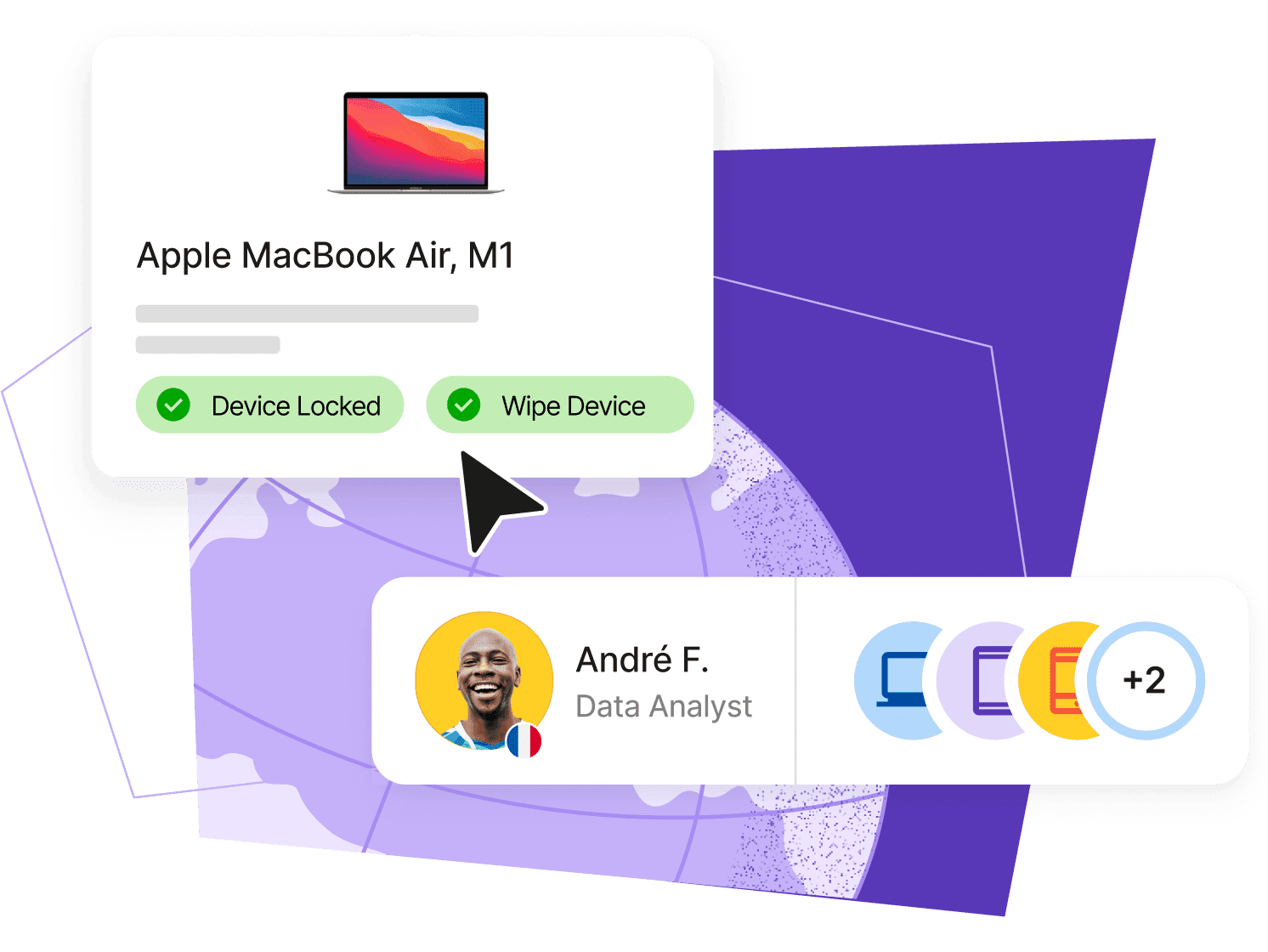
Most MDM platforms support remote lock and wipe at offboarding, which is the endpoint of the zero-touch lifecycle. The gap for many teams is that offboarding requires a manual trigger — someone in IT or HR has to initiate the wipe and coordinate device recovery. Deel IT automates this: offboarding in Deel HR triggers access revocation, device lock, and recovery workflows automatically, with no manual coordination between HR and IT required.
Is zero-touch deployment the same as zero-touch provisioning?
The terms are often used interchangeably, but there is a distinction worth noting. Zero-touch deployment typically refers to the enrollment and configuration process — the device is set up without IT physically handling it. Zero-touch provisioning can refer to the broader process of making a device fully ready for an employee, including access provisioning, application assignment, and security policy enforcement. Deel IT covers both: MDM enrollment at provisioning and access provisioning triggered automatically by the employee's start date in Deel HR.
About the author
Dr Kristine Lennie holds a PhD in Mathematical Biology and loves learning, research and content creation. She had written academic, creative and industry-related content and enjoys exploring new topics and ideas. She is passionate about helping create a truly global workforce, where employers and employees are not limited by borders to achieve success.