
Article
12 min read
4 IT Must-Haves for Small Businesses with Remote Teams
IT & device management

Author
Dr Kristine Lennie
Last Update
April 21, 2026

Table of Contents
Must-have #1: Reliable device provisioning and management
Must-have #2: Automated onboarding and offboarding
Must-have #3: Fast, reliable access to tools and applications
Must-have #4: Fast, distributed IT support (without a large IT team)
Beyond IT support: building a foundation that scales
Simplify IT support for remote teams with Deel IT
Key takeaways
Small businesses with remote teams face IT risks that escalate quickly. Unmanaged devices, fragmented tools, and slow response times can turn small issues into major disruptions.
Building effective remote IT requires more than reactive fixes. It means establishing centralized device visibility, consistent security configurations, and standardized tooling, before problems outpace your team’s ability to manage them manually.
Deel IT combines device management, access control, and 24/7 support into one system, helping small businesses run reliable IT operations for distributed teams without delays or interruptions.
Small businesses running remote teams face IT challenges that scale faster than their headcount. With limited resources but increasingly complex stacks of SaaS tools, devices, and access requirements, even a small misstep (like a missed configuration or delayed device) can stall productivity across time zones.
Without in-person troubleshooting, employees rely on systems that must work seamlessly, with immediate access to tools regardless of location. Yet many SMBs still depend on disconnected tools and manual processes that create friction as they grow.
This guide breaks down the four IT must-haves small businesses need for their remote teams, and how to build a setup that scales with your team.
Must-have #1: Reliable device provisioning and management
Small teams often underestimate how quickly device management becomes complex in a remote environment. What works for a handful of employees in the same location breaks down fast as you hire across regions and time zones.
Without a consistent approach, devices quickly become a source of onboarding delays, inconsistent setups, and avoidable IT issues that slow down employees and increase operational overhead.
To support remote teams at scale, device provisioning needs to be structured, consistent, and centrally managed from the start.
What this requires:
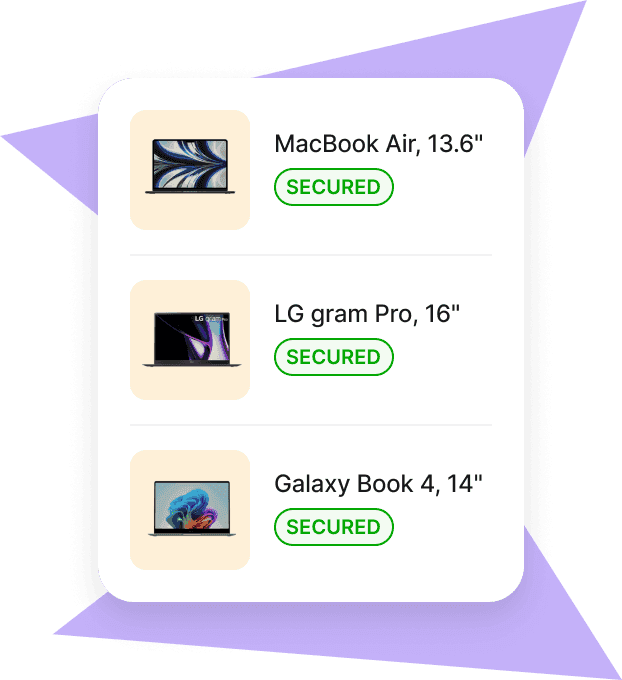
Zero-touch, ready-to-use devices from day one: Devices should arrive fully configured with applications, security settings, and access in place, so employees can start working immediately without delays or IT setup effort
Centralized device management with automated control: All devices should be managed through a mobile device management system (MDM), allowing small teams to enforce policies, push updates, and maintain consistency without managing devices manually
Standardized environments across all devices: Consistent configurations reduce compatibility issues, improve performance, and make troubleshooting faster and more predictable, without relying on specialized IT resources
Real-time visibility into device inventory and status: IT teams need a live view of device ownership, configuration, and status to quickly identify and resolve issues without time-consuming investigation
Here’s what you need: A centralized device management system that standardizes provisioning, reduces manual effort, and gives small teams the visibility and control needed to manage devices without increasing IT workload.
How Deel IT solves this: Choose equipment from Deel’s 240+ item catalog and have it shipped pre-configured and ready to use to 130+ countries, with customs and logistics handled. Combined with centralized lifecycle management, this helps small teams standardize setups, reduce manual work, and manage devices efficiently across distributed teams.
Mobile Device Management
Secure and manage IT devices across any operating system
Find out if Deel IT can replace your IT provisioning workflow.
Must-have #2: Automated onboarding and offboarding
As teams grow, onboarding and offboarding quickly become one of the most error-prone parts of IT operations, especially for small businesses without dedicated IT resources or standardized processes.
Manual workflows may work early on, but they often break down quickly as hiring scales. Delays, inconsistent setups, and missed steps create access gaps, slow down employees, and add operational overhead that small teams don’t have the capacity to manage.
To support remote teams without adding complexity or increasing workload, onboarding and offboarding need to be automated and directly connected to HR systems.
What this requires:
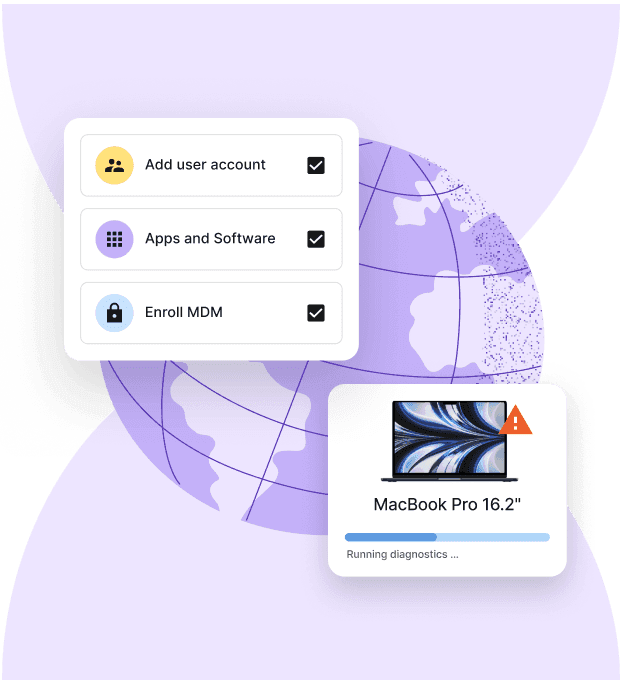
Day-one access without manual setup: New hires should receive role-based access to email, collaboration tools, and core applications automatically, so they can start working immediately without requiring hands-on IT setup
Automated access changes across the lifecycle: Access should be granted, updated, and revoked automatically as roles change, reducing errors and eliminating manual updates that small teams don’t have time to manage
HR-triggered workflows that remove coordination overhead: Employee lifecycle events should directly initiate IT actions, ensuring accurate, timely changes without back-and-forth between HR and IT or reliance on manual requests
Centralized visibility into access and changes: Teams need a clear view of who has access to what, making it easier to manage permissions and resolve issues without time-consuming investigation
Here’s what you need: An automated, HR-connected system that standardizes onboarding and offboarding, reduces manual effort, and allows small teams to manage access without adding IT headcount or complexity.
How Deel IT solves this: Deel IT connects HR lifecycle events directly to IT workflows, automating access provisioning and deprovisioning so small teams can manage employee transitions efficiently without manual coordination or additional resources.
Device Lifecycle Management
Global device logistics, handled
Find out more with our Strategic IT Onboarding & Offboarding Guide.
Must-have #3: Fast, reliable access to tools and applications
Access issues are one of the most common reasons remote employees get blocked. As small businesses adopt more SaaS tools, managing logins and permissions quickly becomes fragmented, especially without a centralized system or dedicated IT resources.
Without a consistent approach, employees spend time requesting access, waiting for approvals, or troubleshooting login issues. For small teams, these interruptions add up quickly, slowing down work and creating unnecessary overhead.
To keep teams productive without constant access requests or manual intervention, access to tools needs to be simple, consistent, and easy to manage.
What this requires:
Frictionless login across all applications: Employees should be able to access tools quickly and consistently using Single Sign-On (SSO), reducing password issues and minimizing repeated login-related requests for small teams
Centralized identity and access control: A single system should manage user identities and permissions across tools using Identity and Access Management (IAM), making access easier to manage without constant updates or fragmented tools
Consistent, role-aligned permissions: Access should be structured through Role-Based Access Control (RBAC), so employees have the right permissions without ongoing adjustments or back-and-forth
Fast resolution of access issues without escalation: Common login and permission problems should be easy to troubleshoot through centralized systems or self-service, reducing interruptions and reliance on IT for every issue
Here’s what you need: A centralized access system that simplifies authentication, standardizes permissions, and allows small teams to manage access efficiently without constant requests or interruptions.
How Deel IT solves this: Deel IT centralizes identity, access, and application management, helping small teams reduce login friction and manage access efficiently without manual coordination or repeated requests.
Identity Access Management
Seamlessly provision device and app access for global teams
Read: 13 Identity and Access Management Best Practices
Must-have #4: Fast, distributed IT support (without a large IT team)
As teams become more distributed, the need for immediate IT support increases. At the same time, small businesses are expected to support employees across time zones without the resources of a full-scale IT department.
Without reliable coverage, even minor issues can cause hours of downtime—especially when support is limited to certain hours or handled through informal escalation.
To keep work moving across time zones, IT support needs to be always available, structured, and reliable.
What this requires:
Fast IT support across time zones: Employees should be able to get help whenever issues arise, ensuring work doesn’t stall outside standard business hours
A single, reliable support channel: All requests should be captured and managed through a centralized system, so employees always know where to go, and issues don’t get lost
Consistent, predictable resolution of common issues: Login problems, device failures, and application errors should be handled through standardized workflows that reduce downtime
Support that scales with the team: Coverage should extend across regions and working hours without relying on informal escalation or increasing internal IT headcount
Here’s what you need: A reliable IT support model with centralized ticketing and global coverage, so small teams can access support without building a large internal IT function.
How Deel IT solves this: Deel IT provides 24/7 global IT support with a built-in ticketing system, giving employees a consistent path to resolution while allowing small teams to support distributed workforces without expanding coverage manually.
Read about the benefits of 24/7 IT support.
Find out if you really need 24/7 support with our quick self-assessment: Do You Really Need 24/7 IT Support?
Beyond IT support: building a foundation that scales
For small businesses, IT support often works well in the early stages, when teams are small and systems are simple. But as remote teams begin to grow, that same setup can quickly become a bottleneck if the right foundations aren’t in place.
Putting the right systems in place early helps avoid the need for constant fixes later. Instead of reacting to issues as they arise, small teams can build an IT setup that scales with the business from the start.
What this means in practice:
A single, unified view across IT systems: Devices, access, and support should be visible in one place, so teams aren’t piecing together information across multiple tools to understand what’s happening
Simple, repeatable processes that don’t rely on individuals: IT workflows should be standardized and easy to follow, so operations stay consistent without depending on specific people or ad hoc decisions
Alignment between HR and IT without manual handoffs: Employee changes should flow automatically into IT systems, avoiding delays, errors, and duplicated effort as the team grows
Fewer recurring issues through better system design: Instead of repeatedly fixing the same problems, teams should be able to identify patterns and eliminate root causes
Control over tools, usage, and cost: As more SaaS tools are added, teams need clear visibility into what’s being used and why, to avoid unnecessary spend and fragmentation
An IT setup that scales without added complexity: Systems should support new hires, regions, and tools without requiring more coordination, more tools, or more overhead
Small businesses that build this foundation early don’t just resolve issues faster—they avoid many of those issues entirely and create a more stable, predictable IT environment as they grow.
Deel IT helps bring this foundation together by connecting device management, access control, and IT support into a single, unified system. By combining automation, global infrastructure, and always-on support, it enables small teams to scale IT operations without adding complexity or headcount.
Learn more with: How to Manage Remote IT Support for Global Teams with Deel IT
Simplify IT support for remote teams with Deel IT
Deel IT helps small, remote businesses run IT without multiple tools or a large internal team by bringing device management, access control, and lifecycle workflows into one platform.
Why choose Deel IT:
All-in-one IT operations for small teams: Manage devices, access, security, and workflows in a single system instead of juggling disconnected tools
Pre-configured devices delivered globally: Ship ready-to-use laptops to employees in 130+ countries, reducing onboarding delays and setup issues
Automated onboarding and offboarding: Provision and revoke access based on employee lifecycle events, eliminating manual coordination
Centralized access management: Control permissions across tools in one place, reducing inconsistencies and access-related delays
Built-in support for distributed teams: Enable remote troubleshooting and consistent IT operations without relying on in-person support
Full visibility across devices and users: Track hardware, access, and activity from one dashboard to improve oversight and decision-making
Security without added complexity: Enforce policies across devices and users automatically, without requiring dedicated security resources
Scales with your business: Support growth from 10 to 50+ employees without needing to rebuild your IT setup or hire additional IT staff
Book a demo to see how Deel IT helps you support remote teams with less effort.
Deel IT
Automate IT operations in 130+ countries
FAQs
What IT support does a small business with remote employees actually need?
Remote teams need reliable device management, access control, and fast support, consistent security configurations, and a reliable way to onboard and offboard employees across locations. Without these foundations, even small gaps, like an unmanaged device or a delayed equipment shipment, can create security risks or productivity losses that affect the whole team.
How do small businesses manage IT for employees in different countries?
Managing IT across countries requires a setup that can handle local shipping logistics, country-specific compliance requirements, and time zone differences in support coverage. Many small businesses start with manual processes but find these break down quickly as the team grows beyond a handful of people.
What are the biggest IT security risks for small remote teams?
Unmanaged personal devices, inconsistent software configurations, and slow response times to security incidents are the most common risks. Because small teams often lack dedicated IT staff, a single misconfigured device or delayed patch can expose the entire organization before anyone notices.
When should a small business move from ad hoc IT support to a more structured approach?
A structured approach becomes necessary once manual tracking of devices, accounts, and software licenses starts creating delays or errors during onboarding. Most small businesses reach this point earlier than expected—often around the time they hire their fifth to tenth remote employee or expand into a second country.
Dr Kristine Lennie holds a PhD in Mathematical Biology and loves learning, research and content creation. She had written academic, creative and industry-related content and enjoys exploring new topics and ideas. She is passionate about helping create a truly global workforce, where employers and employees are not limited by borders to achieve success.











