
Article
6 min read
Remote Device Management: A Practical Guide for Modern IT Teams
IT & device management

Author
Michał Kowalewski
Last Update
October 07, 2026

Table of Contents
Remote device management basics
Why remote device management matters
Core RDM features
MDM vs RMM vs UEM
RDM across the lifecycle
Evaluating RDM solutions
Manage a global device fleet with Deel IT
FAQ
Managing equipment across countries starts with a consistent way to provision, secure, track, support, and recover devices wherever employees are based. Deel IT centralizes that process across 130+ countries, combining global device delivery with MDM, access management, IT support, and recovery.
When someone joins your team from another country, or when a device fails in a region with no local support, manual processes and fragmented tools will not keep up. A remote team without remote device management is a liability waiting to happen. It only takes one lost laptop, one outdated patch, or one wrong permission to expose sensitive data or derail a new hire's first week.
IT teams today aren't just supporting offices. They're supporting ecosystems. That includes laptops in home offices, smartphones in the field, POS systems in retail locations, and IoT devices across distributed infrastructure.
This guide explains what remote device management (RDM) actually involves, how it supports the full device lifecycle, and which features matter when evaluating solutions. You'll learn how to streamline provisioning, improve security, and reduce downtime across your entire device fleet.
Whether you're scaling a startup or modernizing a global IT operation, this is the blueprint.
Remote device management basics
Remote device management (RDM) is the process of monitoring, controlling, and securing devices from a central location. It allows IT teams to manage distributed hardware, laptops, phones, tablets, and Internet of Things (IoT) devices without needing to physically handle them.
At its core, RDM works by installing an agent on the device or enrolling it into a management system. That system communicates with a cloud-based dashboard, enabling remote actions like software deployment, policy enforcement, or device lockout. It replaces manual tasks with scalable, automated workflows.
Remote access, remote control, and remote monitoring are distinct but related features.
| Capability | What it does | When it's used |
|---|---|---|
| Remote access | Allows IT to view a device remotely: see the screen, log sessions, and gather diagnostics. | Troubleshooting, training, and gathering system data. |
| Remote control | Grants full control over the mouse, keyboard, and OS-level actions. | Remote support, patch deployment, and software installs. |
| Remote monitoring | Continuously tracks device health and activity, including CPU, OS version, patch status, and location. | Proactive maintenance, security enforcement, and alerts. |
These functions often overlap inside a single RDM platform, but they solve very different problems. The best systems let you use all three together, without switching tools.
Remote access, control, and monitoring enable a wide range of device management use cases that would otherwise require on-site intervention:
Onboarding a new hire in another country
Locking down a lost corporate smartphone
Pushing urgent updates across 200 endpoints
Automating patching across a mixed BYOD fleet
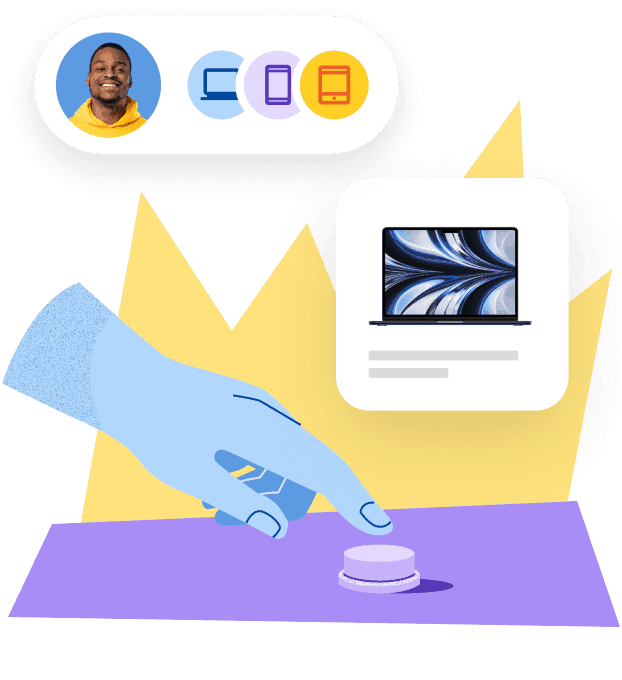
Deel IT
Automate IT operations in 130+ countries
Why remote device management matters
Distributed work is now the default. But most IT systems were designed for a single office, not for managing a device fleet scattered across time zones, networks, and jurisdictions. That gap leads to missed updates, inconsistent security enforcement, and slow incident response.
The risk isn't theoretical. A lost laptop without full-disk encryption is a data breach waiting to happen. An unpatched endpoint is an open door for malware. And when you're onboarding employees remotely, a delayed shipment or misconfigured device means significant loss of productivity.
IT teams are expected to do more with less: fewer admins, more endpoints, tighter SLAs. Traditional desktop management doesn't scale. Remote device management does. It allows your team to provision laptops automatically, monitor smartphones in real time, troubleshoot issues without a VPN, and enforce security policies globally.
For SMBs and mid-market orgs, this isn't about fancy tooling. It's about survival. Without a solid RDM setup, remote work becomes unmanageable at scale.
Add in the compliance pressure (GDPR, HIPAA, PIPL) and the complexity of hybrid environments (Windows, macOS, Linux, Android, iOS), and the need for an RDM platform becomes obvious. You need visibility. You need automation. You need control. Without touching the device.
Core RDM features
Not all remote device management tools offer the same capabilities. Some focus on mobile devices, others on desktops. Some automate routine updates, while others provide full remote control. Below are the features that matter most, especially if you're managing a growing device fleet across operating systems, countries, or business units.
Device enrollment and provisioning
Every device needs to be enrolled into your system before it can be managed. The best RDM platforms streamline this with automated workflows. Devices can be shipped directly to the user, enrolled at first boot, and configured based on role, location, or department. No IT intervention required. Zero-touch deployment is no longer a bonus. It is a baseline expectation.
Real-time visibility and monitoring
RDM software gives you a live inventory of every laptop, smartphone, or POS device in the field. That includes system health, disk usage, OS version, patch level, and location. Alerts can be triggered when something is off: unauthorized applications, failed updates, low storage, or signs of compromise.
This shifts IT from reactive to proactive. You don't wait for a ticket. You prevent it from happening.
Remote access and control
When end users run into problems, IT can take over the device remotely. Full keyboard and mouse control, screen visibility, and session logging allow teams to troubleshoot issues without needing physical access or wasting time on phone walkthroughs.
Remote support is not just for fixing problems. It builds trust and ensures uptime across geographies.
See also: 11 Best Identity and Access Management Tools for Distributed Teams
App deployment and automation
Software updates are often delayed by the weakest link—the user. RDM platforms automate app pushes and version control, ensuring your fleet is always up to date. This includes patch management, forced installs, and silent background updates.
Consistency is key. Whether you manage 30 devices or 3,000, no one should be using an outdated or vulnerable app.
Security policies and access control
Your device management layer enforces the rules: full-disk encryption, password strength, screen timeout, VPN requirement, camera disablement, remote wipe. These policies should be tied to identity and role, not configured manually per device.
Look for platforms that integrate with your identity provider (such as Okta, Google Workspace, or Azure AD) to automate access based on function and permission level.
Cross-platform OS support
A good RDM platform handles the full mix: Windows laptops, macOS machines, iOS and Android phones, and Linux-based IoT devices. Fragmented support leads to fragmented security and more time-consuming manual work.
BYOD environments add another layer of complexity. Your tool should let you apply differentiated policies for company-owned versus personal devices, without compromising control or compliance.
MDM vs RMM vs UEM
Remote device management is often used as a catch-all term. But not all RDM tools do the same job. Depending on your use case, you might need a mobile device management (MDM) platform, a remote monitoring and management (RMM) solution, or a full unified endpoint management (UEM) system.
Each one focuses on a different layer of control. Choosing the right model depends on your device mix, IT resources, and risk profile.
Here's how they compare:
| Capability / Focus | MDM | RMM | UEM |
|---|---|---|---|
| Primary use case | Manage mobile and BYOD devices | Monitor and control desktops and servers | Manage all endpoints from a single system |
| Common devices | iOS, Android, tablets | Windows, macOS, Linux workstations | Windows, macOS, iOS, Android, IoT devices |
| Management scope | OS-level restrictions and app policies | Remote access, software updates, patches | Identity-based control and full-stack policy |
| Remote access/control | Limited (configuration only) | Full remote desktop access | Depends on platform integration |
| Monitoring and alerts | Basic status reporting | Real-time performance and health checks | Integrated monitoring across device types |
| Security features | Encryption, lock, wipe, VPN enforcement | Antivirus, patch automation, threat alerts | Role-based access and compliance logging |
| Best fit | BYOD and field teams, including remote employees in different countries | Internal IT teams and MSPs supporting distributed staff | Global organizations managing employees across multiple countries and OS types |
| Deployment model | Mostly cloud-based | Often hybrid or on-premises | Cloud-first, API-driven |
Choosing the right approach
Choose MDM if your priority is managing mobile phones or tablets for remote employees in different countries, especially in BYOD or high-mobility roles.
Choose RMM if you need remote desktop access, patch management, or you are running an internal helpdesk or MSP supporting a distributed workforce.
Choose UEM if your device fleet spans multiple OS types and countries, and you want to enforce policies and security from a unified system.
Each model solves different parts of the endpoint management puzzle. The best RDM tools combine elements of all three, so your team isn't forced to jump between disconnected systems.
See also: Top 10 MDM Solutions for Improving Device Security and Workforce Efficiency
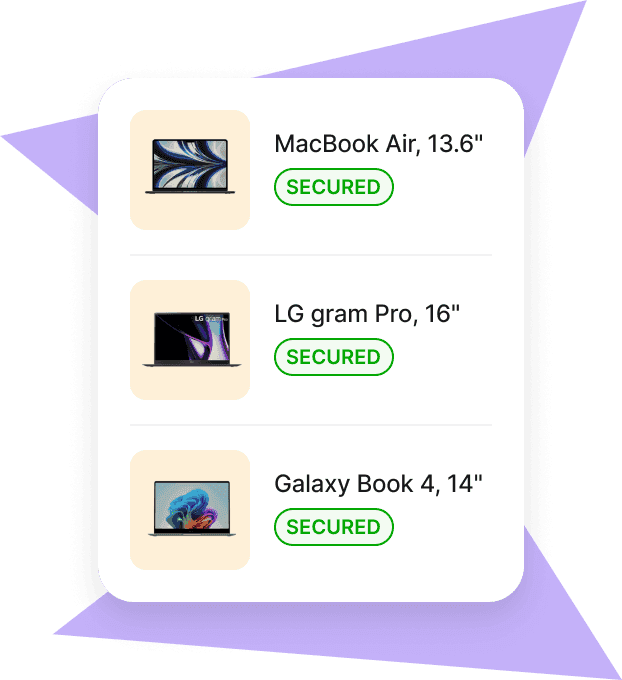
Mobile Device Management
Secure and manage IT devices across any operating system
RDM across the lifecycle
Remote device management is not just about fixing problems. It is a system that supports every phase of how a device enters, operates within, and exits your organization. Done right, it reduces downtime, protects data, and gives IT teams full control without bottlenecks.
Onboarding setup and delivery
The IT lifecycle begins before the device reaches the user. A strong RDM platform automates provisioning based on role or location. Devices arrive with pre-installed applications, security policies, and identity credentials already in place.
For a step-by-step breakdown of how to coordinate IT, HR, and provisioning, see our guide to creating a structured IT onboarding process.
Key capabilities:
Enrollment workflows and zero-touch provisioning
Integration with HR systems for start-date syncing
Preloaded applications, VPN, and authentication settings
Enforced OS-level policies from day one
The result: end users log in and get to work. No manual setup. No support tickets. No delays.
Daily monitoring and support
Once in use, every device becomes part of your active environment. The RDM platform tracks it in real time: hardware health, storage capacity, OS version, patch status, and more. This enables IT to automate routine tasks and intervene when something breaks.
Capabilities that matter:
Remote monitoring and automated alerts
Patch management and software update scheduling
Remote troubleshooting and session control
Access management for applications and systems
Want to reduce manual work and spot risks early? Start with better asset visibility. This complete guide to IT asset tracking shows you how.
Offboarding and device recovery
Offboarding introduces risk. A device that leaves your environment with active credentials or customer data is a liability. RDM systems simplify this process by allowing IT to revoke access, lock the device, wipe sensitive data, and trigger asset recovery, all from a central dashboard.
Key functions:
Remote wipe and device lockout
Scheduled deactivation based on HR triggers
Secure storage coordination or redeployment
Full audit log of every action taken
Proper IT offboarding is the final layer of security. Without it, even well-managed devices can become vulnerabilities.
See also: IT Offboarding Checklist: How to Prevent Data Leaks and Ensure Compliance (+ Template)
Lifecycle reporting and compliance
Throughout the lifecycle, reporting and audit readiness are very important. RDM platforms provide logs for every system interaction, policy change, access event, and incident response. This is fundamental for compliance with frameworks like GDPR, HIPAA, or ISO27001.
Look for tools that provide:
Lifecycle-based asset management and status tracking
Integration with compliance dashboards
Exportable logs and role-based reporting access
With the right system, you can prove control without assembling data from six different tools.
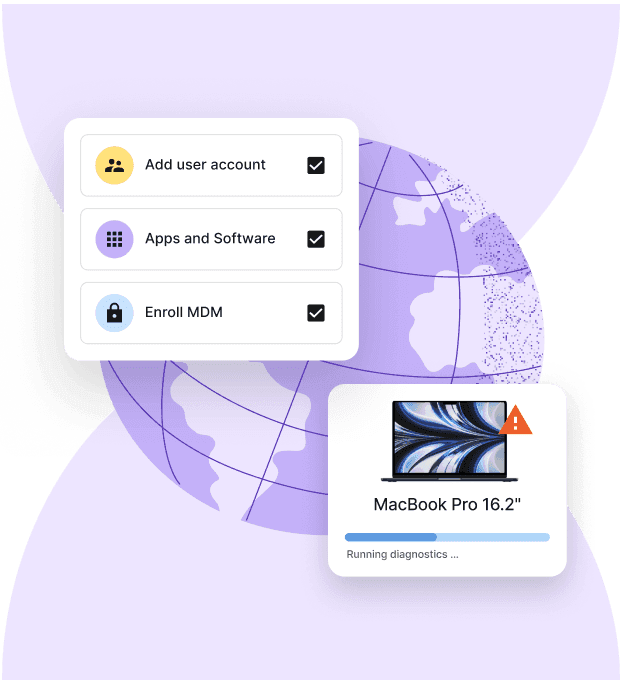
Device Lifecycle Management
Global device logistics, handled
Evaluating RDM solutions
Not all RDM platforms are built the same. Some offer powerful monitoring but leave provisioning to manual processes. Others ship hardware but stop short of full remote support. Before choosing a solution, align your selection criteria with your operational reality.
Here are the factors that matter.
Scalability and automation
A tool that works for 50 devices may fall apart at 500. Look for platforms that can scale without adding IT headcount. That means automation at every stage: enrollment, patching, monitoring, offboarding.
Key indicators:
Automated workflows based on role or location
Policy enforcement at scale
Support for multi-region operations and teams
See also: Best IT Process Automation Tools in 2025: Our Top 7 Picks
Security and policy control
Security is the backbone of RDM. A good system lets you define and enforce policies across encryption, app access, user permissions, and more. It should also offer real-time alerts and automated remediation.
Check for:
Role-based access control
Remote wipe and lock
Patch management automation
Integration with identity providers (such as Okta, Google Workspace, or Azure AD)
If you're building your device policy from scratch or updating an outdated one, start with this complete guide to creating a secure IT policy.
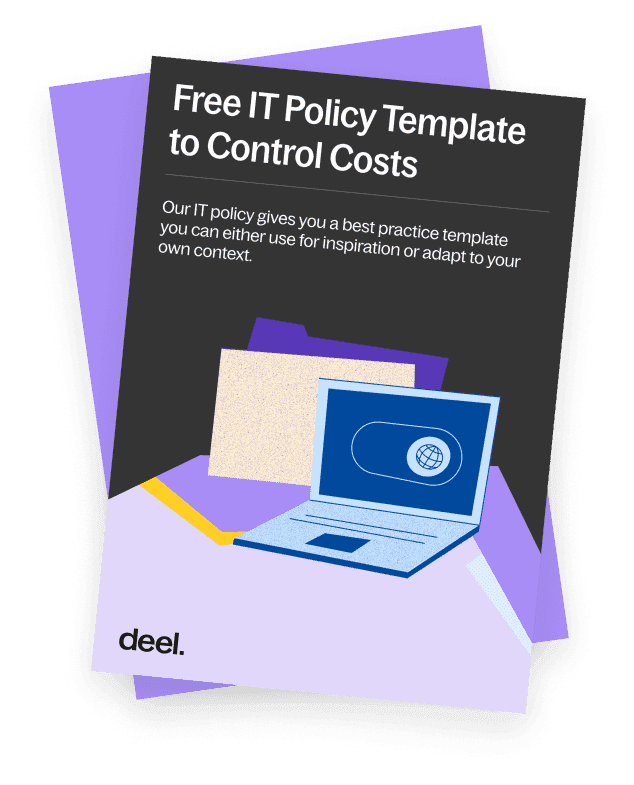
Free template
Writing an IT policy from scratch? We’ve done the hard part for you.
Cloud-based architecture
Most modern RDM tools are cloud-native, allowing you to manage devices from anywhere. On-premises options still exist, but they are harder to maintain and slower to update.
Cloud-based tools typically offer:
Global reach with no VPN required
Lower infrastructure overhead
Faster update cycles and integrations
Operating system support
Make sure the platform supports your actual fleet: Windows, macOS, iOS, Android, Linux, and any niche environments like IoT or point-of-sale systems.
Ask:
Can it enforce consistent policies across all OS types?
Does it support both corporate-owned and BYOD devices?
Are there different profiles for mobile vs desktop vs unattended endpoints?
Integration with existing stack
You shouldn't need to rebuild your IT ecosystem. Look for tools that integrate with what you already use: HRIS platforms, helpdesk systems, authentication providers, or asset management tools.
Useful integrations include:
SCIM for user provisioning
SSO and MFA enforcement
HR system triggers for onboarding and offboarding
Native helpdesk or ticketing system sync
Pricing model and cost
Some RDM tools charge per device, others by user or admin seat. Consider not just the license cost, but the downstream savings from faster onboarding, fewer incidents, and reduced IT workload.
Evaluate:
Flat vs tiered pricing structures
Support and SLA tiers
Hardware logistics costs (if included)
Potential overlap with existing tools
Case study
3Commas, a fully distributed cryptocurrency trading platform with employees across 30 countries, struggled to manage laptops from its headquarters in Estonia. International shipments faced customs delays, while each device had to be manually packed, wiped, configured, and shipped. In one case, a new hire received their laptop four days after starting and had to use a personal device to access work.
After moving its equipment operations to Deel IT, 3Commas shifted to regional fulfillment and pre-configured device delivery. The team has since completed 15–20 orders across eight or nine countries without delivery issues, while reducing the manual work required for each shipment by one to two hours.
Manage a global device fleet with Deel IT
Once devices are spread across countries, IT teams need a way to manage them without relying on local support. Deel IT gives teams centralized visibility and control across the device lifecycle, while also handling the global logistics required to get equipment into employees' hands.
Teams can use Deel IT to:
Provision devices in 130+ countries, including procurement, pre-configuration, delivery, and customs handling.
Enroll and secure devices remotely with MDM, endpoint protection, patching, and application access controls.
Monitor distributed equipment through centralized device tracking and visibility.
Respond remotely with software deployment, support, device lock, and wipe capabilities.
Connect devices to worker lifecycle events, automating onboarding and offboarding through HRIS integrations.
Recover and redeploy equipment when employees leave or devices are no longer needed.
This gives IT teams a consistent way to manage equipment across countries without recreating the same processes—or building local IT infrastructure—in every market.
Book a demo to see Deel IT in action.
Deel IT
Procure, deliver, manage, and secure devices anywhere

FAQ
How do I set up remote equipment management for employees in different countries?
Set up a centralized process for provisioning, securing, tracking, supporting, and recovering devices wherever employees are based. Deel IT supports this across 130+ countries, from procuring and delivering devices to managing security, IT support, and recovery.
What's the best way to ship laptops to international employees?
Use a global equipment provider that can handle sourcing, international delivery, customs, and device setup across the countries where you hire. This reduces the need to coordinate regional suppliers or ship every laptop from a central office. Deel IT can deliver pre-configured devices across 130+ countries, so employees receive equipment that's ready to use.
Can I manage devices in countries where we don't have local IT staff?
Yes. Cloud-based device management allows IT teams to enroll, monitor, update, secure, and troubleshoot devices remotely. Combined with global equipment provisioning and remote support, companies can manage distributed fleets without maintaining an IT presence in every country.
How do you offboard devices from employees in other countries?
A remote offboarding process should revoke application access, lock or wipe company devices when necessary, and arrange for equipment to be recovered. The hardware can then be securely stored, redeployed to another employee, or retired. Deel IT can connect these steps to HR lifecycle events and coordinate device recovery across supported countries.
What security controls do globally distributed devices need?
Common controls include full-disk encryption, endpoint protection, automated patching, remote lock and wipe, and role-based application access. These policies should be applied consistently regardless of where a device is located and connected to identity systems so access can change as an employee's role or status changes.
Can remote equipment management integrate with HR and identity systems?
Yes. Connecting device management with HRIS and identity systems can automate provisioning and access changes when employees join, change roles, or leave. Deel IT integrates with platforms including BambooHR, Workday, HiBob, Okta, Google Workspace, and Microsoft Entra ID to connect these workflows.
Michał Kowalewski a writer and content manager with 7+ years of experience in digital marketing. He spent most of his professional career working in startups and tech industry. He's a big proponent of remote work considering it not just a professional preference but a lifestyle that enhances productivity and fosters a flexible work environment. He enjoys tackling topics of venture capital, equity, and startup finance.











