
Guide
Choosing HRIS Software: Free Guide by HR Professionals
Global HR
Get the resource for free
As your business and team scale, using spreadsheets or multiple tools to manage your workforce is bound to get time-consuming, frustrating, and error-prone. In this context, an HR information system (HRIS) will provide a single source of truth for your employee data for documentation storage, payroll management, attendance tracking, benefits administration, performance and learning management, and other HR processes.
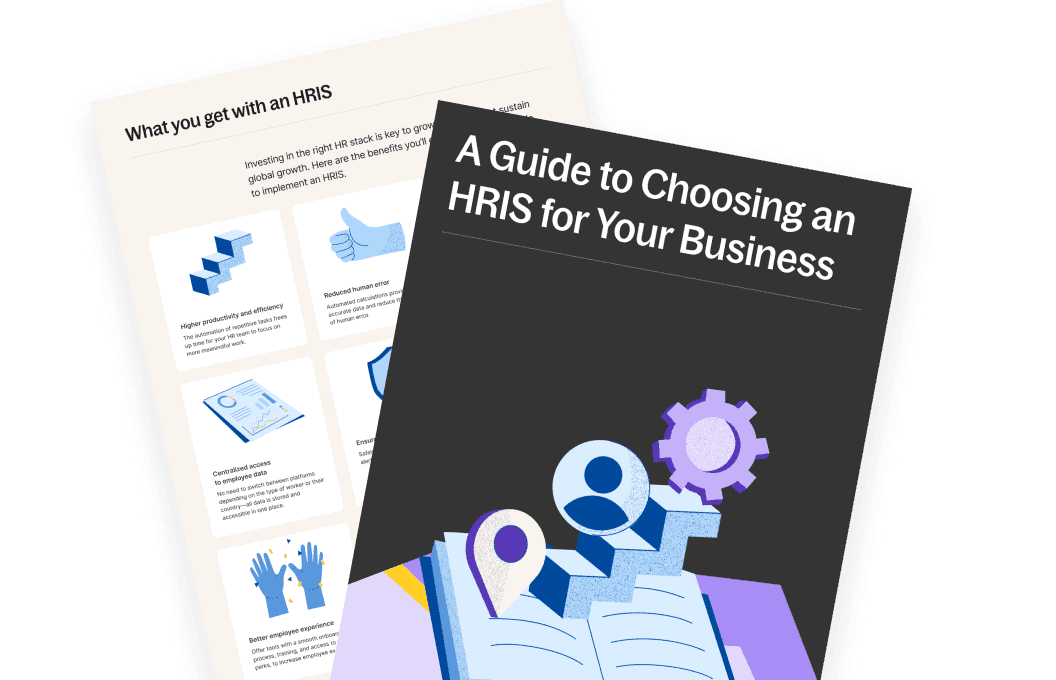
But how do you choose the right HRIS solution for your organization? Our comprehensive guide explains everything you need to know about selecting an HRIS:
When and why your company needs an HRIS
Key features and factors to consider when selecting an HRIS
A step-by-step selection checklist
Scenarios to help guide your decision-making
Who will benefit from this guide
This guide is tailored for:
HR professionals looking to streamline processes like payroll, compliance, and performance management
Business leaders ready to invest in scalable HR solutions for their growing teams
Small-to-medium enterprises (SMEs) navigating HR complexities as they expand.
Global companies managing distributed teams and aiming to stay compliant across borders
HRIS is fundamental, a single source of truth that feeds all your HR tech stack. All your metrics and data should come from the HRIS, and everything should be integrated into that HRIS.
—Casey Bailey,
Head of People, Deel
Whether you’re new to HRIS or upgrading an existing system, this guide ensures you have the knowledge to choose a solution that aligns with your needs.
Download the guide now to make informed decisions and transform your HR operations.
How to choose HRIS software: Guide overview
Learn how to choose the best HRIS software for your organization. The guide covers the following topics:
What is an HRIS—Understand the basics of HR information systems and their role in modern businesses
Why should companies use an HRIS—Explore the measurable benefits of HRIS solutions, from improved efficiency to data-driven decision-making
The benefits of using an HRIS—Learn how an optimized HRIS can elevate employee experiences and streamline HR workflows
When does your company need an HRIS—Identify key growth milestones and challenges that signal the need for an HRIS
Key features to look for—Know what functionalities are must-haves based on your business model
HRIS selection checklist and scenarios—Use our comprehensive checklist and real-world examples to confidently choose the best fit for your team
Deel HR: The global-first HRIS—See how Deel HR provides a scalable, compliance-ready solution designed for businesses operating across borders
Don’t let outdated processes hold your team back. Get the guide and take the first step toward building a better HR infrastructure.
FAQs
What are the main user groups for HRIS?
The primary user groups for an HRIS include:
HR departments: Use the system to manage HR processes such as payroll, compliance, and performance tracking
Managers: Access tools for workforce planning, performance reviews, and team oversight
Employees: Utilize employee self-service features to update personal information, view benefits, or access pay stubs
Each group interacts with the system differently, but together, they contribute to a streamlined and efficient workforce management process.
What is the difference between HRIS and HCMS?
HRIS (human resources information system) primarily deals with operational HR functions like data management and administrative processes.
HCMS (Human Capital Management System) is a broader, more strategic approach that extends beyond HRIS, encompassing the entire employee lifecycle, talent management, and workforce planning.
While HRIS focuses on efficiency, HCM aligns HR practices with overall business objectives, emphasizing the strategic value of human capital to the organization.
Is HRIS the same as ATS?
No, an HRIS and an ATS (applicant tracking system) are not the same. An HRIS manages employee data throughout the employment lifecycle. In contrast, an ATS focuses specifically on the recruitment process, helping with job postings, applicant tracking, and hiring workflows.
Some HRIS solutions may include ATS features, but they serve different purposes.
Do all companies use HRIS?
While many companies have adopted HRIS solutions, its use isn’t universal. The decision to use an HRIS depends on various factors, such as the size of the company, its budget, specific needs, and industry requirements.
Small businesses might not find it necessary to invest in comprehensive HR solutions, often opting for manual processes. For teams of 20-50 employees, it may not be too demanding to run payroll or update employee information in a spreadsheet.
On the other hand, larger enterprises often leverage HRIS to efficiently manage dozens of HR functions, including payroll, benefits administration, time and attendance tracking, and more.
For remote teams and those with global operations, the use of HRIS becomes increasingly beneficial, especially if the system is designed to address the complexities of international payroll and compliance.
Deel, as the leading global HR, payroll and compliance hiring service, is an example of a specialized solution catering to international workforce's needs.
What are the five key functions of HRIS?
The following features are considered key for every HRIS software:
Employee information management should be user-friendly with employee self-service options so that workers can enjoy higher autonomy and there are fewer touchpoints in simple processes. This function ensures easy access to accurate and up-to-date information for HR and management
Payroll management, with automated processes related to salary, taxes, and other financial aspects. This feature helps in calculating accurate wages, managing deductions, and ensuring compliance with tax regulations
Benefits administration, including health insurance, retirement plans, and other perks, streamlining enrollment processes, tracking employee participation, and ensuring compliance with benefits regulations
Time and attendance tracking to monitor employee work hours, attendance, and leave. This helps in accurate timekeeping, facilitates the calculation of paid time off, and ensures compliance with labor laws
Recruitment and onboarding, where HRIS supports the recruitment and selection process by managing job postings, applicant tracking, and candidate information. It also assists in the onboarding process by automating paperwork for new hires, facilitating orientation processes, and ensuring a smooth transition into the organization
The best HRIS software offers performance management, ATS (applicant tracking systems), reporting features, documentation management, and more.
Does an HRIS system include payroll?
Yes, HRIS is an integrated software solution that combines core HR functions, and payroll is a critical component of this system.
Including payroll in an HRIS allows for streamlined management of employee compensation, tax deductions, and other financial aspects, ensuring accurate and efficient payroll processing.
If you're considering implementing an HRIS, it's essential to choose one that aligns with your organization's needs, including robust payroll features to handle the intricacies of global payroll and compliance, especially for remote teams, like what Deel offers.
What are the criteria for selecting an HRIS system?
When selecting an HRIS, consider the following criteria:
Ease of use: The system should be intuitive and user-friendly for both HR professionals and employees
Scalability: Ensure the software can grow with your organization as it expands
Core functionality: Look for features such as payroll processing, benefits administration, performance management, and employee self-service
Integration capabilities: The HRIS should integrate seamlessly with other business systems, such as accounting or ATS tools
Data security: Robust security measures are essential to protect sensitive human resources management system data
Vendor support: Reliable customer service and regular updates from the vendor are crucial for ongoing success
Read more: Top 10 Benefits of HRIS Integration for Your Business
What is the first step in the HRIS decision-making process?
The first step in the HRIS decision-making process is conducting a thorough needs assessment. This involves identifying the current challenges in your HR management processes and determining which features or functionalities would best address these issues. Engaging stakeholders, such as HR professionals, managers, and employees, helps define priorities and ensures the system aligns with organizational goals.
Thus, internal decision-making is critical before ever engaging with HRIS vendors.
What is a common factor contributing to the success of an HRIS implementation?
A common factor in successful HRIS implementation is effective change management. This includes clear communication about the benefits of the system, training for all user groups, and support during the transition. Ensuring the HR team and employees understand how the system improves workforce management and simplifies processes like payroll or performance tracking helps build adoption and ensures the system is used effectively. Regular feedback loops and vendor support also contribute to long-term success.
Read more: Quick HRIS Implementation Checklist For You To Get Started
Is Deel HR a good solution for global teams?
Deel’s global-first HR platform enables you to streamline workforce management, whether it’s your local team or international workers, regardless of the worker type, in 150+ countries.
You can:
Manage access provisioning (G-Suite, Slack)
Order global equipment in seconds
Provide access to flexible workspaces
Build beautiful and detailed reports for dynamic insights into your workforce and cost
Create customized workflows to optimize onboarding
Enable self-service for your team
Stay compliant with country-specific documentation management
Easily integrate with other HR tools you use