Article
4 min read
New in Deel case and ticket management: How Deel’s People team moved manager changes off Jira
Global HR
Author
Jase Assor
Last Update
November 26, 2026
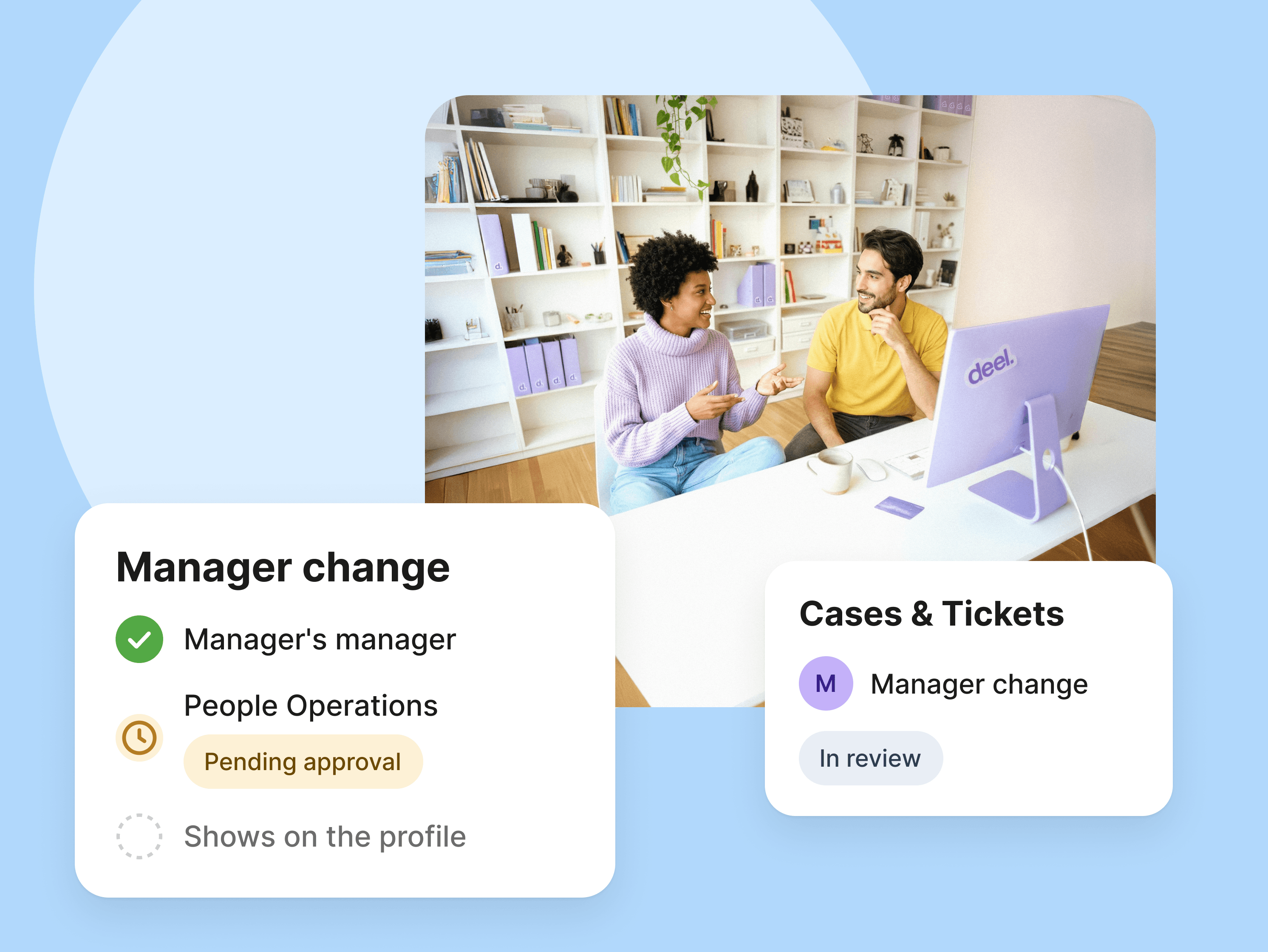
Table of Contents
A log that answers who approved it
How People and Product built it together
How it works for your team
How to make it work with Jira
A manager change should be simple, but it usually kicks off a chain of manual tasks. At many companies it starts as a Slack message to HR, becomes a Jira ticket that’s waiting for approval, and ends with someone in HR typing it into the HRIS. Meanwhile, the manager is chasing up on how the process is going, and finance wants to know who signed off — sending someone down the rabbit hole of looking through old threads.
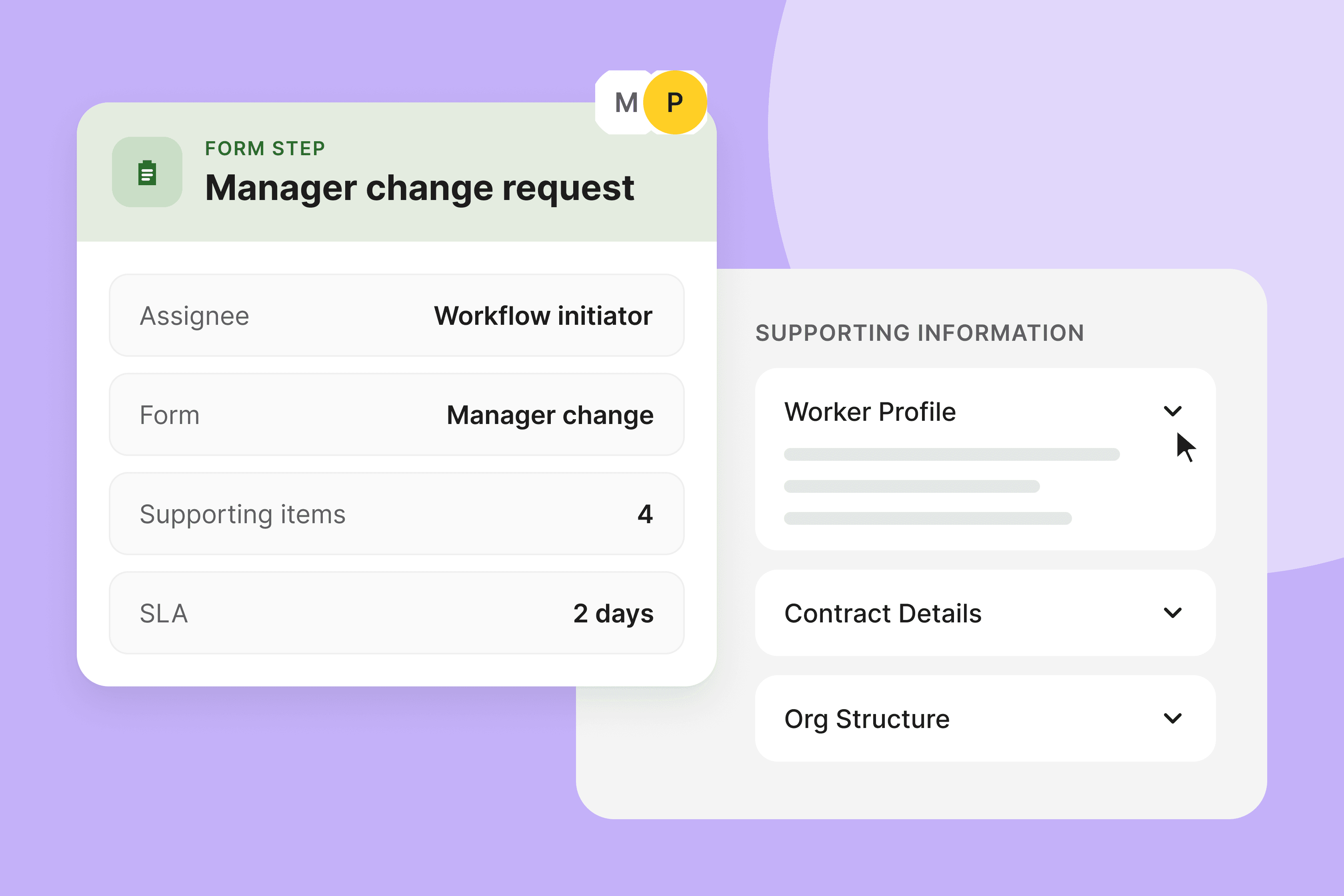
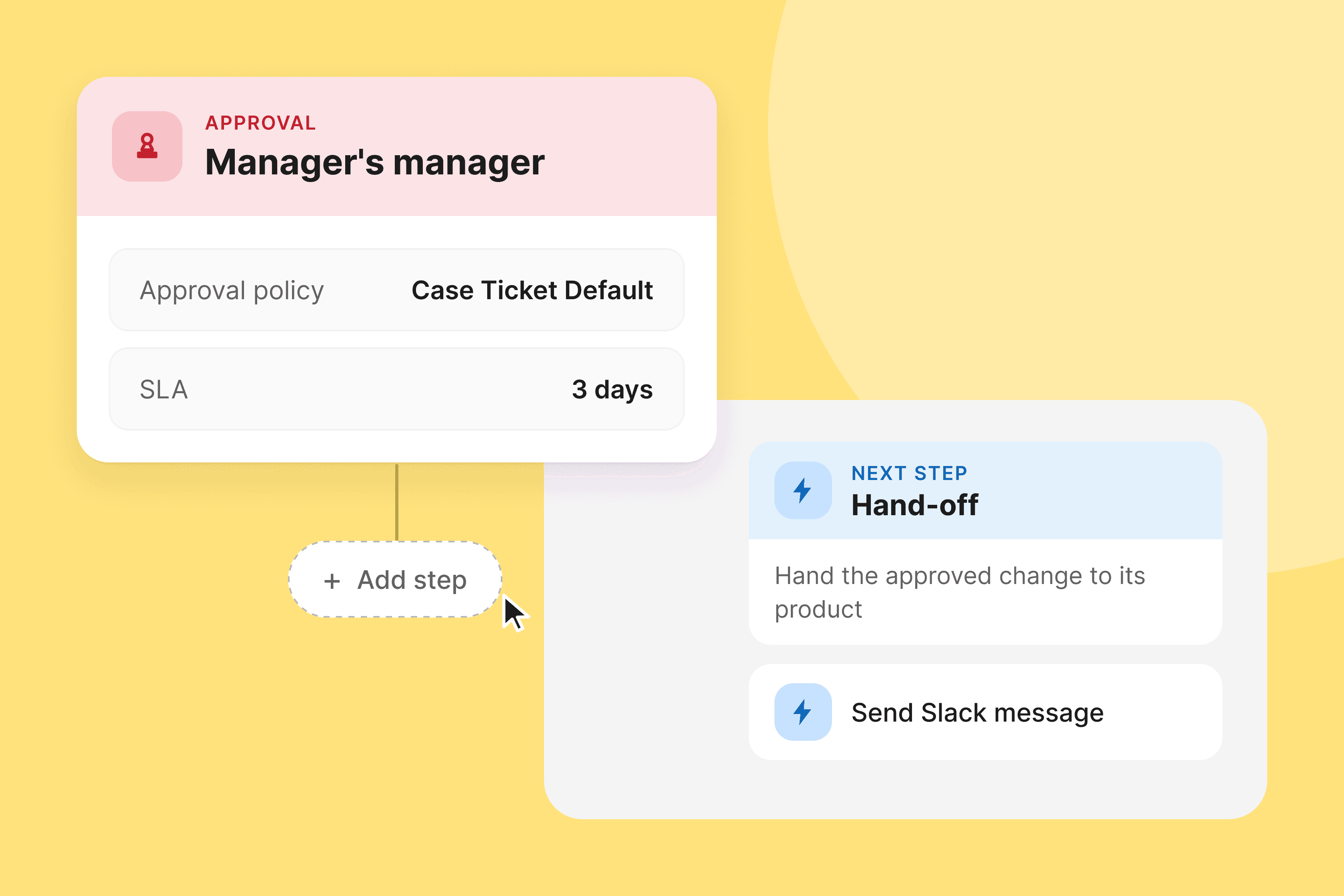
Deel’s People team ran its people processes in Jira, so we knew that loop well. We decided to fix it inside Deel HR, where the employee’s details already are. Now a manager opens the request in Deel, and the form already shows the employee’s details, including whether they manage anyone. The request goes to the manager’s manager, then to People Operations for a final check. Once both approve, the change shows on the profile on the effective date.
A log that answers who approved it
Each approver gets a Slack message when it’s their turn. Every ticket keeps the request, the comments, the approvals, and the change together, with a dated log of who did what. When someone asks who approved a team move, the People team opens the ticket and has the answer immediately. They just saved themselves a journey through old Slack messages.
How People and Product built it together
Deel runs on Deel, and so we treated our own People team as a demanding customer. They filed issues in a shared Slack channel, the product team went through them every day, and fixes shipped in weekly releases. For example, the People team needed approvals and notifications to finish before a change reached the person who processes it, so that step can now go anywhere after the form. More of the People team’s requests move over as each one is tested.
This ensured that whatever we built would be the most useful possible solution for real working people teams, rather than based on assumptions. The proof is in the feedback:
Before using case and ticket management, a simple manager or department change took roughly two days of manual back-and-forth to get approved and live on Deel and usually came with a few human errors along the way. Now, approvals take seconds. Stakeholders can see their current team and manager info right on the submission screen, so we no longer have to chase down ticket numbers or fix bad data. It’s made the whole enablement process simple.
—Vaishali Gupta,
Sr People Data and Systems Analyst Deel
How it works for your team
Case and ticket management is part of Deel HR Core. Your HR admin builds request workflows in Deel, and employees and managers raise requests there. Start from a template for a manager change, department transfer, promotion, compensation change, or offboarding, or build your own form, and choose who can raise it: everyone or a group.
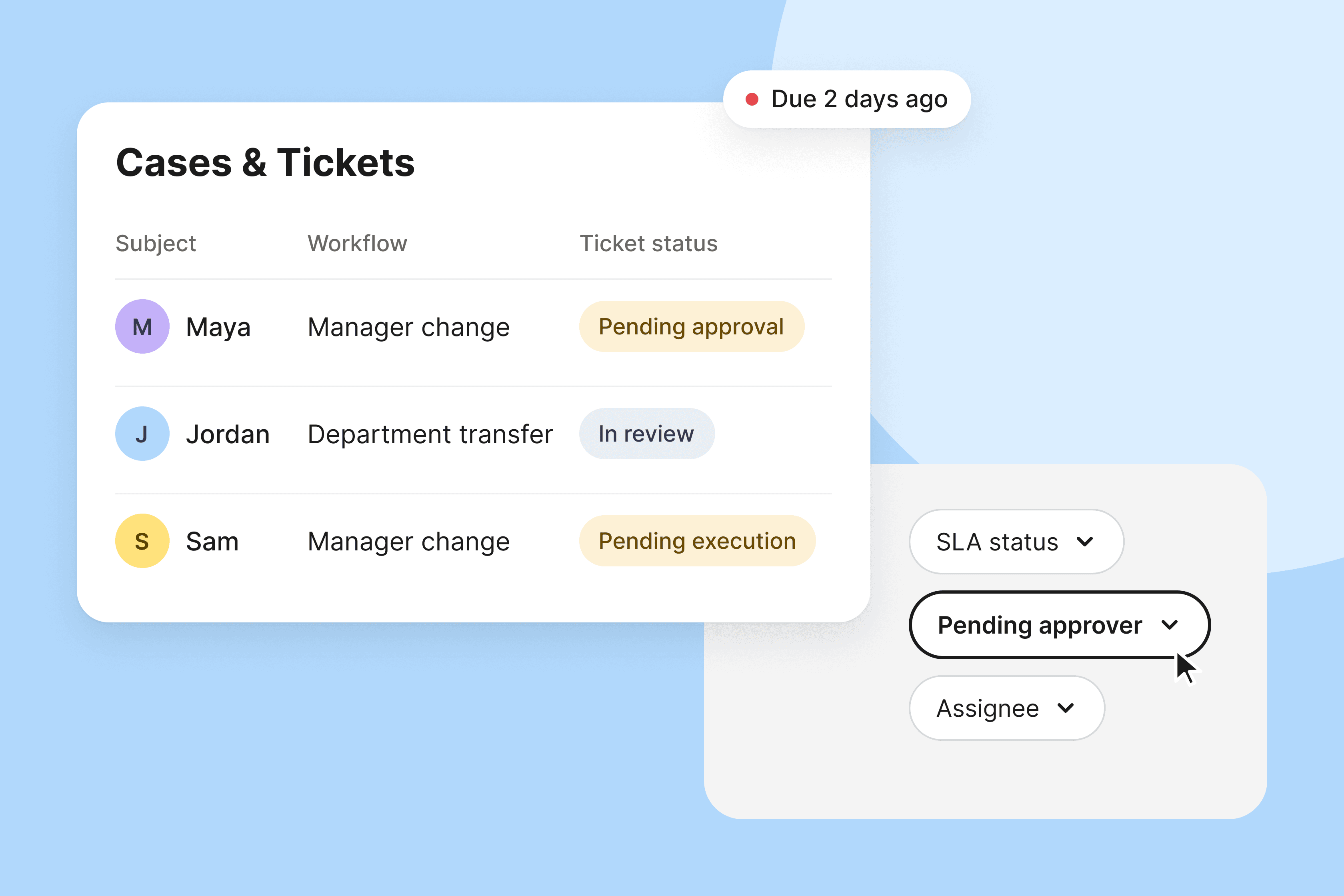
Approvals route by manager, department, or role, and can branch by worker type, a form answer, or an approval outcome. Manager, department, and custom field changes apply to the profile on the effective date. Other changes go to the person who processes them, with the approved values filled in. A step can also post to a Slack channel or open a Jira issue for IT. You see every open request with its status and who it’s waiting on.
How to make it work with Jira
If HR requests reach you through Slack, email, and a spreadsheet, each one gets a place to go and a status everyone involved can see. Managers stop asking HR where things stand, because they can check.
If your team logs HR requests in Jira, keep Jira for IT work. For changes to someone’s job, team, or pay, the request and the profile it changes are in the same system, so approved changes don’t need retyping. A workflow step can still open a Jira issue when IT needs to set up access or ship a laptop.
Where to start
Pick one request that comes up often. Manager and department changes are a good first choice, because they don’t need payroll sign-off.
Start from the template and set the approvers to match how your team works.
Run it with a few managers for a week before you open it to everyone. That’s how our People team went live.
Add the next request once the first one is running.
Case and ticket management is included in every Deel HR plan. If you’re on Deel HR, look for Cases & Tickets in the left menu. If you’re not, book a demo and we’ll show you the manager change workflow our People team uses.
Live Demo
Get a live walkthrough of the Deel platform